
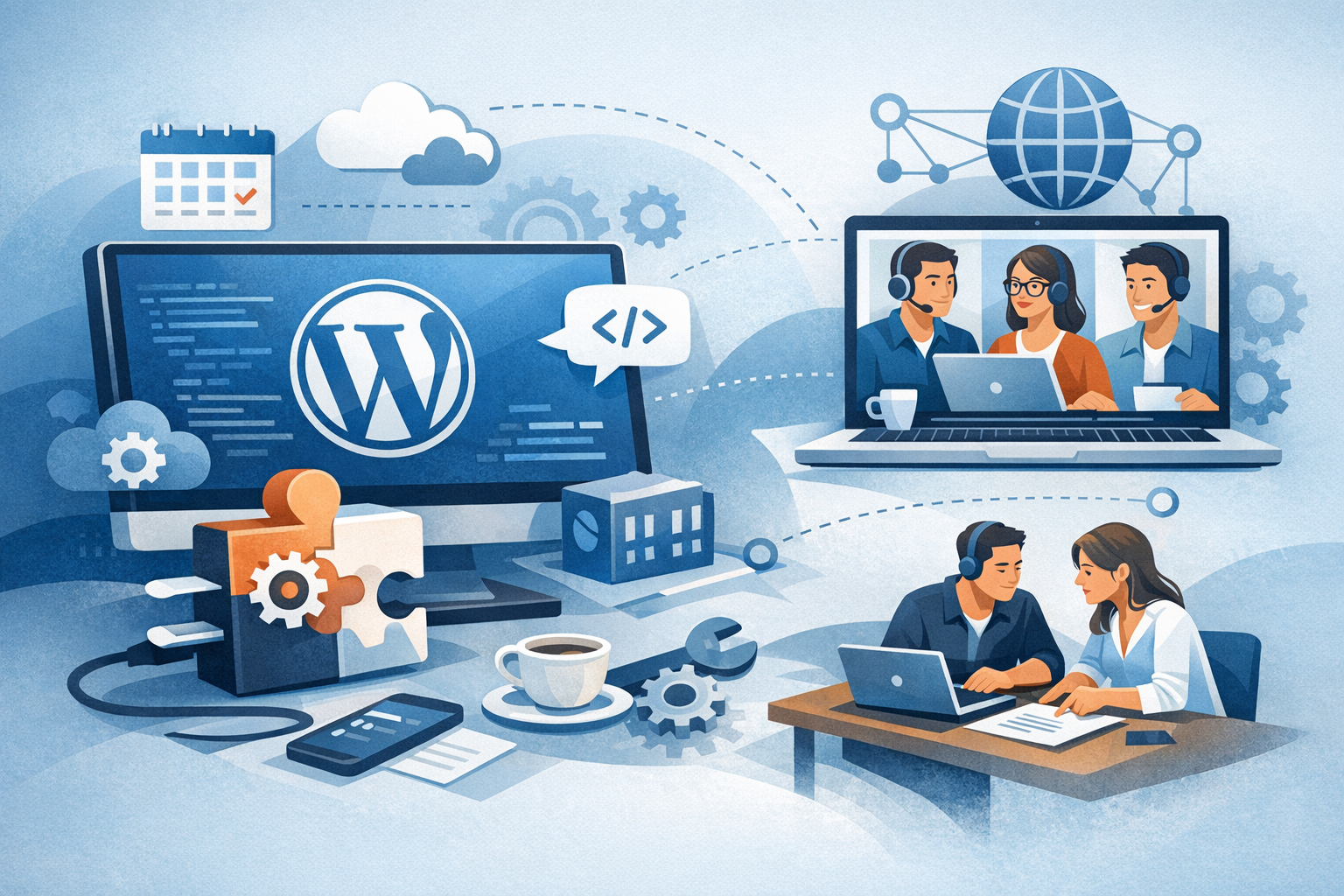
Custom plugins can turn a standard WordPress site into a tailored business tool—adding integrations, automating workflows, improving performance, or enabling unique customer experiences. But building and maintaining plugins in-house isn’t always realistic. That’s why many companies choose WordPress plugin development outsourcing: hiring external specialists to design, build, test, and support plugins that meet specific goals.
This guide walks through when outsourcing makes sense, how to choose the right partner, what to include in your requirements, and how to manage delivery and long-term maintenance.
What Is WordPress Plugin Development Outsourcing?
WordPress plugin development outsourcing is the process of contracting a third-party developer, agency, or dedicated team to build or enhance a WordPress plugin. Outsourcing can cover everything from:
- New plugin creation (custom features for your site or product)
- Extending existing plugins (e.g., WooCommerce, LMS, membership tools)
- Maintenance and support (bug fixes, compatibility updates)
- Security and performance optimization
- Plugin audits (code quality, vulnerabilities, best practices)
Depending on your needs, you might outsource a single project or establish an ongoing relationship for continuous improvements.
Why Businesses Outsource WordPress Plugin Development
Access to Specialized Expertise
Quality plugin development requires more than basic PHP knowledge. Skilled teams understand WordPress architecture, hooks, database usage, REST API, security hardening, and the nuances of compatibility across themes, plugins, and hosting environments.
Cost and Time Efficiency
Outsourcing can be more cost-effective than hiring full-time talent—especially if plugin work is project-based. Experienced developers also move faster because they already have proven patterns, tooling, and workflows.
Faster Time-to-Market
If your plugin supports a product launch, marketing campaign, or internal process, speed matters. Outsourcing can help you execute quickly without pulling your internal team away from core priorities.
Scalability and Flexibility
External teams allow you to scale up for big builds and scale down after release, without long-term overhead. This is especially helpful for seasonal work or roadmap-driven development cycles.
Common Use Cases for Outsourced Plugin Development
Custom Integrations
Businesses often need WordPress to connect with CRMs (Salesforce, HubSpot), ERPs, payment gateways, shipping providers, or marketing platforms. A custom plugin can make those integrations reliable and maintainable.
WooCommerce Enhancements
WooCommerce stores frequently outsource features like custom checkout flows, subscription logic, dynamic pricing, inventory syncing, or complex tax/shipping rules.
Membership, LMS, and Community Features
Plugins can add gated content, multi-tier memberships, course progress tracking, quizzes, badges, and community interactions—often requiring careful data design and security controls.
Performance and Security Improvements
As sites grow, plugin quality has a direct impact on speed and stability. Outsourced specialists can optimize queries, implement caching, reduce bloat, and address vulnerabilities.
How to Choose the Right Outsourcing Partner
Evaluate Relevant WordPress Experience
Look for a proven track record in WordPress plugin development specifically—not just general web development. Ask for examples that match your use case (e.g., WooCommerce, multisite, REST API integrations).
Review Code Quality and Best Practices
Strong partners follow WordPress Coding Standards, write maintainable code, and document their work. If possible, request a small code sample or walkthrough of a past project (with sensitive details removed).
Check Communication and Process Fit
Clear communication is often the difference between success and frustration. Confirm how they handle requirements, updates, approvals, and change requests. Agile-style iterations are typically best for plugin development, where edge cases can emerge during testing.
Assess Security Mindset
Plugins interact deeply with WordPress, so security is non-negotiable. Ask how they handle input sanitization, output escaping, nonce verification, capability checks, dependency management, and vulnerability monitoring.
Clarify Ownership and IP
Ensure the contract states that your business owns the code and has full rights to use, modify, and deploy it. Also clarify whether third-party libraries are included and under what licenses.
What to Include in Your Plugin Requirements
Functional Scope and User Stories
Describe what the plugin should do in real terms. User stories help: “As a store manager, I want to export orders to the ERP daily so that fulfillment is automated.” Include acceptance criteria so “done” is measurable.
Technical Constraints
- Target WordPress and PHP versions
- Hosting environment details
- Dependencies (WooCommerce, specific themes, other plugins)
- Multisite compatibility needs
Admin UX and Settings
Many plugins fail because the admin experience is confusing. Specify who will configure the plugin, which settings are needed, and what defaults should be in place.
Performance, Security, and Compliance
Outline requirements like maximum acceptable page-load impact, data retention rules, logging needs, GDPR considerations, and any industry compliance expectations.
Testing and Environments
Define how testing should be handled: unit tests, integration tests, staging environments, and compatibility checks across browsers and devices. Also clarify who provides test data and how deployments will be performed.
Pricing Models and Contract Essentials
Fixed-Price Projects
Best for clearly defined scopes with limited unknowns. Make sure the statement of work includes deliverables, timelines, revision policies, and what happens if assumptions change.
Time and Materials
Ideal for evolving requirements, discovery-heavy work, or ongoing improvements. Ensure there’s a clear reporting cadence, time tracking expectations, and budget guardrails.
Retainers for Ongoing Support
Retainers work well for businesses that need ongoing plugin maintenance, WordPress core updates, compatibility checks, and quick bug fixes.
Contract Must-Haves
- Scope and deliverables
- Milestones and payment terms
- IP ownership and confidentiality
- Security and data handling expectations
- Support, warranty period, and maintenance options
How to Manage an Outsourced Plugin Project Successfully
Start with Discovery
Even small plugins benefit from a short discovery phase: confirm requirements, map edge cases, and validate the best approach. This reduces rework and improves estimates.
Use Milestones and Demos
Break work into milestones (e.g., prototype, beta, release candidate). Ask for short demos or staging links so you can validate progress early.
Insist on Version Control and Documentation
Your plugin should live in a Git repository with clear commit history. Require documentation for installation, configuration, key workflows, and troubleshooting.
Plan for Maintenance
WordPress evolves constantly. Your plan should include updates for WordPress core, PHP versions, and dependencies—plus a process for handling bug reports and feature requests.
Common Risks (and How to Avoid Them)
Unclear Requirements
Vague specs lead to mismatched expectations. Avoid this by writing user stories, defining acceptance criteria, and confirming edge cases during discovery.
Hidden Technical Debt
Quick fixes can create future problems. Ask your partner to prioritize maintainability, follow coding standards, and document decisions.
Security Oversights
Security issues in plugins can be costly. Require secure coding practices, code review, and (for critical systems) a third-party security audit.
Vendor Lock-In
Reduce lock-in by owning the repository, requiring documentation, and ensuring the plugin uses standard WordPress patterns that other developers can understand.
Conclusion
WordPress plugin development outsourcing can be a smart way to ship high-quality functionality faster—especially when you choose a partner with strong WordPress expertise, a security-first mindset, and a transparent delivery process. With clear requirements, structured milestones, and a maintenance plan, you can turn outsourcing into a dependable extension of your team and keep your WordPress site evolving with confidence.
