
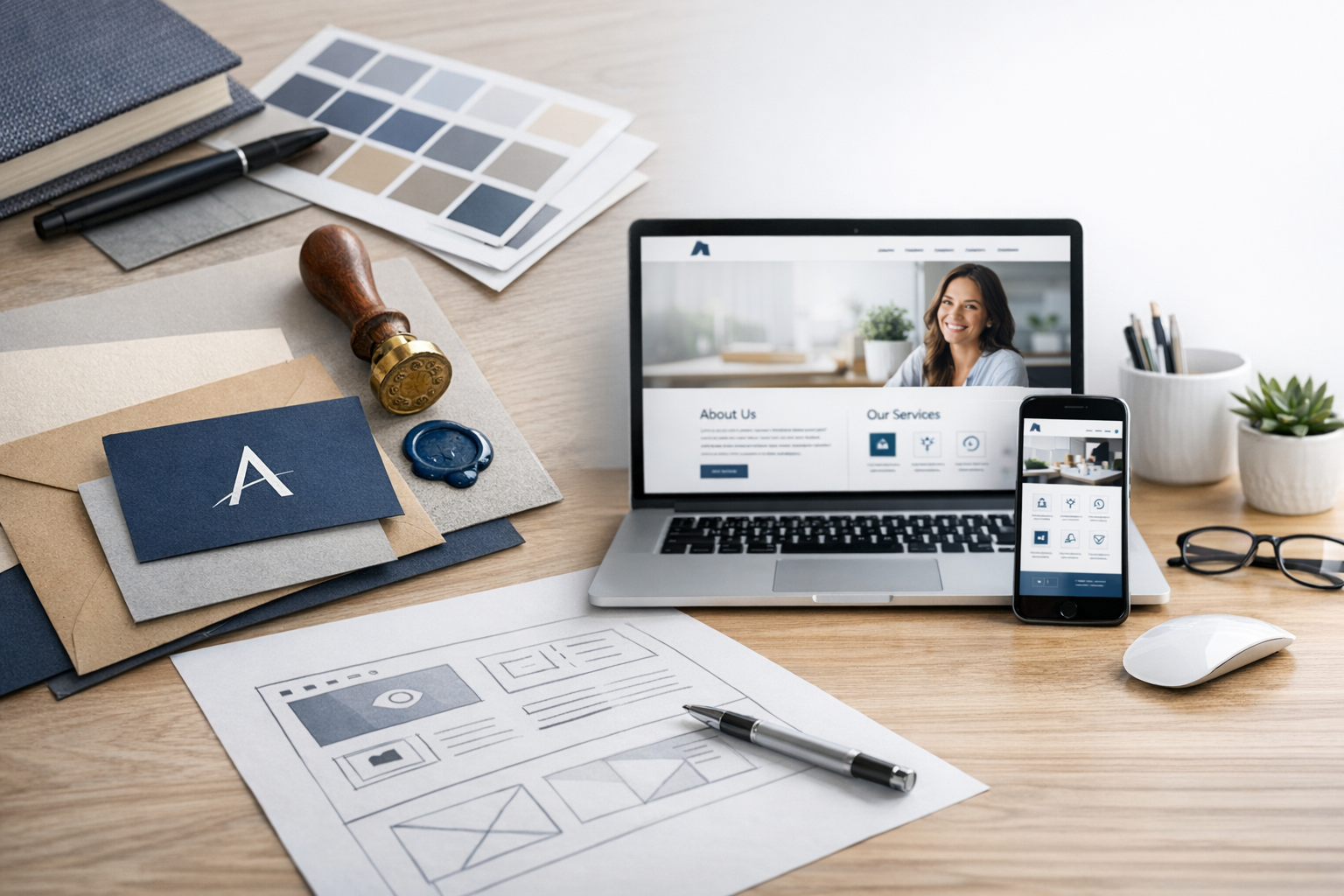
Why branding and web design should work together
Your website is often the first “real” interaction someone has with your business. Branding shapes what people expect—your personality, your promise, your positioning—while web design determines how clearly and confidently that promise is delivered on-screen. When the two are aligned, your site feels intentional, trustworthy, and easy to navigate. When they’re disconnected, even a visually polished website can feel confusing or generic, leading visitors to bounce or hesitate.
Strong branding gives your site direction: what to say, how to say it, and what to prioritize. Strong web design turns that direction into a usable experience: clean structure, accessible layouts, and clear calls to action. Together, they help you stand out, communicate value faster, and convert more visitors into leads or customers.
Core branding elements that influence web design
Branding isn’t just a logo—it’s the system behind how your business looks, sounds, and behaves. The following elements directly affect web design decisions, from layout to copywriting to imagery.
Brand strategy and positioning
Before choosing colors or fonts, clarify what you’re known for and who you’re for. Your positioning should show up immediately on your homepage: the headline, supporting copy, featured services, and proof points (testimonials, logos, case studies). A premium brand might use more whitespace, fewer choices, and stronger editorial photography. A value-driven brand might prioritize clarity, comparisons, and prominent pricing or package details.
Visual identity (logo, color, typography)
Your visual identity provides the building blocks of your interface. A good web design system takes your brand assets and translates them into components: buttons, forms, navigation, cards, and headings. Consistency matters—if your social media uses bold colors and confident typography but your website defaults to bland templates, visitors will sense a mismatch.
- Logo: Ensure it scales well for mobile headers and has alternate versions (horizontal, stacked, icon-only).
- Color palette: Define primary and secondary colors, plus accessible contrast pairs for text and buttons.
- Typography: Pick typefaces that reflect your tone and remain readable across devices.
Brand voice and messaging
Design and copy should reinforce each other. A friendly, approachable brand voice pairs well with conversational microcopy (“Let’s get started”), reassuring labels (“No spam, ever”), and supportive UX hints. A more authoritative voice may use crisp language, data-backed claims, and structured content. Whatever your style, keep messaging consistent across pages: headlines, service descriptions, error messages, and confirmation screens.
Imagery and illustration style
Photos, illustrations, icons, and graphics have a big impact on perceived quality. Choose a style that fits your brand and stick to it. For example, if you use documentary-style photography, avoid mixing it with glossy stock images. If you use illustrations, define line weight, color usage, and character style so the site doesn’t feel stitched together.
How web design expresses your brand
Web design is more than aesthetics—it’s how visitors experience your brand in real time. The choices you make about layout, interaction, and accessibility shape what people believe about your professionalism and attention to detail.
User experience (UX) and information architecture
Great branding makes a promise; UX proves you can deliver it. Clear navigation, logical page structure, and scannable content help visitors find what they need quickly. Start by mapping your site around user goals (learn, compare, contact, buy). Group related pages and label menus using the language customers use—avoid internal jargon.
Helpful UX signals include:
- Prominent “next step” calls to action (book a call, request a quote, shop now).
- Service pages that answer common questions before users have to ask.
- Trust elements placed near decision points (reviews near pricing, credentials near contact forms).
Consistency through design systems
A design system turns your branding into repeatable patterns, ensuring every page feels cohesive. Instead of designing each page from scratch, you create a set of components—buttons, headings, cards, spacing rules, and form styles—and apply them everywhere. This improves speed, reduces inconsistencies, and makes future updates easier, especially as your site grows.
Accessibility and inclusivity
An inclusive website reinforces a brand’s credibility and care. Accessibility isn’t just a compliance checkbox; it’s good design. Use readable font sizes, strong color contrast, descriptive link text, keyboard-friendly navigation, and clear focus states. Add alt text for meaningful images and ensure forms provide helpful error messages. When more people can use your site comfortably, you broaden your reach and improve overall user satisfaction.
Performance, responsiveness, and trust
Speed and mobile usability shape brand perception instantly. A slow site can make even a premium brand feel unreliable. Optimize images, choose lightweight fonts, limit heavy animations, and test on real devices. Responsive design should do more than “shrink” the desktop layout—it should prioritize content differently on mobile so the most important message and action appear first.
Common mistakes when combining branding and web design
Many websites look “fine” but underperform because branding and design choices don’t support user intent or business goals. Watch out for these pitfalls:
- Prioritizing style over clarity: Beautiful visuals won’t help if visitors can’t quickly understand what you offer.
- Inconsistent brand elements: Mixing fonts, button styles, and image treatments makes the site feel unpolished.
- Generic template messaging: If your copy could belong to any competitor, your positioning isn’t coming through.
- Weak calls to action: Visitors should never wonder what to do next—every key page needs a clear next step.
- Ignoring mobile experience: If forms, menus, and buttons are frustrating on phones, conversions suffer.
- Overloading pages: Too many options, popups, or dense text can dilute your message and reduce trust.
A practical process for aligning branding and web design
If you want a website that looks cohesive and performs well, use a simple workflow that connects strategy to execution.
1) Define your brand foundation
Clarify your audience, value proposition, and differentiators. Write a short brand summary: who you help, what you help them do, and why you’re the best choice. Identify 3–5 brand attributes (e.g., modern, warm, precise, bold) to guide design decisions.
2) Create or refine brand guidelines
Document your logo usage, color palette, typography rules, icon style, and image direction. Include examples of button colors, heading styles, and preferred tone of voice. Even a one-page brand sheet can prevent inconsistencies later.
3) Build the site structure around user journeys
Plan your sitemap and navigation based on how visitors make decisions. For service businesses, this often means: Home → Services → Proof (case studies/testimonials) → About → Contact. For eCommerce, prioritize category navigation, filtering, product clarity, and checkout simplicity.
4) Design key templates and reusable components
Start with core templates (homepage, service/product page, about page, blog post, contact page) and build a component library (hero sections, feature grids, testimonial blocks, FAQ accordions). This ensures consistency and makes future pages easier to produce.
5) Launch, measure, and iterate
After launch, use analytics and user feedback to improve. Track conversion rates, form drop-offs, and top exit pages. Small refinements—clearer headlines, better button contrast, shorter forms, stronger proof—often deliver big gains without a full redesign.
Conclusion
Branding and web design are most effective when they operate as one system: strategy and personality guiding an experience that’s clear, consistent, and easy to use. Invest in a solid brand foundation, translate it into a cohesive design system, and prioritize UX, accessibility, and performance. The result is a website that not only looks great, but also earns trust and drives real business outcomes.
