
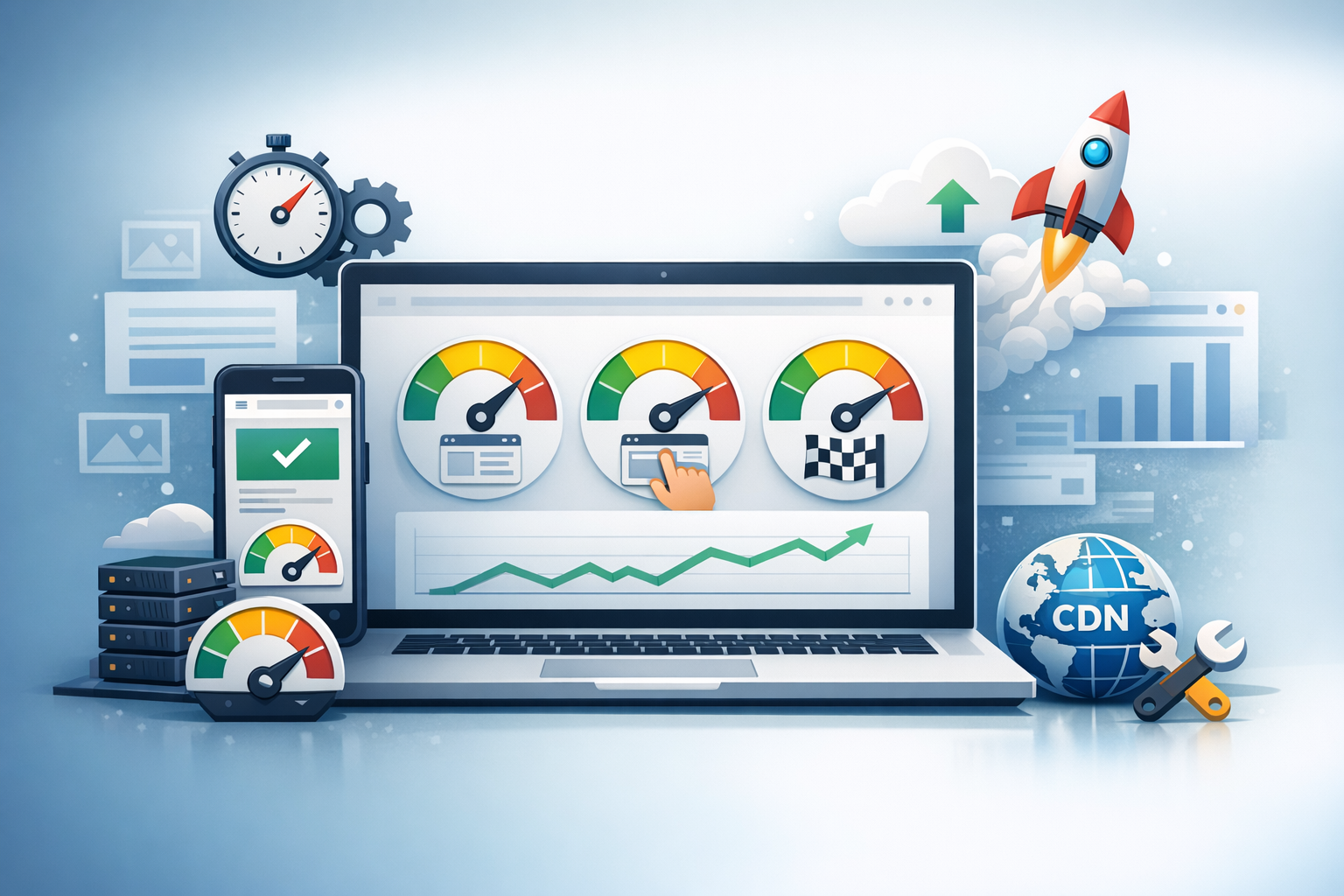
What Are Core Web Vitals (and Why They Matter)
Core Web Vitals are Google’s set of user-centric performance metrics that measure how fast your site feels, how quickly it becomes usable, and how stable the layout remains while loading. They matter because they directly reflect real user experience—and they can influence engagement, conversions, and search visibility.
The three primary metrics are:
- LCP (Largest Contentful Paint): how quickly the main content appears.
- INP (Interaction to Next Paint): how responsive the page feels to user interactions.
- CLS (Cumulative Layout Shift): how visually stable the page is while loading.
How to Measure Core Web Vitals Accurately
Before you optimize, confirm what’s actually happening for users. One of the most common mistakes is chasing lab scores without validating real-world (field) data.
Field Data vs. Lab Data
Field data comes from real users in real conditions (devices, networks, locations). It’s the best indicator of actual experience. Lab data is collected in a controlled environment and is useful for debugging and comparing changes.
- Field: Chrome UX Report (CrUX), PageSpeed Insights “Discover what your real users are experiencing.”
- Lab: Lighthouse, WebPageTest, Chrome DevTools Performance panel.
Best Tools for Core Web Vitals
- Google Search Console (Core Web Vitals report): groups URLs by issue patterns, great for prioritization.
- PageSpeed Insights: shows both CrUX field data (when available) and Lighthouse lab diagnostics.
- Lighthouse (Chrome DevTools): quick iterative testing during development.
- WebPageTest: deeper analysis (waterfalls, filmstrips, CPU throttling, repeat view).
- RUM (Real User Monitoring): tools like SpeedCurve, Datadog, New Relic, or GA4 custom events for ongoing tracking.
Optimizing LCP (Largest Contentful Paint)
LCP typically represents a hero image, featured image, or a large text block near the top of the page. To improve LCP, focus on faster server response, lighter above-the-fold resources, and prioritizing critical content.
Reduce Server Response Time (TTFB)
- Use full-page caching: via a WordPress caching plugin or server-level cache (NGINX, Varnish).
- Optimize hosting and PHP: modern PHP versions, sufficient CPU/RAM, and a well-configured stack.
- Add a CDN: serves cached assets closer to users and can reduce latency globally.
- Audit backend bottlenecks: slow database queries, heavy plugins, and uncached pages (e.g., dynamic builders).
Optimize Images and Media
- Use next-gen formats: WebP or AVIF for significant savings.
- Compress appropriately: avoid oversized hero images; match image dimensions to display size.
- Preload the LCP image: especially for above-the-fold hero images so the browser fetches it early.
- Avoid background-image for the hero when possible: an
<img>tag is easier to prioritize and preload.
Prioritize Above-the-Fold Content
- Inline critical CSS: keep initial rendering fast; defer non-critical styles.
- Defer non-critical JS: delay scripts that don’t affect above-the-fold rendering.
- Reduce render-blocking resources: trim CSS/JS and eliminate unused assets from themes/plugins.
Optimizing INP (Interaction to Next Paint)
INP replaces FID as the responsiveness metric. It captures how long it takes for the page to respond visually after a user interacts (tap, click, keyboard input). INP issues are often caused by heavy JavaScript, long tasks on the main thread, or inefficient event handlers.
Reduce JavaScript Execution Time
- Remove unused JS: audit scripts loaded by themes, page builders, sliders, and analytics tools.
- Split bundles where possible: load only what’s needed for each page template.
- Use
deferfor non-critical scripts: so parsing doesn’t block rendering. - Limit third-party scripts: chat widgets, heatmaps, multiple trackers—each can increase main-thread work.
Break Up Long Tasks
- Identify long tasks: use Chrome DevTools Performance to spot tasks over ~50ms.
- Optimize expensive components: carousels, mega-menus, animations, and large DOM structures.
- Yield to the main thread: when building custom JS, break work into smaller chunks (e.g.,
requestIdleCallbackor scheduling patterns).
Improve Event Handling and UI Responsiveness
- Use passive listeners where appropriate: especially for scroll/touch events.
- Debounce/throttle frequent events: resize, scroll, and input handlers.
- Keep DOM updates efficient: batch updates and avoid layout thrashing.
Optimizing CLS (Cumulative Layout Shift)
CLS measures how much the layout shifts unexpectedly during loading. A page that “jumps” while users try to read or click feels broken—even if it loads quickly.
Reserve Space for Images, Embeds, and Ads
- Always set width/height (or aspect ratio): reserve space so images don’t push content down.
- Size ad slots consistently: define a fixed container size so ads don’t collapse/expand unpredictably.
- Be careful with embeds: YouTube, social embeds, and iframes should have reserved space.
Avoid Layout Shifts from Fonts
- Preload key fonts: for above-the-fold text, preload the exact font files used.
- Use
font-display: swapthoughtfully: it improves perceived speed, but can cause shifts; pair with font metrics overrides when needed. - Limit font variants: fewer weights/styles reduces loading complexity.
Stabilize Dynamic Content
- Avoid injecting banners above content: cookie notices and promos should use reserved space or appear without pushing content.
- Use placeholders/skeletons: reserve space for dynamic elements like product recommendations or related posts.
WordPress-Specific Core Web Vitals Optimization Tips
WordPress sites often struggle with Core Web Vitals due to theme bloat, plugin overload, and unoptimized media. A few targeted changes can deliver big gains.
Choose a Lightweight Theme and Page Builder Strategy
- Prefer performance-focused themes: avoid themes that ship large libraries you don’t use.
- Minimize builder overhead: page builders can inflate DOM size and add scripts/styles site-wide.
- Use block editor where possible: native blocks are often leaner than heavy builder widgets.
Use Caching, Optimization, and CDN Wisely
- Page caching: ensures fast delivery for repeat and anonymous visits.
- Object caching: Redis/Memcached can help with database-heavy sites.
- Asset optimization: minify only after testing; combine files cautiously (HTTP/2 reduces the need).
- CDN + image CDN: consider a CDN that also optimizes images on the fly.
Audit Plugins and Third-Party Scripts
- Remove redundant plugins: overlapping features often mean duplicated scripts and styles.
- Load scripts conditionally: only load contact form assets on pages that use the form, etc.
- Limit marketing tags: consolidate tracking where possible and measure the cost of each script.
Common Pitfalls and a Simple Optimization Checklist
Core Web Vitals work best as an ongoing practice. Use this checklist to avoid the most common traps and keep improvements consistent.
Common Pitfalls
- Chasing lab scores only: prioritize field data and user-impacting templates.
- Over-minifying without testing: aggressive settings can break rendering or add complexity.
- Ignoring mobile: most CWV issues are worse on mid-tier mobile devices.
- Too many third-party tags: they often dominate main-thread time and hurt INP.
Quick Checklist
- Identify top traffic templates in Search Console and PageSpeed Insights.
- Improve TTFB with caching, hosting upgrades, and a CDN.
- Optimize and preload the LCP element (often the hero image).
- Defer non-critical JS; reduce third-party scripts to improve INP.
- Set dimensions for images/embeds and stabilize ads to reduce CLS.
- Retest using both lab and field data after each meaningful change.
Conclusion
Core Web Vitals optimization is about delivering a fast, responsive, and visually stable experience—especially on mobile and slower connections. Start with measurement, focus on the biggest bottlenecks for LCP, INP, and CLS, and make improvements iteratively. With the right mix of smart media handling, leaner scripts, and strong caching, most WordPress sites can achieve noticeable gains in both user satisfaction and performance metrics.
