
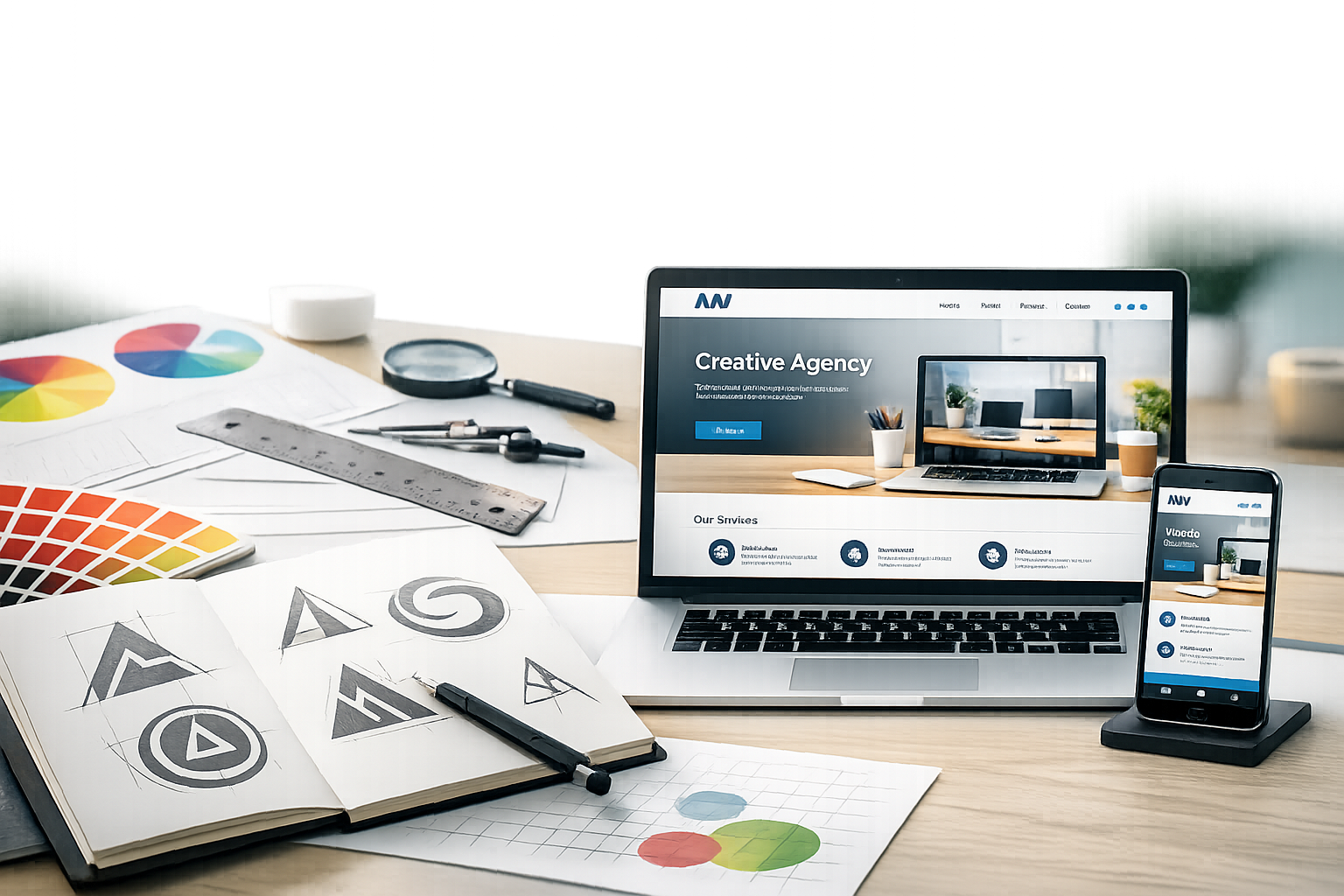
Why Logo and Website Design Should Be Planned Together
Your logo and your website are often the first two brand touchpoints people experience. When they’re designed in isolation, the result can feel disconnected: a modern logo paired with a dated website, or a polished site that doesn’t match the personality of the mark in the header. Planning them together helps you create a cohesive visual system—colors, type, imagery, and tone—that builds trust and makes your business feel established.
Think of the logo as the signature and the website as the storefront. The logo sets the identity; the website proves it through structure, content, and user experience. When both are aligned, visitors understand who you are, what you offer, and why they should choose you—faster.
What Makes a Great Logo Design
A great logo is not just “nice looking.” It’s a tool for recognition. It should be flexible across sizes, easy to reproduce, and consistent with your brand’s personality—whether that’s bold and modern, refined and premium, playful, or minimalist.
Clarity and Simplicity
Logos need to work everywhere: on your website header, social media avatars, invoices, packaging, and even small mobile screens. Simple shapes, clean lines, and clear typography tend to scale better and remain recognizable at a glance. If a logo relies on tiny details to make sense, it will struggle in real-world use.
Practical tip: view your logo at very small sizes (like 24–32px) and in one color. If it still reads clearly, you’re on the right track.
Memorability and Brand Fit
A memorable logo is distinctive without being confusing. That often means choosing a concept that reflects what you do or how you want customers to feel. A law firm may prioritize stability and authority, while a wellness brand may lean into calm and warmth. “Brand fit” matters more than following trends.
To check brand fit, ask: Would this logo feel believable on a billboard? On an email signature? On a product label? If it only works in one context, it may be too narrow.
Color, Typography, and Versatility
Color and typography do a huge amount of branding work. Strong choices here create consistency across your marketing and your website.
- Color: Choose a primary palette that supports accessibility and offers enough contrast for text and buttons.
- Typography: Pick fonts that are readable on screens and reflect your brand voice. Avoid using too many typefaces.
- Versatility: Prepare multiple logo versions: full color, one-color, reversed (light on dark), icon-only, and horizontal/stacked layouts.
Versatility ensures your logo looks intentional whether it appears in a navigation bar, on a dark footer, or on a social profile.
Website Design Essentials That Support Your Brand
A strong website does two things well: it communicates your brand clearly and it guides users toward action (book, buy, contact, subscribe). Great website design balances aesthetics with usability and performance.
User Experience (UX) and Navigation
Visitors should never have to “figure out” how to use your site. Clean navigation, clear labels, and predictable layouts help users find what they need quickly. Good UX also reduces bounce rates and increases inquiries and sales.
- Keep menus short and organized (group related pages).
- Use clear calls to action (e.g., “Get a Quote,” “Book a Call,” “Shop Now”).
- Design key pages with intent: Home, Services/Products, About, Contact, and FAQ.
Before designing, map your site structure (a simple sitemap) so the layout supports your business goals.
Visual Hierarchy and Layout
Visual hierarchy is how your design tells users what to look at first, second, and third. It’s created through spacing, headings, font size, contrast, and placement. A clear hierarchy makes your site feel professional and easy to scan.
Common best practices include:
- Use one primary headline per section that communicates the point instantly.
- Support it with short paragraphs and scannable bullet lists.
- Leave generous whitespace to reduce clutter and improve readability.
When layout and hierarchy are strong, your website can look premium even with simple styling.
Mobile Responsiveness and Speed
Most website traffic is mobile, so responsive design is non-negotiable. Buttons must be easy to tap, text must be readable without zooming, and key information should appear early on small screens.
Speed is just as important. Slow sites lose visitors and can hurt search performance. To improve speed:
- Compress and properly size images (especially hero banners).
- Use modern formats like WebP where possible.
- Limit heavy animations and excessive plugins.
- Choose quality hosting and enable caching.
How to Align Your Logo and Website for a Cohesive Brand
Alignment is where “good design” becomes “strong branding.” A cohesive system makes your business feel consistent across touchpoints and helps people remember you.
Create a Simple Brand Style Guide
You don’t need a massive brand book to stay consistent. A one-page style guide can cover the essentials:
- Logo usage rules (spacing, minimum size, approved versions)
- Primary and secondary colors (with HEX codes for web)
- Typography (heading and body fonts with sizes and weights)
- Button styles and common UI elements
- Image style (photography mood, filters, illustration style)
This keeps your website, social graphics, and marketing materials visually aligned.
Use Consistent Visual Elements Across Pages
Consistency builds familiarity. Reuse the same design patterns—buttons, spacing, icon style, and section layouts—so the site feels unified. For example, if your logo uses rounded shapes, consider echoing that in button corners, icons, or image frames.
Also pay attention to tone. A playful logo paired with overly formal copy can feel “off.” Your visuals and words should communicate the same personality.
Common Mistakes to Avoid
Even strong brands can be held back by a few avoidable design missteps. Watch for these common issues:
- Designing the logo for one context only: A logo that looks great on a website may fail on social icons or print.
- Too many fonts and colors: Over-styling creates visual noise and weakens brand recognition.
- Prioritizing style over usability: Trendy layouts that hide navigation or reduce readability can hurt conversions.
- Ignoring accessibility: Low contrast text, tiny fonts, and unclear link styles can exclude users and reduce engagement.
- Using generic stock visuals: If your images feel disconnected from your logo and message, the brand feels less credible.
Conclusion
Logo and website design work best as a single brand system: the logo creates recognition, and the website builds trust through clear messaging and an easy user experience. By focusing on simplicity, consistency, mobile performance, and a basic style guide, you can create a cohesive presence that looks professional and helps visitors take action with confidence.
