
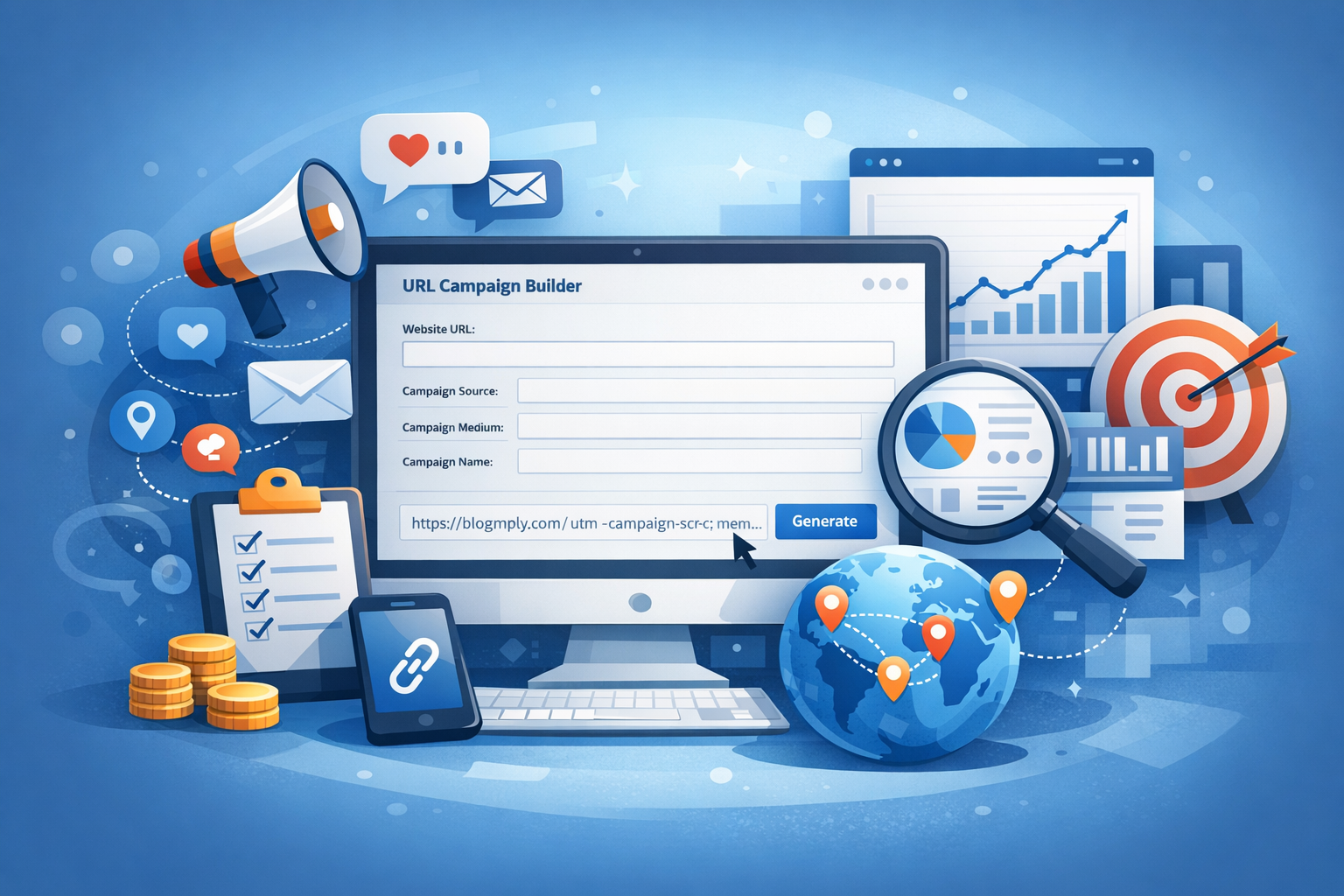
Introduction to URL Campaign Builder
In the ever-evolving landscape of digital marketing, tracking the effectiveness of campaigns is vital. A URL campaign builder is a powerful tool that allows marketers to create custom links with tracking parameters, making it simpler to evaluate the performance of various marketing efforts. This blog post will delve into what a URL campaign builder is, how it works, its benefits, and best practices for utilizing it effectively.
What is a URL Campaign Builder?
A URL campaign builder is a specialized software tool that helps marketers create unique URLs that include tracking parameters for their campaigns. These parameters often come from UTM (Urchin Tracking Module) codes, which enable marketers to analyze traffic to their website based on campaigns, channels, and sources. By creating customized links, businesses can measure the effectiveness of their marketing strategies in real-time.
How Does a URL Campaign Builder Work?
Understanding UTM Parameters
UTM parameters are tags added to a URL that provide context for tracking campaigns, offering insight into how visitors find your site. The main UTM parameters include:
- utm_source: Identifies the source of traffic (e.g., Google, newsletter, Facebook).
- utm_medium: Indicates the medium through which the link was shared (e.g., email, cpc, social media).
- utm_campaign: Allows differentiation between various marketing campaigns.
- utm_term: Used for paid search keywords to identify what terms were effective.
- utm_content: A way to differentiate ads or links to the same content (e.g., A/B testing).
Steps to Build a Campaign URL
- Choose the Base URL: Start with the URL of the page you want to promote.
- Add UTM Parameters: Use the campaign builder to fill in the fields for source, medium, campaign, etc.
- Generate URL: The tool will create a complete URL that includes the UTM parameters.
- Shorten the URL (optional): You may want to use a URL shortener for easier sharing.
Benefits of Using a URL Campaign Builder
Enhanced Tracking
With a URL campaign builder, marketers can track which campaigns deliver the most traffic, conversions, and engagement. This precise monitoring helps make data-driven decisions.
Improved ROI Measurement
Understanding how different channels perform helps businesses allocate resources more efficiently, maximizing their return on investment (ROI).
Streamlined Marketing Efforts
By managing UTM parameters through a centralized tool, teams can easily collaborate and ensure consistency across campaigns, reducing the risk of errors.
Overall Campaign Effectiveness
A URL campaign builder allows for robust reporting capabilities, letting marketers visualize and analyze data in user-friendly formats, enhancing overall campaign effectiveness.
Best Practices for Using a URL Campaign Builder
1. Keep Parameters Consistent
Establishing a standardized naming convention for UTM parameters helps maintain clarity and consistency across all your campaigns.
2. Be Descriptive
Your parameters should be descriptive enough to convey the purpose. For example, use utm_source=facebook_post instead of just utm_source=facebook.
3. Regularly Audit Campaigns
Review existing URLs periodically to eliminate any that are no longer relevant and ensure consistent tracking.
4. Utilize a URL Shortener
Shortening URLs can enhance click-through rates and make shared links more manageable, especially on social media platforms.
5. Monitor Performance
Using analytics tools like Google Analytics, continuously monitor the performance of your URL campaigns to identify trends and areas for improvement.
Conclusion
A URL campaign builder is an indispensable tool for any digital marketer looking to track, analyze, and improve their marketing strategies effectively. By employing best practices and understanding how to utilize UTM parameters, businesses can gain valuable insights that will help enhance their campaigns and achieve their goals.
