
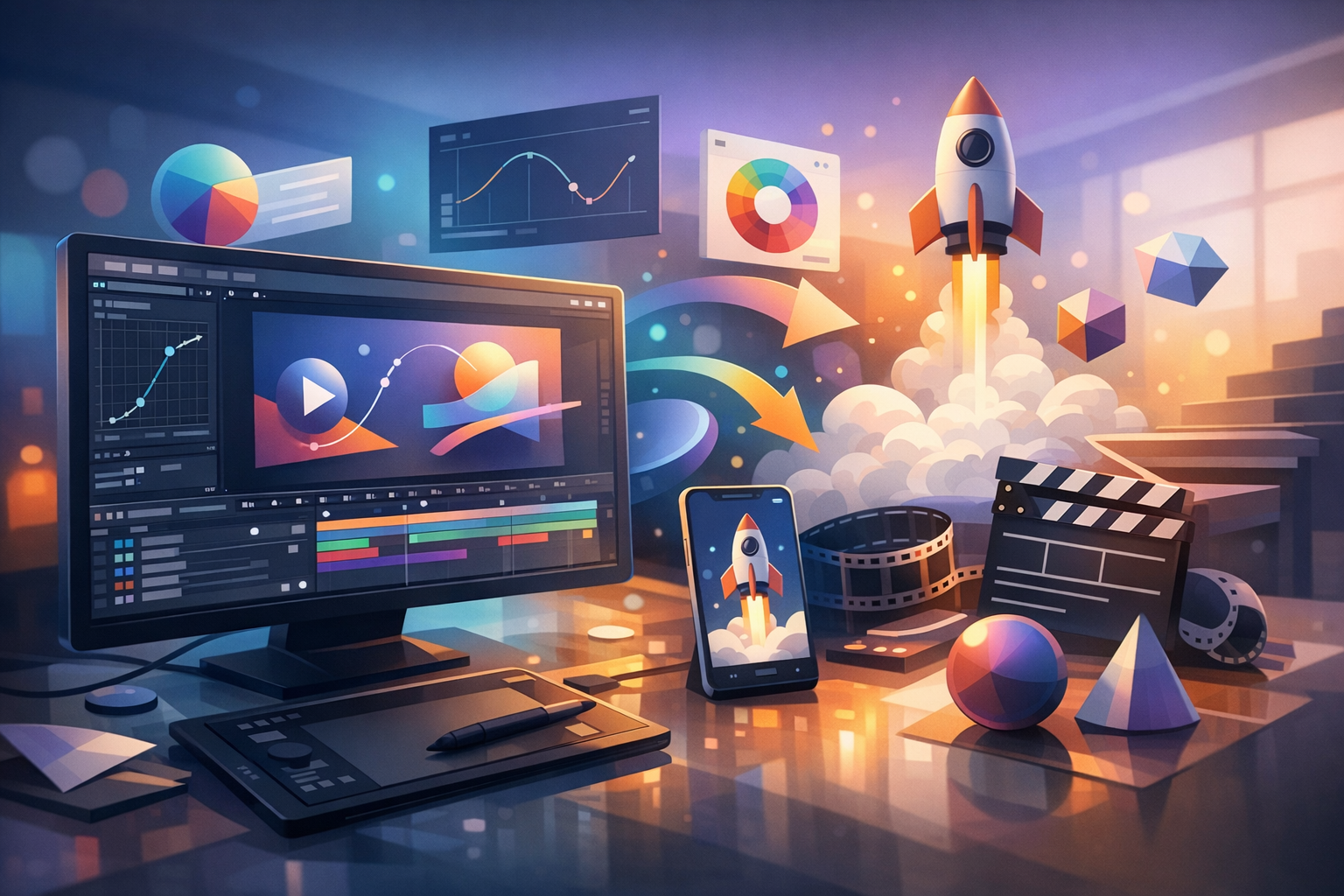
What Is Motion Design?
Motion design is the craft of combining graphic design principles with animation to communicate an idea through movement. Think of it as visual storytelling where typography, shapes, illustrations, photos, and UI elements are brought to life with timing, pacing, and transitions. Unlike character-driven animation (which often focuses on acting and performance), motion design usually emphasizes clear communication—making information easier to understand, more engaging, and more memorable.
You’ll see motion design everywhere: in product videos, app interfaces, explainer content, social media ads, broadcast graphics, and even loading spinners. When it’s done well, it feels natural and purposeful—guiding the viewer’s attention and supporting the message rather than distracting from it.
Why Motion Design Matters
In a world where audiences scroll quickly and attention is limited, motion design helps important information stand out. It can simplify complex concepts, strengthen brand recognition, and create a polished, modern feel across digital experiences.
Motion design also improves usability. Subtle animations can show cause and effect (like a button press), confirm system status (a successful save), or smoothly transition between screens. These “micro-interactions” may be small, but they significantly influence how people perceive a product—often making it feel more intuitive and high quality.
Core Principles of Great Motion Design
Strong motion design isn’t about adding movement everywhere. It’s about using motion with intent, clarity, and consistency. The principles below are the foundation of motion work that looks professional and feels good to watch.
Timing and Spacing
Timing is how long an action takes; spacing is how movement is distributed across frames. Together, they control the rhythm of your animation. Snappy timing can feel energetic and modern, while longer timing can feel elegant, calm, or dramatic. Thoughtful spacing makes motion look natural—avoiding robotic, linear movement that feels stiff.
Easing and Natural Movement
Easing shapes how an object accelerates and decelerates. In the real world, things rarely move at a constant speed—they ramp up and slow down. Using ease-in and ease-out helps animations feel believable and smooth. It can also make transitions feel more “designed,” giving your work that refined professional polish.
Hierarchy and Focus
Motion is a powerful attention tool. You can guide viewers to what matters most by animating primary elements first, using scale changes, or adding subtle emphasis through secondary motion. When hierarchy is clear, viewers don’t have to work to understand what to look at—and your message lands faster.
Consistency and Style
Consistency turns motion from a one-off effect into a system. If a brand’s graphics use rounded shapes, soft easing, and gentle overshoot, the motion should match. If the style is bold and geometric, the movement may be more direct and punchy. Consistent motion choices across projects build a recognizable signature and strengthen brand identity.
Common Types of Motion Design
Motion design shows up in many formats, each with its own goals and best practices. Here are some of the most common categories you’ll encounter.
Logo Animation
Logo animation adds personality and polish to brand identity. It can be as simple as a quick reveal or as complex as a fully animated mark with layered details. The best logo animations respect the brand: they’re short, clear, and reusable across platforms (videos, intros, social media, presentations).
Explainer Videos
Explainer videos use motion design to break down products, services, or processes. They often rely on clear visual metaphors, animated typography, icons, and diagrams. The goal is clarity first: the animation should support the script and guide the viewer step-by-step through the story.
UI Motion and Micro-Interactions
UI motion focuses on how elements move in digital products—apps, websites, dashboards, and software tools. Micro-interactions like button feedback, menu transitions, or loading indicators provide essential context. Done well, they make interfaces feel responsive and understandable, reducing friction and improving perceived performance.
Social Media and Ad Creative
Motion design for social content needs to capture attention quickly and communicate fast—often without sound. Designers use bold typography, quick pacing, and clear visual hooks. The challenge is balancing speed with readability, especially on mobile screens where viewers may only pause for a moment.
Tools and Workflows
Motion designers use a mix of software depending on the project type—2D animation, compositing, UI prototypes, or 3D graphics. The “best” tool is typically the one that fits the production needs and pipeline.
Popular Software Options
- Adobe After Effects: A go-to tool for 2D motion graphics, compositing, and typography animation.
- Cinema 4D / Blender: Common for 3D motion design, product renders, and animated scenes.
- Figma / Framer / ProtoPie: Useful for UI motion concepts and interactive prototypes.
- Premiere Pro / DaVinci Resolve: Often used for editing and final assembly when motion is part of a video project.
A Simple Motion Design Workflow
- Define the goal: What should the viewer understand or do after watching?
- Storyboard and style frames: Map the story and establish a consistent visual direction.
- Animate key beats: Block in major movements and transitions before polishing.
- Refine timing and easing: Adjust pacing, add secondary motion, and improve flow.
- Sound and finishing: Add sound design if applicable, color correct, and export for target platforms.
Best Practices for Better Motion Design
If you’re looking to improve the quality and effectiveness of your motion design, these practices help you make stronger creative decisions and produce cleaner results.
Keep It Purposeful
Every movement should have a reason: to reveal information, show relationships, confirm feedback, or create emotional tone. If motion doesn’t add clarity or meaning, it may be better as a static element.
Design for Readability
Motion can easily harm readability if text moves too quickly, scales unpredictably, or overlaps with busy backgrounds. Use clear contrast, comfortable pacing, and enough screen time for viewers to process key points—especially in explainer or ad content.
Use Reference and Iterate
Professional motion design is iterative. Start with references—title sequences, UI animations, brand reels—and then test different timing and easing options. Small changes can dramatically improve how “expensive” an animation feels.
Optimize for the Platform
Design and export settings should match where the content will live. Social platforms often need multiple aspect ratios (9:16, 1:1, 16:9), smaller file sizes, and captions. UI motion needs performance-friendly approaches and clear handoff documentation for developers.
Conclusion
Motion design is where clarity meets creativity: it helps brands communicate, products feel more intuitive, and stories become more engaging. By focusing on core principles like timing, easing, hierarchy, and consistency—and by choosing the right tools and workflows—you can create motion that not only looks great but also serves a real purpose.
