
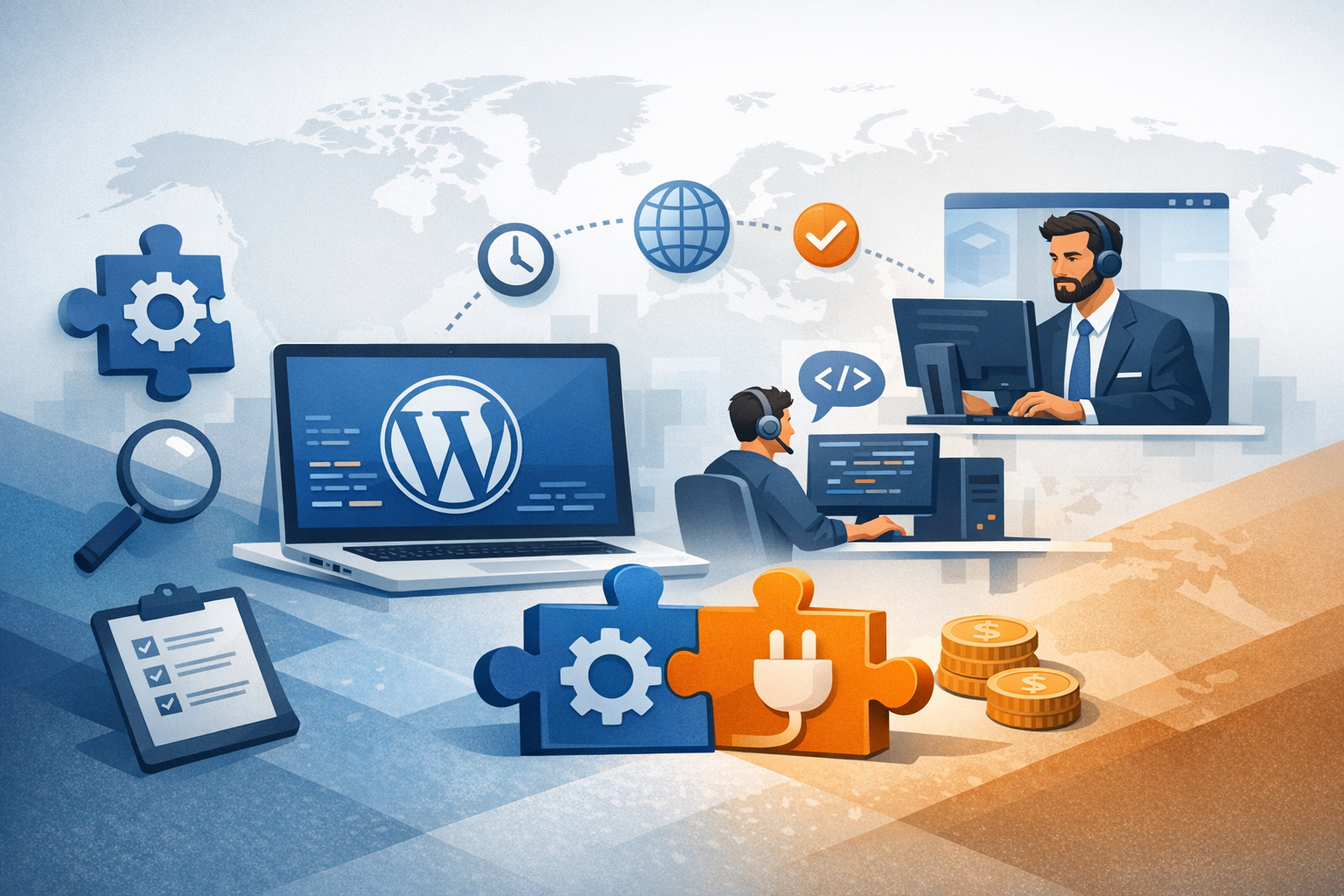
Why outsource WordPress plugin development?
Outsourcing WordPress plugin development can be a smart move when you need specialized skills, faster delivery, or predictable costs—without expanding your in-house team. Whether you’re building a custom integration, adding eCommerce functionality, or creating a plugin you plan to sell, outsourcing gives you access to experienced developers who’ve solved similar problems before.
Here are common reasons businesses choose to outsource:
- Speed to market: A dedicated plugin developer or team can start immediately and maintain momentum.
- Specialized expertise: Plugin architecture, performance tuning, and WordPress security are niche areas.
- Cost efficiency: You pay for outcomes and deliverables, not long-term overhead.
- Scalability: Add more developers or QA resources when needed, then scale down.
What to outsource (and what to keep in-house)
Not every task belongs with an external team. A strong approach is to outsource execution-heavy work while keeping strategic decisions and institutional knowledge in-house.
Great candidates for outsourcing
- Custom plugin builds: From scratch plugins built to your exact requirements.
- Third-party integrations: CRMs, payment gateways, shipping platforms, or marketing tools.
- Performance optimization: Query optimization, caching, and reducing plugin conflicts.
- Bug fixes and refactoring: Stabilizing legacy plugins or modernizing code.
- QA and testing: Cross-browser testing, regression checks, and compatibility testing with themes/plugins.
Tasks to keep in-house (or closely managed)
- Product strategy and prioritization: What to build next and why.
- Brand-sensitive UX decisions: Especially for user-facing admin screens and onboarding flows.
- Access control and credentials: Payment accounts, production keys, and sensitive customer data should be tightly controlled.
How to choose the right outsourcing partner
Your results depend heavily on who you hire. The “best” partner is the one that matches your plugin’s complexity, timeline, and expectations around quality and communication.
Evaluate WordPress-specific experience
WordPress plugin development has its own conventions (hooks, filters, the Settings API, WP Cron, REST API, database interactions, and security best practices). Ask for:
- Examples of past plugins (links, demos, or code samples)
- Experience with your target stack (WooCommerce, multisite, Gutenberg, REST API)
- Approach to backwards compatibility across WordPress/PHP versions
Check development process and communication
A reliable partner should clearly explain how work moves from idea to release. Look for:
- Agile delivery: Small milestones with demos, not one big final handoff.
- Clear communication cadence: Weekly updates, a shared Slack/Teams channel, and documented decisions.
- Project visibility: Jira/Trello/ClickUp boards, GitHub/GitLab repositories, and versioned releases.
Assess security and quality standards
Plugins often handle user data, payments, or admin access—so security matters. Ask how they handle:
- Input sanitization and output escaping
- Nonce usage and capability checks
- Dependency management and vulnerability monitoring
- Code review practices and automated testing
Defining requirements for a successful plugin project
Most outsourcing problems come from unclear requirements. The goal isn’t a 50-page spec—it’s enough clarity to build the right thing and measure progress.
Write a practical scope
Start with a plain-language description of what the plugin does and who it’s for. Then include:
- Core features: Must-have functionality for version 1.
- User roles and permissions: Who can see and do what in wp-admin.
- Data model: What data is stored, where (custom tables vs. post meta), and retention rules.
- Integrations: APIs involved, authentication method, rate limits, and failure handling.
- Non-functional requirements: Performance expectations, compatibility targets, accessibility, and localization needs.
Set acceptance criteria
Acceptance criteria prevent misunderstandings. For each feature, define what “done” means. For example:
- “Admin settings page saves successfully and validates required fields.”
- “Sync job retries up to 3 times and logs errors to a dedicated log screen.”
- “Compatible with WordPress 6.x and PHP 8.1+.”
Decide on ownership and licensing
Clarify code ownership, licensing, and reuse upfront. If this is proprietary work, your contract should specify that you own the source code and that deliverables include all necessary assets (source, build scripts, documentation, and credentials setup instructions).
Pricing models: what to expect
Outsourced WordPress plugin development is typically priced in one of three ways. The right model depends on how well-defined your project is and how likely it is to change mid-build.
Fixed price
Best when scope is stable. You’ll agree to a set price and timeline. Make sure milestones and change-request processes are clearly defined, otherwise “fixed price” can lead to corners being cut.
Time and materials (hourly or daily)
Ideal for evolving requirements or R&D-heavy plugins. You pay for the actual time spent. This model works well when paired with a weekly cap, frequent demos, and transparent time tracking.
Dedicated team / retainer
Great for ongoing plugin roadmaps, maintenance, and multiple related projects. You reserve a developer (or a small team) for a set number of hours each month.
Managing the project: workflows and best practices
Once the work starts, consistent structure keeps quality high and reduces delays.
Use a proper development environment
- Separate environments: Local/dev, staging, and production.
- Version control: Git with a clear branching strategy.
- Reproducible builds: Document setup steps so anyone can run the plugin locally.
Prioritize testing and compatibility
WordPress ecosystems are messy—different themes, plugins, hosting stacks, and PHP versions. Ask your partner to cover:
- Unit/integration tests for key business logic
- Compatibility testing with your critical plugins (e.g., WooCommerce)
- Regression testing before every release
Plan for documentation and handoff
A plugin isn’t “done” if only one developer understands it. Require:
- Installation and configuration guide
- Admin/user instructions (screenshots help)
- Developer notes (architecture, hooks, filters, key classes)
- Release notes and upgrade steps
Common risks (and how to avoid them)
Outsourcing can go wrong when expectations aren’t aligned. Here are frequent pitfalls and how to reduce them.
Scope creep
Fix: Break work into phases (MVP, v1.1, v1.2) and use change requests for new features.
Poor code quality or hard-to-maintain architecture
Fix: Require code reviews, adherence to WordPress coding standards, and documentation. Consider a small paid “audit milestone” early in the project.
Security vulnerabilities
Fix: Ensure proper sanitization/escaping, capability checks, nonces, and secure API key storage. Ask for a basic security review before launch.
Missed deadlines
Fix: Use milestone-based delivery with demos, keep tickets small, and confirm dependencies (API access, content, hosting constraints) early.
Conclusion
To outsource WordPress plugin development successfully, focus on clarity, process, and quality controls. Choose a partner with proven WordPress experience, define acceptance criteria, and manage delivery through milestones, testing, and solid documentation. With the right setup, outsourcing can help you ship a reliable plugin faster—without sacrificing maintainability or security.
