
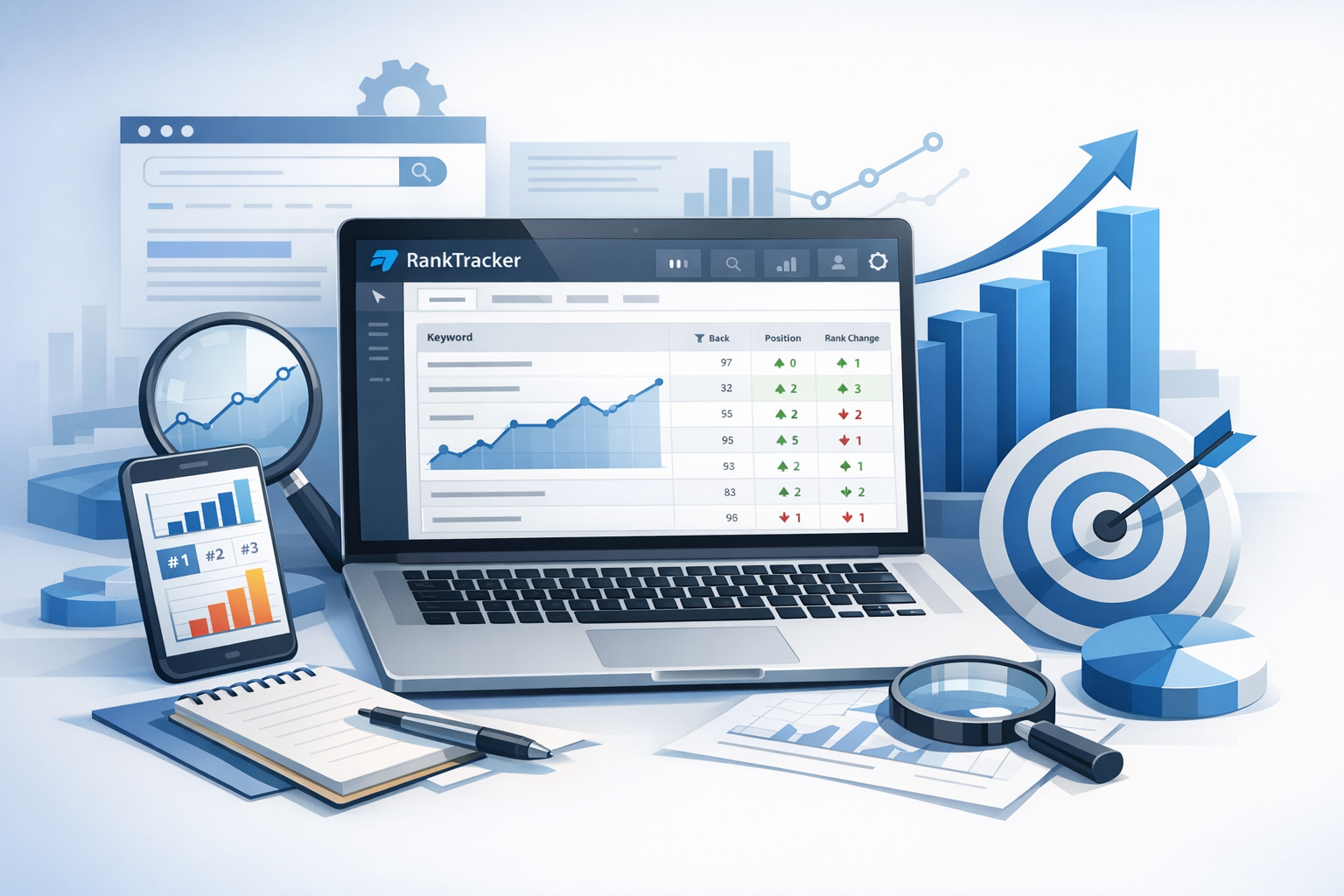
What is a ranktracker?
A ranktracker (often written as “rank tracker”) is a tool that monitors where your webpages appear in search engine results for specific keywords. In plain terms, it answers questions like: “Are we ranking on page 1 for this term?” and “Did our latest SEO changes improve visibility?”
Rank tracking matters because search rankings are a leading indicator of organic traffic performance. When your most valuable keywords climb, qualified traffic and conversions often follow. A good ranktracker also helps you spot sudden drops early, validate SEO work, and prioritize the next set of optimizations based on what’s actually moving the needle.
Why rank tracking matters for SEO
Search rankings change constantly due to algorithm updates, competitor activity, content freshness, SERP feature changes, and even user location. Without consistent tracking, it’s easy to make decisions based on assumptions rather than evidence.
Here are a few reasons rank tracking is essential:
- Measure progress: Prove whether optimizations (content updates, internal linking, technical fixes) are improving visibility.
- Prioritize work: Identify “striking distance” keywords (positions 8–20) that may jump with modest improvements.
- Protect performance: Catch ranking drops quickly so you can diagnose issues before traffic declines compound.
- Understand intent shifts: When SERPs change (more videos, local packs, AI overviews), rankings alone don’t tell the whole story—tracking helps you see patterns over time.
- Report clearly: Turn SEO into a predictable process with dashboards and scheduled reports for stakeholders.
How a ranktracker works (and what it tracks)
Most ranktrackers collect ranking data by checking search engine results for your chosen keywords and then recording your site’s position. The best tools don’t just store a single number; they capture context that explains why performance changes.
Keyword ranking positions
This is the core metric: your URL’s position for a given keyword (e.g., #3). Many tools also track:
- Best/average position over a time range
- Ranking distribution (how many keywords in top 3, top 10, top 20, etc.)
- URL-level rankings to see which page Google is choosing
SERP features (maps, snippets, etc.)
Modern SERPs include featured snippets, People Also Ask, local packs, image/video carousels, shopping modules, and more. A ranktracker that logs SERP features can show:
- Whether a SERP feature is present for a keyword
- Whether your site owns that feature (e.g., featured snippet)
- How features affect click-through rate, even if your numeric rank stays the same
Location, device, and language differences
Rankings vary by country, city, device type (mobile vs desktop), and language. If you serve multiple regions or rely on local SEO, accurate segmentation is critical. The right ranktracker lets you track:
- National vs local positions (e.g., US vs Chicago)
- Mobile vs desktop rankings
- Language-specific SERPs
Key features to look for in a ranktracker
Rank tracking tools range from simple checkers to full SEO platforms. The “best” one depends on your goals, but the following features tend to matter most.
Accuracy and update frequency
Rankings fluctuate daily, and sometimes hourly. Look for a tool that offers a refresh rate that matches your workflow (daily is common). Also consider:
- Freshness: How quickly new rankings appear after adding keywords
- Stability: Whether data is consistent across time (avoids random spikes)
- Search engine coverage: Google is essential; Bing may matter depending on your audience
Competitor tracking
Rankings are relative—your competitors’ gains can be your losses. Competitor tracking allows you to compare:
- Head-to-head keyword positions
- Share of voice or visibility metrics
- When competitors enter or exit the top results
Reporting and dashboards
Clear reporting is often what turns rank tracking into action. Useful reporting features include:
- Scheduled email reports (weekly/monthly)
- Branded reports for clients or internal teams
- Annotations (mark when you launched content, changed titles, migrated URLs)
- Export options (CSV, PDF) and dashboard sharing
Integrations (Google Search Console, analytics)
Rankings are only part of the picture. Integrations help you connect position changes to outcomes:
- Google Search Console: Compare tracked rankings to impressions/clicks and query-level performance
- Analytics: Tie ranking changes to sessions, conversions, and revenue
- Looker Studio: Build consolidated dashboards for stakeholders
How to set up rank tracking the right way
Rank tracking works best when it’s structured. A thoughtful setup prevents noisy data and makes trends easy to interpret.
Choose the right keywords
Start with keywords that map to business value and real pages on your site. A balanced keyword set typically includes:
- Primary “money” terms: High-intent keywords tied to products/services
- Supporting terms: Long-tail variations and informational queries that assist the funnel
- Brand terms: Your brand and product names (useful for reputation monitoring)
Tip: Avoid tracking hundreds of low-value keywords “just because.” You’ll spend more time sorting data than acting on it.
Group keywords by intent or pages
Organize keywords into groups so you can diagnose issues faster. Common grouping approaches include:
- By page: Track which keywords each URL is expected to rank for
- By topic cluster: Helpful for content teams managing pillar/cluster strategies
- By funnel stage: Awareness vs consideration vs purchase intent
Track local vs global rankings
If you operate in multiple regions, set up separate tracking for each priority location. For local businesses, track the city or ZIP-level results where customers actually search. For international brands, track by country and language to avoid mixing signals.
Common rank tracking mistakes to avoid
Rank tracking can mislead if it’s done casually. Avoid these frequent pitfalls:
- Obsessing over a single keyword: SEO outcomes come from overall visibility and the right mix of queries.
- Ignoring SERP features: Ranking #2 may earn fewer clicks if a featured snippet, local pack, or shopping module dominates.
- Not accounting for personalization and location: Your personal browser results are not a reliable benchmark.
- Tracking too many low-impact terms: Focus on keywords that represent real opportunity.
- Failing to annotate changes: Without notes, it’s hard to connect ranking shifts to site updates or campaigns.
How to use ranktracker data to improve rankings
Rank tracking becomes powerful when you turn it into a weekly routine. Instead of just watching positions, use the data to decide what to do next.
Identify quick wins
Look for keywords ranking in positions 5–20 with decent search volume. These are often the easiest to improve with targeted updates, such as:
- Refreshing titles and meta descriptions to better match intent
- Adding missing subtopics and FAQs to align with competing pages
- Improving internal links to the target page using descriptive anchors
- Enhancing on-page UX (structure, readability, speed, mobile layout)
Spot content gaps and cannibalization
If multiple pages alternate rankings for the same keyword, you may have keyword cannibalization. A ranktracker can reveal URL switching over time. Solutions may include:
- Consolidating overlapping content into one stronger page
- Refining internal linking so Google understands the preferred URL
- Adjusting page focus to target distinct intents
Rank tracking also highlights content gaps—important keywords you don’t rank for at all, indicating the need for new or expanded content.
Monitor algorithm updates and volatility
When rankings shift across many keywords at once, it may reflect an algorithm update or a broader SERP change. Watch for:
- Category-wide drops (e.g., all product pages)
- Sudden increases in SERP features pushing organic results down
- Competitors gaining across the same keyword set
Pair ranktracker data with Search Console clicks/impressions and technical checks (indexing, crawl issues) to pinpoint causes faster.
Conclusion
A ranktracker is one of the most practical tools in SEO because it turns search visibility into something measurable and actionable. With the right setup—smart keyword selection, proper grouping, and location/device tracking—you can spot opportunities, prevent losses, and make confident decisions backed by data. Use rank tracking as a consistent feedback loop, and your SEO efforts will become easier to prioritize, report, and improve over time.
