
What Is Review Monitoring?
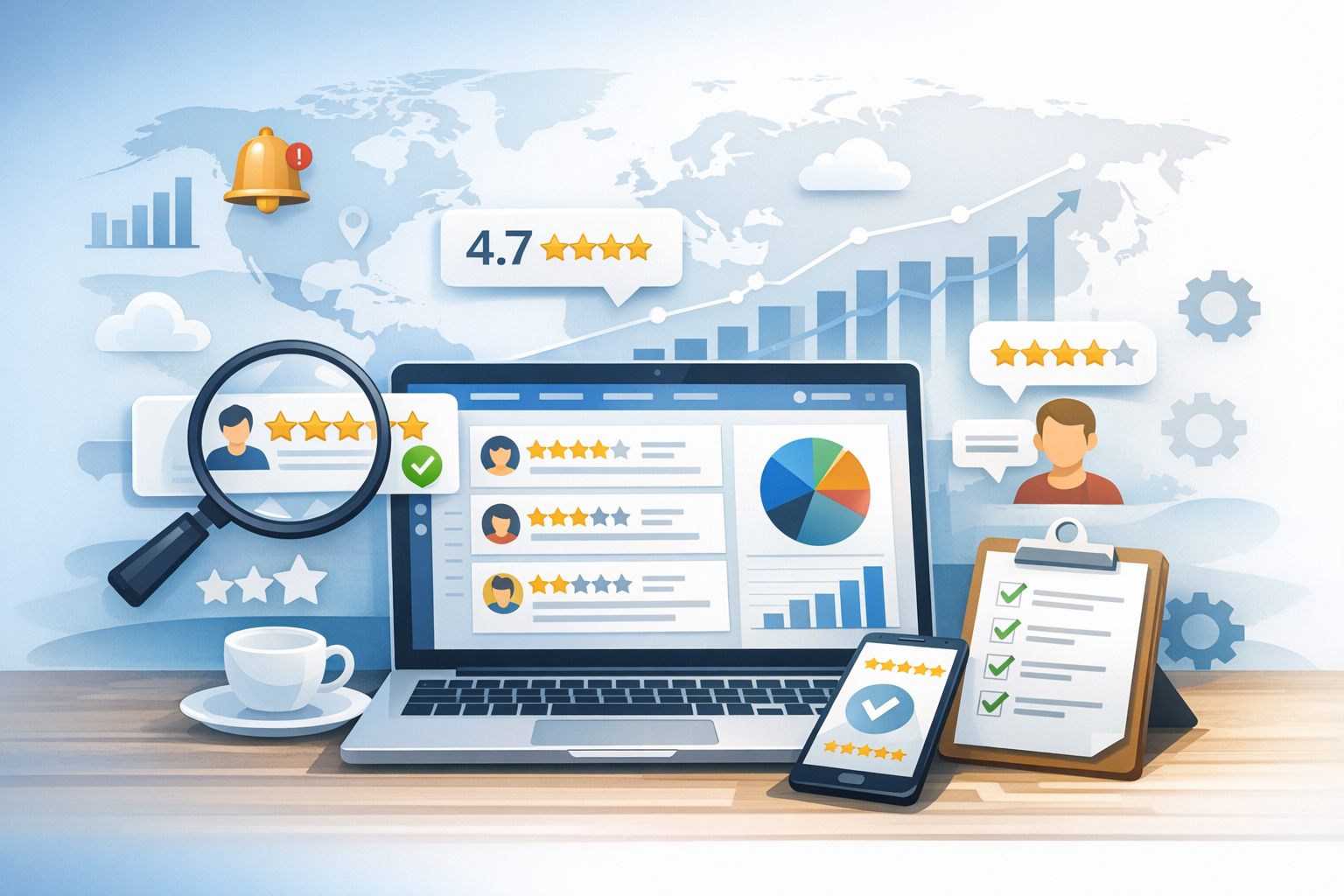
Review monitoring is the ongoing process of tracking, analyzing, and responding to customer reviews across platforms like Google, Yelp, Facebook, TripAdvisor, industry directories, and app stores. It’s not just about reading what people say—review monitoring helps you spot trends, address issues quickly, protect your reputation, and use feedback to improve products, services, and customer experience.
Because online reviews influence buying decisions and search visibility, monitoring them consistently is a core part of modern reputation management. When done well, it turns customer feedback into an actionable system rather than a sporadic task.
Why Review Monitoring Matters for Your Business
Customers increasingly rely on reviews to decide where to spend money. Search engines and marketplace algorithms also use review signals (volume, recency, ratings, and responses) as indicators of trust and relevance. That means review monitoring impacts both conversion and discoverability.
- Protect your brand reputation: Catch negative feedback early before it snowballs.
- Improve customer trust: Thoughtful responses demonstrate accountability and service quality.
- Increase local SEO performance: Review activity and engagement can support visibility in local results.
- Learn what customers really experience: Reviews highlight strengths, gaps, and expectations in the customer journey.
- Boost revenue: Higher ratings and fresh feedback can improve click-through rates and sales.
Where You Should Monitor Reviews
Different industries depend on different platforms, but most businesses should watch a mix of major review sites, niche directories, and social channels. Start with the places that appear on page one when someone searches your brand name.
Major Review Platforms
- Google Business Profile: Often the most influential for local businesses.
- Yelp: Important for restaurants, home services, and many consumer-facing brands.
- Facebook: Recommendations and comments can function like reviews.
- TripAdvisor: Key for hospitality, travel, and attractions.
- Amazon: Essential for product brands and marketplaces.
- Apple App Store / Google Play: Critical for mobile apps and SaaS with apps.
Industry-Specific Sites
Depending on your niche, reviews may cluster in directories like Avvo (legal), Healthgrades (healthcare), Houzz (home design), G2/Capterra (software), or other specialized platforms. Monitoring these can be the difference between steady leads and missed opportunities.
Your Own Channels
Don’t overlook feedback that acts like reviews:
- Website testimonials and contact form complaints
- Customer support tickets and chat logs
- Social media comments and DMs
Key Components of an Effective Review Monitoring Process
Successful review monitoring is consistent, structured, and measurable. The goal is to turn feedback into a repeatable workflow that anyone on your team can follow.
1) Collect and Centralize Reviews
Manually checking multiple platforms is time-consuming and easy to miss. Whether you use a dedicated tool or a spreadsheet process, centralize review links, login access, and a single place to record and track responses. A centralized approach helps you:
- See patterns across locations or products
- Prevent duplicate or inconsistent responses
- Maintain brand voice across team members
2) Set Up Alerts and Cadence
Review monitoring fails when it’s reactive and sporadic. Create a cadence:
- Daily: Check for new reviews (especially for high-volume businesses).
- Weekly: Summarize themes, recurring issues, and wins.
- Monthly: Report on rating trends, response rates, and operational improvements.
Enable email notifications where available and consider tools that push alerts into Slack, Teams, or your helpdesk.
3) Analyze Sentiment and Themes
Ratings alone don’t tell the full story. A 3-star review with detailed feedback can be more valuable than a vague 5-star rating. Tag reviews by theme—such as shipping, wait time, staff friendliness, product quality, pricing, or cleanliness—then look for:
- Recurring complaints that signal process breakdowns
- Frequent praise that reveals your strongest differentiators
- Location-by-location or team-by-team differences
4) Respond to Reviews (Yes, Even the Positive Ones)
Responding consistently shows you’re listening and can influence future customers reading your reviews. It can also encourage more review volume, since customers see that feedback is valued.
- For positive reviews: Thank the customer, reinforce what they liked, and invite them back.
- For neutral reviews: Acknowledge the experience, ask for details, and offer a path to resolution.
- For negative reviews: Apologize (without being defensive), share next steps, and move the conversation offline.
Best Practices for Responding to Negative Reviews
Negative reviews are inevitable. What matters is how quickly and professionally you respond—and whether you use the feedback to prevent repeats.
Respond Quickly and Calmly
A timely response reduces the chance that a customer escalates elsewhere. Aim for 24–48 hours where possible, especially on highly visible platforms like Google.
Acknowledge the Issue and Take Ownership
Even when you disagree with details, acknowledge the customer’s frustration. Avoid arguing point-by-point in public. A strong response prioritizes empathy and resolution.
Offer a Next Step (Offline)
Provide a direct channel to resolve the situation—an email address, phone number, or support link. This helps protect customer privacy and keeps the public thread professional.
Document and Fix Root Causes
Use negative reviews as operational data. If multiple reviews mention the same problem (late deliveries, unclear pricing, rude staff), treat it like a process issue and assign an owner to fix it. Then monitor whether that theme declines over time.
Tools and Software for Review Monitoring
Review monitoring can be done manually, but most growing businesses benefit from tools that automate collection, alerts, and reporting. The right choice depends on the number of locations, platforms, and internal stakeholders involved.
What to Look For in a Review Monitoring Tool
- Multi-platform coverage: Google, Yelp, Facebook, and key industry sites.
- Centralized inbox: View and respond from one dashboard.
- Alerting: Real-time notifications for new reviews or low ratings.
- Analytics: Trends over time, sentiment, keyword themes, and competitor benchmarking.
- Location management: Essential for multi-location brands.
- Integrations: CRM, helpdesk, Slack/Teams, and BI tools.
Manual vs. Automated Monitoring
If you’re a small business with low review volume, a manual system (weekly checks + a tracking sheet) can work. But as volume grows, automation prevents missed reviews, improves response times, and makes reporting easier.
How to Create a Review Monitoring Workflow (Step-by-Step)
To make review monitoring sustainable, document a workflow that defines roles, timelines, and escalation paths.
Step 1: Assign Ownership
Decide who is responsible for monitoring and responding. This might be a marketing manager, a customer success lead, a location manager, or a shared team inbox with clear rules.
Step 2: Define Response Guidelines
Create a simple playbook covering tone, turnaround time, and what can/can’t be offered publicly. Include approved messaging for common issues, plus guidance on privacy and compliance (especially in regulated industries).
Step 3: Set Escalation Rules
Not every review should be handled the same way. Establish triggers such as:
- Any review under 3 stars
- Mentions of safety, discrimination, or legal threats
- High-value customer complaints
Define who is notified and how quickly action is required.
Step 4: Track Metrics and Report Monthly
Create a lightweight reporting routine. Useful metrics include:
- Average rating (overall and per platform)
- Review volume and recency
- Response rate and average response time
- Top positive themes and top negative themes
- Resolution rate (when tracked via support tickets)
Common Review Monitoring Mistakes to Avoid
Even businesses that care about customer experience can undermine trust if their review monitoring approach is inconsistent or overly promotional.
Ignoring Reviews Until There’s a Problem
If you only respond when something goes wrong, customers notice. Consistency builds credibility and improves long-term sentiment.
Using Copy-Paste Replies Everywhere
Templates are helpful, but overly generic responses feel dismissive. Personalize by referencing a specific detail from the review whenever possible.
Arguing With Customers in Public
Public arguments rarely help. Keep responses short, empathetic, and focused on resolution.
Not Sharing Feedback With Operations
Review monitoring shouldn’t live only in marketing. The most effective programs loop insights back to training, product, and service delivery teams.
Violating Platform Policies
Some platforms restrict how you request reviews or what incentives you can offer. Ensure your process follows platform rules and local regulations.
Conclusion
Review monitoring is more than reputation management—it’s a practical system for listening to customers, responding with care, and improving the experiences that drive positive feedback. By monitoring the right platforms, responding consistently, analyzing themes, and turning insights into action, you can build trust, strengthen visibility, and create a better customer experience over time.
