
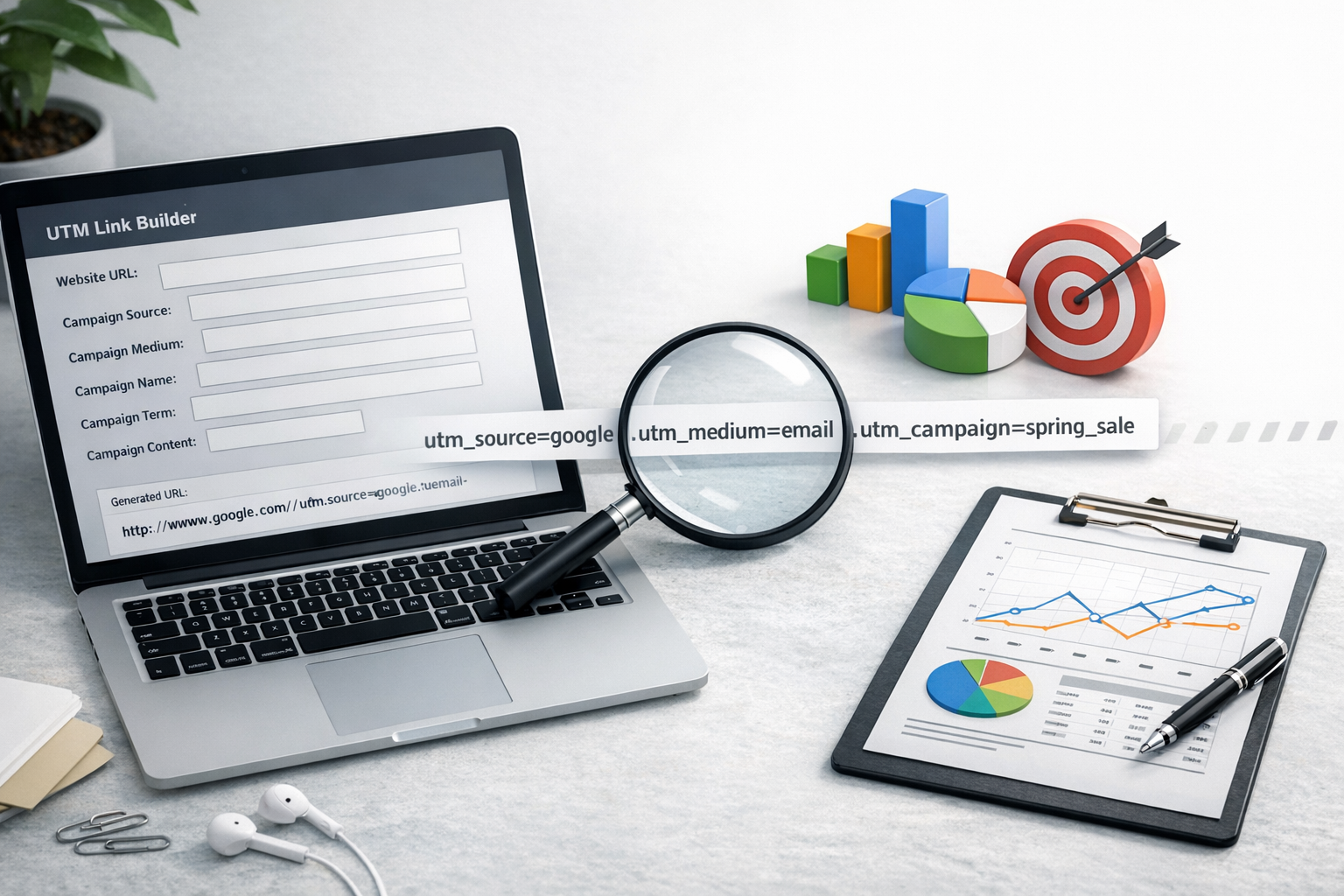
If you’ve ever looked at your analytics and wondered which email, ad, influencer post, or QR code actually drove results, you’re not alone. A UTM link builder solves that by adding small tracking parameters to your URLs so tools like Google Analytics can attribute visits and conversions to the right campaign.
In this guide, you’ll learn what UTM parameters are, how to build clean, consistent tracking links, and how to avoid the common mistakes that lead to messy reports.
What Is a UTM Link Builder?
A UTM link builder is a tool or process that helps you create URLs containing UTM parameters—short bits of text added after a question mark in a URL. These parameters tell analytics platforms where a visit came from and what campaign it belongs to.
A typical tagged URL looks like this:
https://example.com/pricing?utm_source=newsletter&utm_medium=email&utm_campaign=spring_saleWhen someone clicks that link, Google Analytics (including GA4) can record the source, medium, and campaign so you can compare performance across channels and creatives.
Why UTM Tracking Matters (and When You Should Use It)
UTMs are most valuable when traffic attribution is unclear or inconsistent—especially outside of organic search.
- Email marketing: Different newsletters, segments, and CTAs can be measured accurately.
- Paid social and paid search: UTMs complement ad platform reporting and help unify measurement across channels.
- Influencer and partner marketing: Identify which partner drove engaged traffic and conversions.
- QR codes and offline campaigns: Track print ads, event signage, direct mail, and packaging inserts.
- Press and PR outreach: Measure specific placements when possible (and when appropriate for the publication).
Use UTMs whenever you control the link and need clarity. Avoid adding UTMs to internal links on your own site—this can overwrite the original source and distort attribution.
UTM Parameters Explained (With Examples)
There are five standard UTM parameters. You don’t always need all of them, but you should be consistent.
utm_source
What it is: The platform, website, or sender driving the traffic.
Examples: newsletter, facebook, google, partner_name
utm_medium
What it is: The marketing channel/type of traffic.
Examples: email, paid_social, cpc, affiliate, qr
utm_campaign
What it is: The campaign name used to group related efforts (often tied to a promotion, launch, or initiative).
Examples: spring_sale, product_launch_q1, webinar_series
utm_term (optional)
What it is: Commonly used for paid search keywords, or to store a targeting detail if you have a clear convention.
Examples: running_shoes, remarketing, lookalike_2pct
utm_content (optional)
What it is: Differentiates variations within the same campaign—useful for A/B tests, multiple CTAs, or multiple placements.
Examples: cta_button, text_link, banner_top, video_ad_15s
How to Use a UTM Link Builder (Step-by-Step)
You can use a dedicated UTM builder tool, a spreadsheet, or a marketing platform that generates tagged links. The workflow is generally the same.
1) Start with the clean destination URL
Use the final landing page you want people to reach (including any necessary path). Avoid adding unnecessary query parameters if you don’t need them.
Example: https://example.com/pricing
2) Define source, medium, and campaign first
These three fields create the backbone of your reporting. Decide them before you build multiple links so you don’t accidentally create duplicates like SpringSale vs spring_sale.
3) Add content/term only when you need extra granularity
If you’re linking from two different buttons in the same email, utm_content is perfect. If you don’t have a plan for using a parameter in reporting, leave it blank.
4) Generate and test the final URL
Paste the tagged link into your browser to confirm:
- It loads the correct page
- The URL is encoded properly (spaces become
%20or, better, you avoid spaces entirely) - Your analytics platform is capturing the session as expected
5) Store the link in a campaign log
Even if you use an online UTM link builder, keep a spreadsheet or database that records:
- Campaign name
- Channel/source/medium
- Final URL
- Date range
- Creative/placement notes
This prevents duplicated naming and makes reporting far easier later.
UTM Naming Conventions: The Secret to Clean Reports
UTMs only help if your naming is consistent. Otherwise, analytics will treat small differences as separate campaigns (and your dashboards will become cluttered).
Best practices for naming
- Use lowercase to avoid case-sensitive duplicates (e.g.,
Facebookvsfacebook). - Use underscores or hyphens instead of spaces (e.g.,
spring_sale). - Keep names human-readable—future you (and your team) should understand them quickly.
- Be specific, but not too long. Aim for clarity over complexity.
- Document your rules in a shared guideline (one page is enough).
A simple convention you can copy
- utm_source: platform/sender (e.g.,
linkedin,mailchimp,partner_acme) - utm_medium: channel type (e.g.,
paid_social,email,cpc) - utm_campaign: initiative + timeframe (e.g.,
product_launch_2026q1) - utm_content: creative/placement (e.g.,
carousel_card_2,hero_button)
Common UTM Mistakes (and How to Avoid Them)
A UTM link builder makes creating links easy, but it can’t prevent every tracking pitfall. Here are the most frequent issues and fixes.
Mistake 1: Using UTMs on internal links
Why it’s a problem: It can overwrite attribution mid-session and inflate “campaign” traffic.
Fix: Use internal analytics events or click tracking instead of UTMs on internal navigation.
Mistake 2: Inconsistent naming (case, spacing, synonyms)
Why it’s a problem: paid-social, paid_social, and PaidSocial become three separate mediums.
Fix: Standardize naming rules (lowercase, one separator, approved mediums list).
Mistake 3: Too many parameters with no reporting plan
Why it’s a problem: You create noise and spend time tagging data you never use.
Fix: Start with source/medium/campaign; add content/term only for clear use cases.
Mistake 4: Tagging links but not aligning with GA4 reporting
Why it’s a problem: If your team expects to report by “channel group,” but your mediums are inconsistent, GA4 may classify traffic unpredictably.
Fix: Use mediums that map cleanly to your reporting, and consider GA4 custom channel groups if needed.
UTM Link Builder Tools and Workflows
There’s no single “best” UTM link builder—choose based on how many links you create and how many people need to collaborate.
Option 1: A standard online UTM builder
Great for quick link creation. Look for features like saved presets, templates, and auto-lowercasing to reduce mistakes.
Option 2: Spreadsheet-based UTM builder (best for teams)
A shared spreadsheet can enforce conventions with dropdowns (approved sources/mediums), automatically concatenate parameters, and act as your campaign archive.
Option 3: Marketing platform auto-tagging
Some email, ad, and automation platforms can append UTMs automatically. This is convenient, but make sure the naming matches your standards—otherwise you’ll get inconsistent data at scale.
How to Verify Your UTM Tracking in GA4
After launching a campaign, confirm tracking quickly so you can fix issues before traffic ramps up.
- Realtime report: Click your tagged link and check GA4 Realtime to confirm the session appears.
- Traffic acquisition: Review sessions by Session source/medium to confirm values match your UTMs.
- Conversions: If you track conversions, confirm they attribute to the expected campaign over time.
Tip: If you use a link shortener, test that it preserves the full UTM string after redirecting.
Conclusion
A UTM link builder is one of the simplest ways to upgrade your marketing measurement. By tagging links consistently—especially source, medium, and campaign—you’ll get cleaner analytics, more confident reporting, and clearer decisions about what to scale (and what to stop). Start with a straightforward naming convention, keep a campaign log, and test your links before every launch.
