
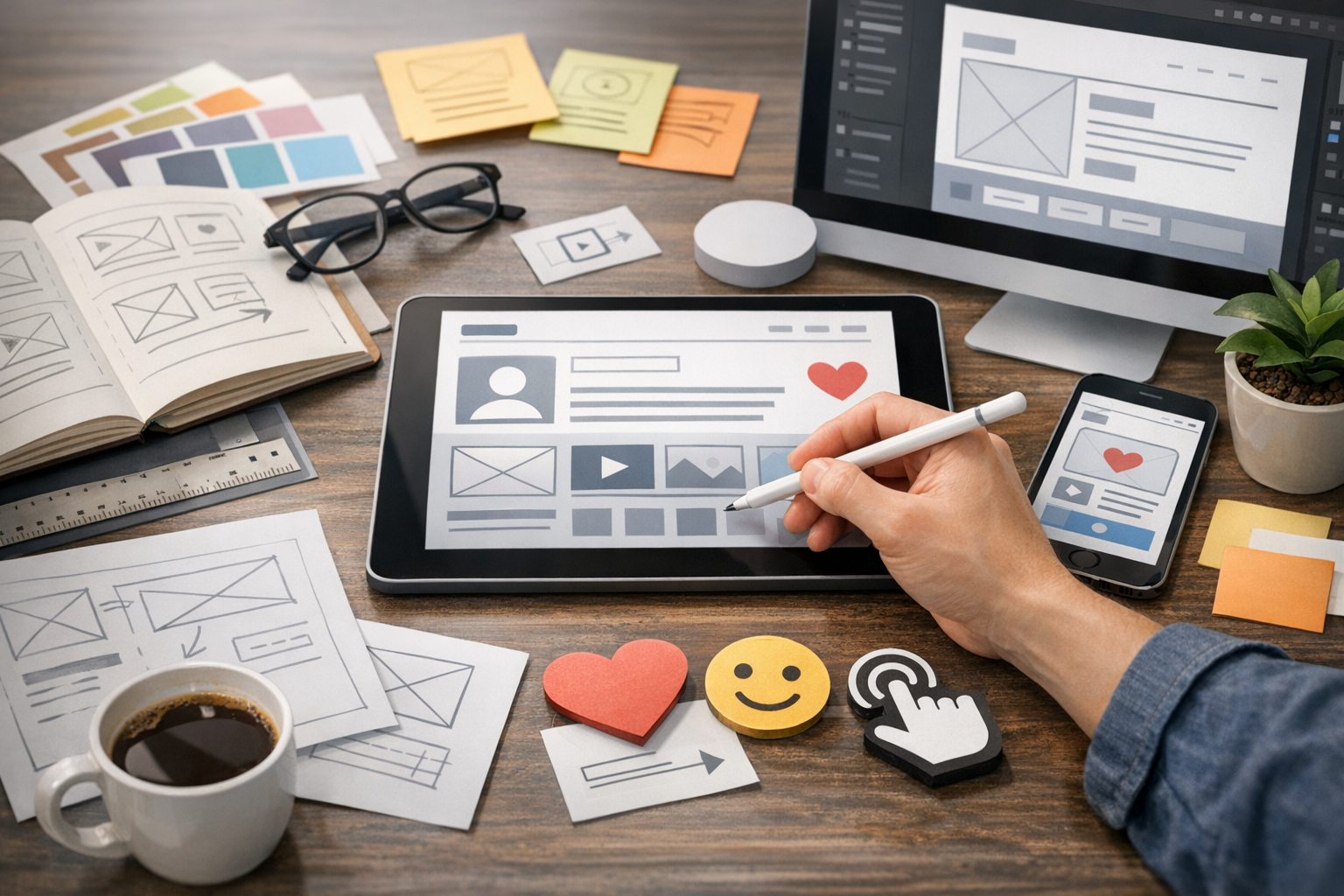
UX design (user experience design) is the practice of shaping how people feel when they use a product—whether that’s a website, an app, a software tool, or even a physical service touchpoint. Great UX makes tasks feel effortless, reduces frustration, and builds trust. Poor UX does the opposite: it creates confusion, increases errors, and sends users looking for alternatives.
This guide breaks UX design down into clear, actionable parts: what UX is, the core principles behind it, how the UX process works in real projects, and how to measure success. If you’re new to UX or want a better framework for your work, you’ll find plenty of practical takeaways.
What Is UX Design?
UX design is the discipline of designing products and services around user needs, goals, and behaviors. It sits at the intersection of human psychology, design, research, and business strategy.
Unlike visual design (which focuses on how something looks), UX design focuses on how something works. It asks questions like:
- Can users complete their goal quickly and confidently?
- Is the product intuitive for first-time users?
- Does the experience feel consistent and trustworthy?
- Are we solving the right problem for the right audience?
UX vs. UI: What’s the Difference?
UX and UI are closely connected but not the same:
- UX design is the overall experience—flows, structure, usability, and satisfaction.
- UI design is the interface layer—layout, color, typography, visual hierarchy, and components.
A helpful way to think about it: UX is the blueprint and the journey; UI is the interior design and signage that supports it.
Core Principles of Great UX
There are many UX frameworks, but most great experiences share a few fundamentals. These principles are useful whether you’re designing a checkout flow, a dashboard, or a mobile onboarding.
1) Clarity Over Cleverness
Users shouldn’t have to decode your interface. Use clear labels, familiar patterns, and straightforward language. If a feature needs a tutorial to be understood, it’s a sign the design may be doing too much work.
2) Consistency Builds Confidence
Consistent patterns (navigation placement, button styles, naming conventions) help users predict what will happen. Predictability reduces cognitive load—and cognitive load is a silent conversion killer.
3) Feedback and Visibility
People need to know what’s happening. Loading states, confirmations, inline validation, and error messages keep users oriented and prevent “Did it work?” moments.
4) Accessibility Is Part of Quality
Designing for accessibility (keyboard navigation, color contrast, readable type, clear focus states, screen reader support) makes experiences better for everyone—not just users with disabilities.
5) Design for Real-World Context
Users may be distracted, on a small screen, on a slow connection, or using your product under time pressure. Great UX anticipates constraints and removes friction.
The UX Design Process (Step by Step)
UX design is rarely a straight line. Still, most projects follow a repeatable loop: understand the problem, explore solutions, test ideas, and refine.
1) Discover: Understand Users and Goals
This phase clarifies what success looks like for both users and the business. Key outputs often include problem statements, user needs, and measurable objectives.
- Stakeholder interviews: Identify constraints, assumptions, and priorities.
- User research: Learn goals, behaviors, pain points, and language.
- Competitive review: Spot expectations, patterns, and opportunities.
2) Define: Synthesize Findings into Direction
Research becomes actionable when you translate it into shared clarity. This is where teams align on who they’re building for and what matters most.
- Personas (lightweight or detailed): Summaries of key user types.
- Journey maps: The end-to-end experience, including emotional highs and lows.
- Jobs-to-be-done: The underlying “job” users hire your product to do.
3) Design: Create Structure and Flows
Here, UX moves from understanding to making. The goal is to propose solutions that users can move through smoothly.
- Information architecture (IA): Organizing content so it’s findable.
- User flows: The steps users take to reach a goal (e.g., sign up, purchase, export).
- Wireframes: Low-fidelity layouts that prioritize structure over visuals.
4) Prototype: Make Ideas Testable
Prototypes range from simple click-through wireframes to interactive high-fidelity demos. The point is to learn quickly—before expensive development begins.
Choose prototype fidelity based on what you’re testing:
- Low fidelity: Best for layout, navigation, and overall flow.
- High fidelity: Best for microcopy, visual hierarchy, and interaction details.
5) Test and Iterate: Validate with Users
Testing reveals what users actually do, not what we think they’ll do. Even a small number of sessions can uncover major issues when tasks are well-designed.
- Define key tasks (e.g., “Find a plan and start a trial”).
- Observe behavior and listen to reasoning.
- Prioritize issues by severity and frequency.
- Iterate and retest.
Key UX Research Methods
UX research doesn’t have to be complicated. The most important thing is choosing methods that match the question you’re trying to answer.
Qualitative Methods (The “Why”)
- User interviews: Understand motivations, expectations, and language.
- Usability testing: Watch users attempt real tasks; identify friction and confusion.
- Field studies: Learn how context influences behavior (especially for B2B tools).
Quantitative Methods (The “How Much”)
- Analytics: Drop-off points, funnel performance, feature usage.
- Surveys: Measure satisfaction, pain points, and segmentation patterns.
- A/B testing: Compare changes to see what improves outcomes.
Information Architecture and Interaction Design
Two areas often make or break usability: how information is organized (IA) and how interactions behave (IxD).
Building Strong Information Architecture
Good IA helps users answer: “Where am I?” “What can I do here?” and “Where do I find what I need?” Techniques include:
- Card sorting: Learn how users group and label content.
- Sitemaps: Visualize the structure of screens/pages.
- Navigation models: Choose patterns that match complexity (tabs, side nav, mega menus).
Interaction Design Details That Matter
Small interaction choices can have big UX consequences. Consider:
- Error prevention: Disable impossible actions; provide inline guidance.
- Helpful errors: Explain what happened and how to fix it.
- Progressive disclosure: Show advanced options only when needed.
Accessibility and Inclusive UX Design
Inclusive UX design ensures your product works for a broad range of people, including users with visual, auditory, motor, and cognitive disabilities.
Practical Accessibility Checks
- Meet readable color contrast (especially for text and icons).
- Ensure keyboard navigation works across key flows.
- Use meaningful labels and support screen readers.
- Avoid relying on color alone to communicate status (e.g., errors).
Accessibility is not just compliance—it’s a quality multiplier that improves clarity and usability for everyone.
How to Measure UX Success
UX isn’t only about aesthetics or “good vibes.” It can and should be measured with clear metrics tied to user outcomes and business goals.
Common UX Metrics
- Task success rate: Can users complete key tasks?
- Time on task: How long does it take to complete a workflow?
- Error rate: How often do users make mistakes or get stuck?
- Conversion rate: Sign-ups, purchases, upgrades, or other target actions.
- Retention: Do users come back and keep using the product?
- SUS / CSAT / NPS: Standardized satisfaction and loyalty indicators.
Connect UX Improvements to Business Outcomes
When UX teams can link improvements to reduced support tickets, higher activation, better conversion, or improved retention, UX becomes a strategic advantage—not a “nice to have.”
Popular UX Design Tools and Deliverables
Tools are only as valuable as the thinking behind them, but the right set can speed up collaboration and iteration.
Common UX Deliverables
- User flows and journey maps
- Wireframes and prototypes
- Design systems and component libraries (shared with UI)
- Usability test plans and findings reports
Tools Teams Often Use
- Figma (design, prototyping, collaboration)
- FigJam / Miro (workshops, mapping, synthesis)
- Dovetail (research analysis)
- Hotjar / FullStory (behavior analytics and session replay)
Conclusion
UX design is about creating experiences that are clear, inclusive, and genuinely helpful—grounded in user needs and validated through testing. When you invest in research, strong information architecture, thoughtful interactions, and measurable outcomes, you don’t just make products easier to use—you make them easier to trust.
If you’re improving an existing product, start small: pick one core user journey, observe where people struggle, prototype a fix, test it, and iterate. Consistent, user-centered progress adds up quickly.
