
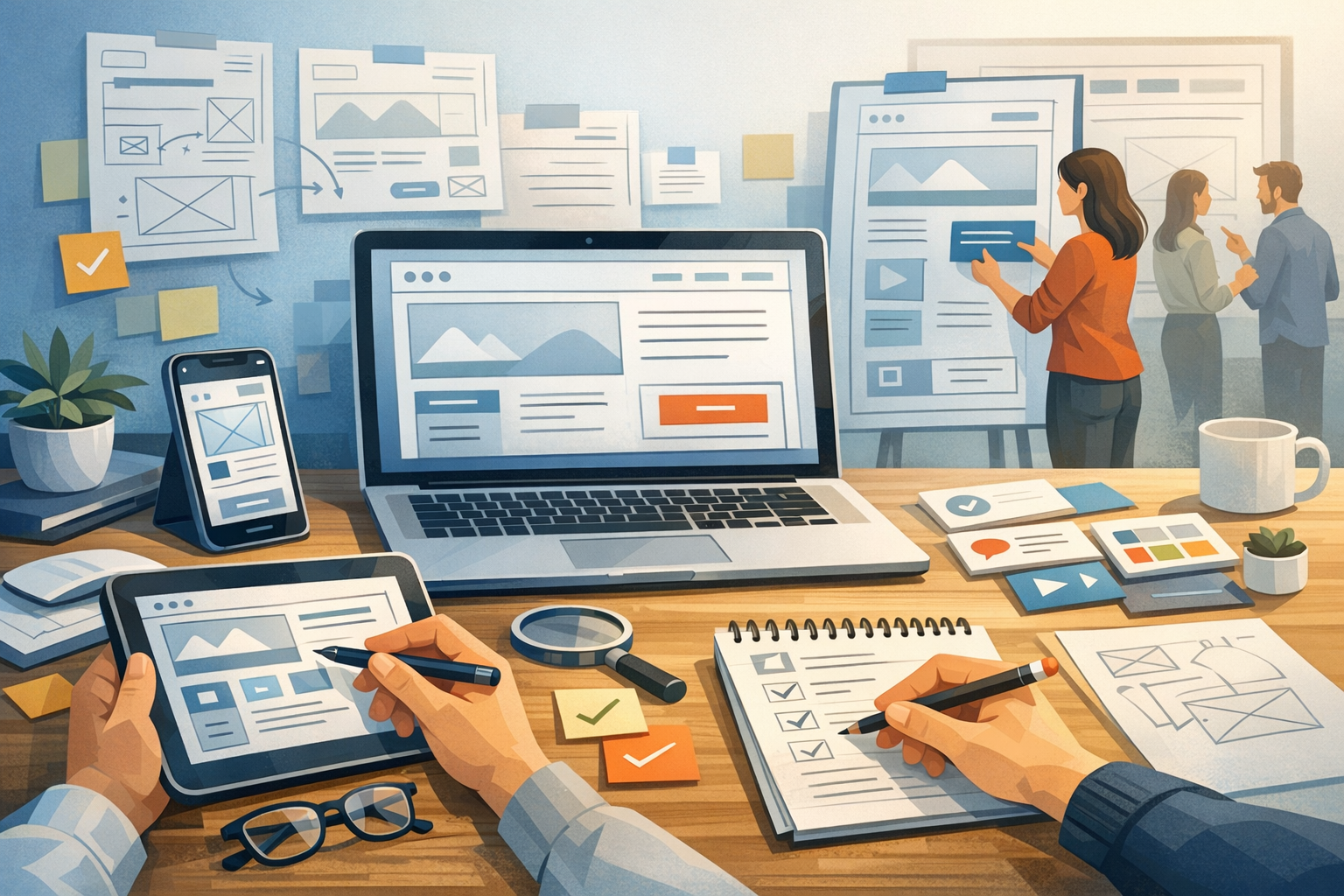
What Is Website Prototyping?
Website prototyping is the process of creating an early, testable model of a website before full development begins. A prototype can be as simple as a rough sketch or as detailed as a clickable, high-fidelity experience that closely resembles the final site. The goal is to explore ideas, confirm requirements, and validate user flows early—when changes are faster and cheaper to make.
Unlike a finished website, a prototype focuses on learning: what content users need, how they navigate, which layouts communicate best, and where friction occurs. Prototyping helps teams align on expectations, reduce rework, and build with confidence.
Why Website Prototyping Matters
Prototyping is one of the most practical ways to de-risk a website project. It turns assumptions into something tangible, enabling real feedback from stakeholders and users.
Faster Feedback and Fewer Surprises
When people can click through a proposed design, they can react to it more accurately than they can to a written description. Prototypes reveal missing pages, unclear labels, confusing navigation, or content gaps—before a developer writes production code.
Better Collaboration Across Teams
Designers, developers, marketers, and business stakeholders often interpret requirements differently. A prototype becomes a shared reference point that reduces misunderstandings and keeps everyone aligned on goals, scope, and priorities.
Cost Savings Through Early Validation
Fixing issues in development can be expensive, especially when changes affect the site structure or core components. Prototyping catches problems at the planning stage, making revisions less disruptive and helping projects stay on schedule.
Types of Website Prototypes
Not every project needs the same level of prototype. Choosing the right type depends on timeline, complexity, and what you need to learn.
Low-Fidelity Prototypes (Sketches and Wireframes)
Low-fidelity prototypes focus on structure, hierarchy, and flow rather than visuals. They’re ideal for early-stage exploration and quick iterations. Common examples include:
- Paper sketches or whiteboard layouts
- Basic wireframes showing page sections and navigation
- Simple user-flow diagrams
Use low-fidelity prototypes when you’re deciding what content belongs on each page and how users move through the site.
Mid-Fidelity Prototypes (Clickable Wireframes)
Mid-fidelity prototypes add interaction. Buttons link to screens, menus open, and key workflows can be tested. Visual styling is minimal, but the experience is realistic enough to validate usability and information architecture.
This level is helpful when you need stakeholder sign-off on site structure and functionality without committing to final UI details.
High-Fidelity Prototypes (Near-Realistic UI)
High-fidelity prototypes look and feel close to the final product. They include typography, spacing, imagery, and UI components, often built in design tools with clickable interactions. High-fidelity prototypes are valuable for:
- Testing trust signals and visual clarity
- Validating conversion-focused pages (landing pages, checkout, forms)
- Aligning on brand expression and UI patterns
They’re best used once the structure is settled and you’re refining design decisions that affect user perception and behavior.
The Website Prototyping Process (Step by Step)
A strong prototyping process balances speed with clarity. Here’s a practical flow that works for most website projects.
1) Define Goals, Users, and Success Metrics
Start by clarifying what the website needs to achieve (leads, purchases, bookings, subscriptions, support deflection, etc.). Identify primary user groups and what they’re trying to do. Then define what “success” means in measurable terms, such as:
- Increased form submissions or demo requests
- Lower bounce rate on key landing pages
- Reduced time-to-find information
- Higher checkout completion rate
2) Map Information Architecture and Key User Flows
Before drawing screens, map the structure of the site. Create a sitemap and outline top navigation categories. Then define critical flows, such as:
- Homepage → product/service page → contact form
- Blog → lead magnet landing page → email signup
- Pricing page → checkout (or request a quote)
This step ensures your prototype supports real user journeys instead of isolated page designs.
3) Create Wireframes for Core Templates
Rather than designing every page individually, prototype templates that can scale. Common website templates include:
- Homepage
- Landing page
- Service/product detail page
- Blog index and blog post
- About page
- Contact page
Wireframes should show content priority, section order, and key calls to action (CTAs), without getting stuck on pixel-perfect styling.
4) Add Interactions and Make It Clickable
Turn static wireframes into a clickable prototype so users and stakeholders can experience navigation and flow. Link menus, buttons, and CTAs. If your website includes forms, consider simulating key states (empty, error, success) to identify friction points early.
5) Test With Users and Gather Feedback
Usability testing doesn’t need to be complicated. A handful of representative users can uncover most major issues. Give participants realistic tasks (for example, “Find the pricing details” or “Book a consultation”) and watch where they hesitate or get lost. Capture:
- Common points of confusion
- Navigation and labeling issues
- Missing information users expect
- CTA placement and clarity
Pair this with stakeholder review to ensure business requirements are met.
6) Iterate and Prepare for Handoff
Use what you learn to refine the prototype. Once the structure and UI direction are approved, prepare assets and documentation for development. This may include design specs, component libraries, content guidelines, and responsive behavior notes. A clean handoff reduces back-and-forth and helps developers implement accurately.
Tools for Website Prototyping
The best tool is the one your team can use quickly and consistently. Here are common options by use case:
- Figma: Popular for collaborative wireframes, UI design, and interactive prototypes.
- Adobe XD: Useful for UI design and prototyping (often chosen by teams in Adobe ecosystems).
- Sketch: Strong UI design tool, commonly paired with prototyping plugins.
- InVision: Helpful for presenting designs and gathering feedback (varies by team workflow).
- Pen and paper / whiteboards: Fastest for early ideation and workshop sessions.
Regardless of tool, keep prototypes organized with consistent naming, clear page structure, and a simple way for reviewers to leave comments.
Best Practices for Effective Website Prototypes
A prototype should answer questions—not create new confusion. These best practices help you get better outcomes.
Start Simple, Then Increase Detail
Begin with low-fidelity wireframes to validate structure. Move to higher fidelity only when you need to test visual hierarchy, trust, and conversion elements. This approach prevents wasted effort on polishing screens that may change.
Prototype the Riskiest Parts First
If your website includes complex flows—multi-step forms, account creation, checkout, or scheduling—prototype those early. These areas are where usability issues and scope surprises tend to hide.
Use Realistic Content When Possible
Placeholder text can hide content problems. Even rough drafts of real headlines, CTAs, and key sections improve feedback quality. If you can’t use final copy, use “realistic” sample content with similar length and intent.
Design for Responsive Behavior
Websites must work across devices. Include at least one mobile prototype (especially for navigation, forms, and landing pages) so responsiveness isn’t an afterthought.
Document Decisions and Assumptions
Prototypes evolve quickly. Add brief notes explaining navigation logic, component behavior, and open questions. This reduces repeated debates and provides clarity during development.
Common Website Prototyping Mistakes to Avoid
Even a good prototype can fail if it’s used the wrong way. Watch out for these pitfalls:
- Skipping user testing: Stakeholder approval isn’t the same as usability validation.
- Over-polishing too early: High-fidelity visuals can slow iteration and distract from flow issues.
- Prototyping every page: Focus on templates and critical paths to stay efficient.
- Unclear scope: If the prototype adds “nice-to-haves,” it can inflate development time unexpectedly.
- Ignoring content strategy: Navigation and layout depend on what you plan to say—content can’t be an afterthought.
Conclusion
Website prototyping is one of the smartest ways to build better sites with fewer surprises. By choosing the right prototype fidelity, validating key flows, and iterating based on real feedback, you can align stakeholders, improve usability, and move into development with a clear, confident plan. Whether you’re redesigning a marketing site or launching a new product, a thoughtful prototype will save time—and help you ship a website that works for real users.
