
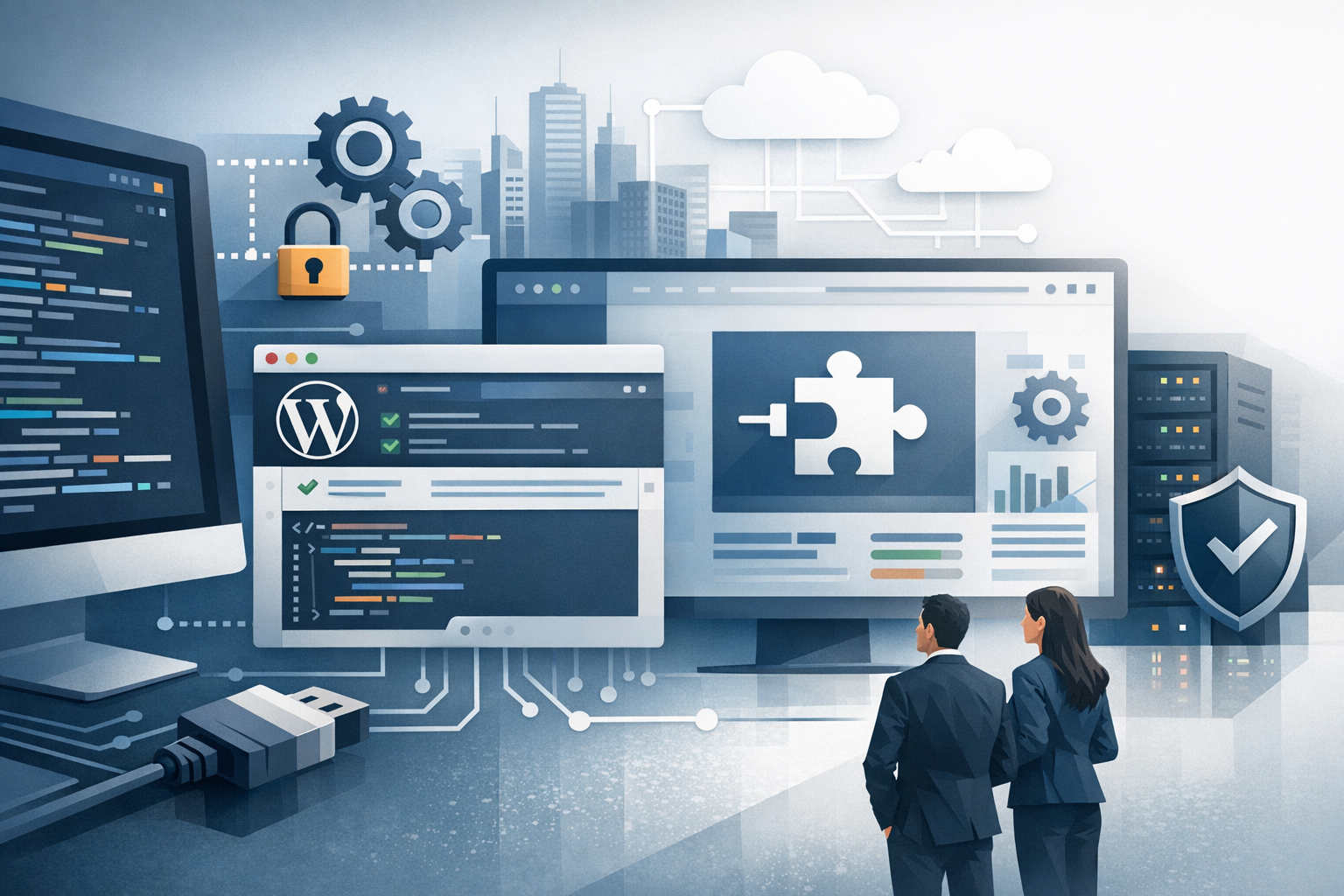
What Is Enterprise WordPress Plugin Development?
Enterprise WordPress plugin development is the process of building custom plugins designed for large organizations with complex requirements—think strict security and compliance needs, heavy traffic, multiple environments (dev/stage/prod), integration with internal systems, and long-term maintenance. Unlike many small plugins that solve a narrow problem for a single site, enterprise-grade plugins must be reliable, testable, performant, and easy to operate across teams and environments.
At the enterprise level, the plugin is often part of a broader platform: it may connect WordPress to CRMs, ERPs, SSO providers, data warehouses, or headless services. That means architecture, governance, and operational readiness matter as much as features.
Key Characteristics of Enterprise-Grade WordPress Plugins
Security and Compliance by Design
Enterprise plugins should treat security as a baseline requirement, not an enhancement. This includes strict input validation and output escaping, capability checks for all privileged actions, nonces for state-changing requests, and secure handling of secrets (such as API tokens). If your organization is subject to regulations like GDPR, HIPAA, SOC 2, or PCI, the plugin may also need audit logs, data retention controls, and documented data flows.
- Use least-privilege permissions (custom capabilities when needed).
- Sanitize all inputs and escape all outputs.
- Protect endpoints and admin actions with nonces and capability checks.
- Store credentials outside the database where possible (environment variables, secrets managers).
Performance and Scalability
Enterprise traffic patterns amplify small inefficiencies. A plugin that performs fine on a low-traffic site can cause serious performance issues at scale. Focus on efficient database queries, caching strategies, asynchronous processing, and minimizing expensive operations in front-end requests.
- Avoid unnecessary autoloaded options and bloated transients.
- Use object caching (Redis/Memcached) where available.
- Prefer background processing for heavy tasks (queues, cron, async requests).
- Be mindful of admin screens too—slow dashboards hinder productivity.
Maintainability and Long-Term Support
Enterprise plugins live for years, often through team changes and platform upgrades. Maintainability comes from clear architecture, coding standards, documentation, and automated tests. The goal is to make changes predictable and low-risk.
- Follow WordPress coding standards and establish a consistent style guide.
- Document decisions and public APIs (hooks, endpoints, settings).
- Use semantic versioning and maintain changelogs.
- Plan for backward compatibility or provide clear migration paths.
Planning and Discovery for Enterprise Plugin Projects
Requirements, Stakeholders, and Governance
Enterprise plugin projects typically involve multiple stakeholders: marketing, IT, security, legal/compliance, and engineering. Early alignment prevents costly rework. Define what success looks like, who owns the plugin, and how decisions get made—especially around releases, access control, and integrations.
Helpful outputs from discovery include user stories, non-functional requirements (performance, security, uptime), system diagrams, and an initial backlog prioritized by business value and risk.
Defining Integration and Data Ownership
Many enterprise plugins exist to move data between systems. Clarify the “source of truth” for each data type (users, entitlements, customer records, product catalogs, consent flags). Decide how the plugin will handle conflicts, retries, and partial failures. When APIs change—or go down—your plugin should degrade gracefully without breaking the site.
Architecture and Best Practices
Plugin Structure, Modularity, and Standards
A modular plugin structure helps teams scale development. Common patterns include separating core logic from integrations, isolating admin UI code, and keeping domain logic independent of WordPress-specific functions where practical. This makes the plugin easier to test and refactor.
- Use namespacing (or prefixed class/function names) to avoid collisions.
- Keep files organized by responsibility (Admin, Frontend, Integrations, CLI, REST).
- Favor dependency injection or service containers for complex plugins.
- Limit global state and avoid “magic” behavior that’s hard to trace.
Database Design and Data Handling
Enterprise plugins often outgrow simple options storage. Depending on your use case, you may need custom tables for performance, reporting, or data integrity. If you do, design them carefully with indexing strategies, clear relationships, and safe upgrade routines.
- Use custom tables for high-volume or relational data; use post meta/options for small configuration data.
- Write robust upgrade routines for schema changes.
- Be cautious with autoloaded options; keep them small and essential.
- Implement data validation and clear lifecycle rules (creation, updates, deletion).
APIs: REST, WP-CLI, and Webhooks
Enterprise environments benefit from automation and integration-friendly interfaces. Providing REST endpoints allows external systems to interact with WordPress securely. WP-CLI commands make deployments, migrations, and operational tasks repeatable. Webhooks can push events to other platforms in near real time.
- Secure REST routes with authentication and fine-grained permission callbacks.
- Add WP-CLI commands for common admin tasks (sync, reindex, cleanup).
- Use webhooks for event-driven workflows, with retry policies and signatures.
Security, QA, and Testing for Enterprise Plugins
Threat Modeling and Secure Coding
Before implementation, identify likely threats: privilege escalation, data exposure, malicious file uploads, CSRF, and insecure integrations. Build defenses into the design. For example, if you’re syncing customer data, enforce strict access controls and avoid exposing sensitive fields in REST responses or logs.
Automated Testing and Code Quality
Automated tests reduce regression risk and speed up development. A balanced approach often includes unit tests for business logic, integration tests for WordPress hooks/APIs, and end-to-end tests for critical user flows. Add static analysis and coding standards checks to keep the codebase consistent across contributors.
- Unit tests for core logic and edge cases.
- Integration tests for database interactions and REST endpoints.
- End-to-end tests for admin workflows and user-facing features.
- CI pipelines with linting, security scans, and test execution.
Deployment, Monitoring, and Lifecycle Management
Release Strategy and Environment Parity
Enterprise plugins should ship through a controlled release process: versioned builds, staging verification, and rollback planning. Keep configuration environment-specific (URLs, keys, toggles) and avoid hardcoding values. Feature flags can help you roll out changes gradually and reduce risk.
Observability: Logging, Metrics, and Alerting
When something goes wrong, your team needs visibility fast. Implement structured logging (with sensitive data redacted), capture key metrics (sync duration, API error rates, cache hit rates), and integrate with monitoring tools. Good observability turns “we think it’s broken” into actionable evidence.
Maintenance: Updates, Backward Compatibility, and Documentation
Plan for WordPress core updates, PHP version changes, and third-party API deprecations. Maintain a clear support policy, document upgrade steps, and keep a changelog. For internal plugins, treat documentation as part of the deliverable—especially for onboarding new developers and supporting IT teams.
Conclusion
Enterprise WordPress plugin development is less about quick wins and more about building durable software: secure by default, scalable under load, and maintainable over years. With strong discovery, modular architecture, disciplined testing, and an operational mindset, you can deliver plugins that meet enterprise requirements while keeping WordPress flexible and easy to manage.
