
What Is an Internal Linking Strategy?
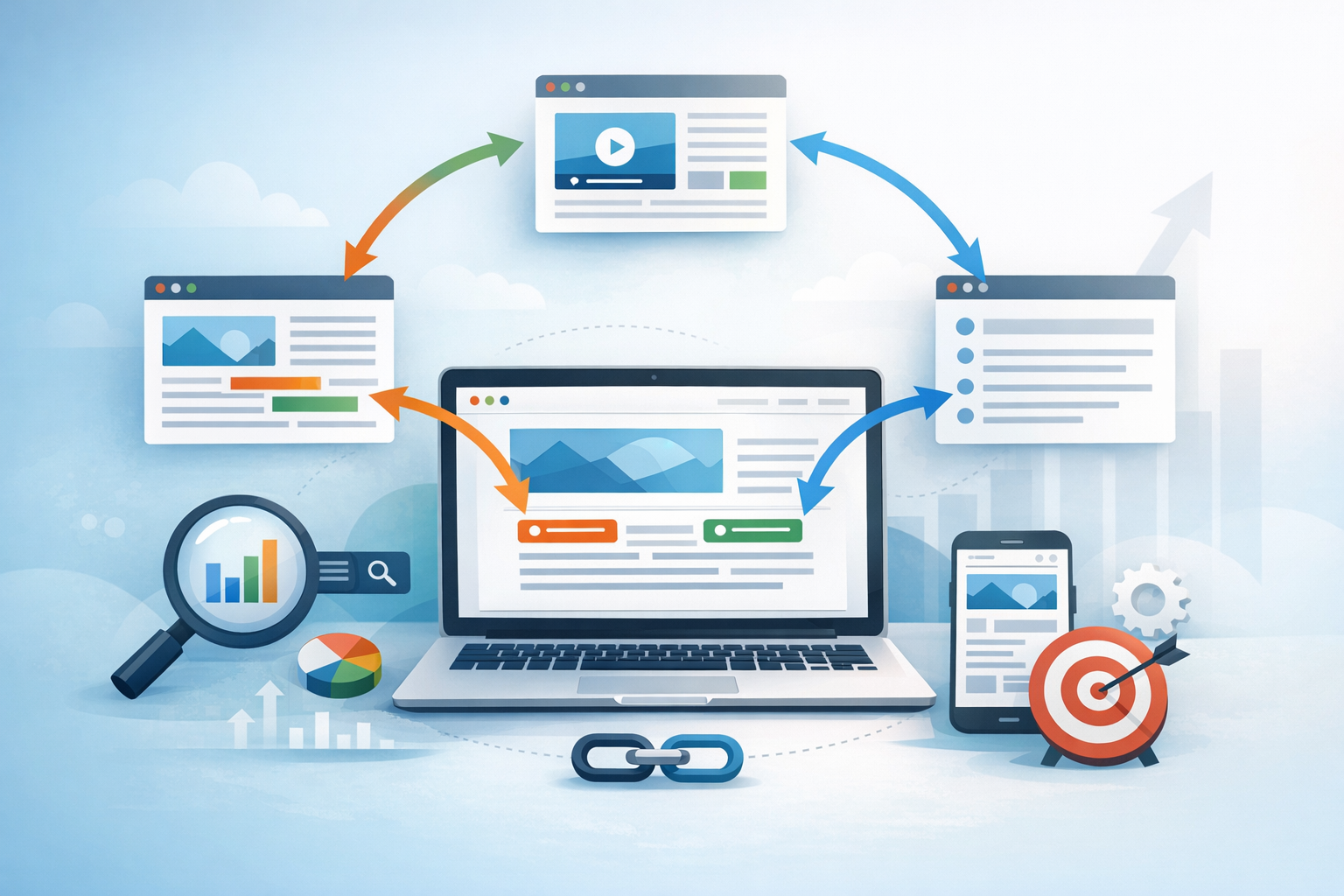
An internal linking strategy is the planned way you connect pages within your own website using hyperlinks. Unlike external links (which point to other sites), internal links guide users and search engines to related content, helping them understand your site’s structure, topic relationships, and page importance.
Done well, internal linking can improve discoverability (getting pages crawled and indexed), distribute authority to key pages, and create a smoother user journey that keeps visitors engaged longer.
Why Internal Links Matter (SEO + User Experience)
Help search engines crawl and index your content
Search engines discover pages by following links. If a page has no internal links pointing to it, it can become an “orphan page” that’s difficult for crawlers (and users) to find. A deliberate linking strategy ensures important pages are reachable within a few clicks and are consistently discovered as your site grows.
Distribute authority and improve rankings
Internal links pass value (often called link equity) through your site. When you link from strong, high-traffic pages to strategic pages (like product pages, service pages, or cornerstone guides), you signal their importance and help them compete in search results.
Improve user navigation and engagement
Internal links are not just for SEO—they’re a navigation tool. Relevant links help readers find next steps, explore supporting information, and move naturally through your content. This can reduce bounce rates, increase time on site, and boost conversions by guiding users to high-intent pages.
Clarify topical relevance (build topical authority)
When related pages consistently link to each other, you create clear topic clusters. This reinforces the semantic relationships between pages, which can help search engines interpret your site as an authority in a specific subject area.
Core Elements of a Strong Internal Linking Strategy
Site architecture and hierarchy
Start with a clean structure: homepage → category/hub pages → subtopics → supporting articles. A logical hierarchy makes it easier to decide where links should flow and helps users find what they need quickly.
Tip: Aim for a structure where key pages are accessible in about 3 clicks from the homepage whenever possible (this varies by site size, but the principle is “don’t bury important pages”).
Topic clusters and hub (pillar) pages
A proven approach is building hub-and-spoke content:
- Pillar (hub) page: a comprehensive guide covering a broad topic.
- Cluster (spoke) pages: in-depth posts targeting subtopics that link back to the pillar and to each other when relevant.
This creates a clear internal linking network that strengthens topical authority and guides readers through a learning path.
Anchor text that’s descriptive (and natural)
Anchor text is the clickable text in a link. Good anchor text:
- Describes what the user will find after the click
- Fits naturally in the sentence
- Avoids being overly repetitive across the site
Instead of “click here,” use something like “internal linking best practices” or “how to build topic clusters.” Keep it user-focused first; SEO benefits follow.
Link placement (context matters)
Where you place links influences how often they’re clicked and how they’re interpreted. Common placements include:
- In-content links: the most valuable because they’re contextual and relevant.
- Navigation menus: great for core pages, categories, and high-priority conversion pages.
- Footer links: useful but should remain tidy—avoid stuffing dozens of links.
- Sidebar/widgets: helpful for related content or popular posts (but keep them curated).
Balancing link quantity and quality
More links aren’t always better. A page with too many links can dilute attention and reduce usefulness. Aim for:
- Links that genuinely help a reader take the next step
- A reasonable number per page (there’s no universal “perfect” count; relevance is the key)
- A mix of links to supporting content and links to your most important pages
How to Build an Internal Linking Strategy (Step-by-Step)
1) Audit your existing internal links
Before adding anything new, understand what you already have. Identify:
- Orphan pages (pages with no internal links pointing to them)
- Overlinked pages (tons of links, little structure)
- Underlinked important pages (service/product pages or key guides that need more support)
- Broken links (bad for user experience and crawl efficiency)
In WordPress, you can combine manual review with SEO plugins and crawling tools to get a clear map of internal linking patterns.
2) Identify your “money pages” and cornerstone content
Decide which pages matter most. Common examples include:
- Primary service pages
- Key product categories
- High-converting landing pages
- Cornerstone blog posts (the best, most comprehensive resources)
These pages should receive consistent internal links from relevant articles—especially from pages that already get traffic.
3) Create topic clusters around priority keywords
Choose a pillar topic (broad, high-value) and map related subtopics. For example:
- Pillar: Internal Linking Strategy
- Clusters: anchor text best practices, content hubs, crawl budget basics, fixing orphan pages, WordPress internal linking tools
Then link cluster posts to the pillar and add cross-links between clusters where it helps users.
4) Add contextual links during content updates (not only new posts)
If you only add internal links when publishing new content, your older posts won’t benefit. Make internal linking part of your update workflow:
- Every time you update an older article, add a few relevant links to newer resources
- When publishing a new post, link back to existing relevant articles and cornerstone pages
This creates a two-way linking system that keeps your content ecosystem connected.
5) Use consistent linking patterns (without being repetitive)
Consistency helps search engines understand your site’s main themes. However, avoid using the exact same anchor text every time you link to a page. Mix it up naturally (e.g., “internal linking strategy,” “internal link plan,” “how to interlink your blog posts”) while keeping it descriptive.
6) Improve click depth and fix orphan pages
Important pages should not be buried. If a valuable page is more than a few clicks away, consider:
- Linking to it from relevant high-level pages (category pages, pillar pages)
- Adding it to a curated “related resources” section
- Including it in navigation if it’s truly core to your business
For orphan pages, add internal links from the most relevant existing pages and ensure they’re also included in your sitemap.
Internal Linking Best Practices (That Actually Move the Needle)
Link to relevant pages—every time
Relevance is the foundation. If a link doesn’t help the reader or isn’t topically aligned, it won’t perform well. Google and users both respond best to links that make sense in context.
Prioritize links from high-authority, high-traffic pages
Some pages naturally accumulate more visibility and value (often your top blog posts or major guides). Use these as “power pages” that link out to strategic pages you want to grow. This can be one of the fastest ways to lift underperforming but important content.
Use breadcrumb navigation where appropriate
Breadcrumbs (e.g., Home → Blog → SEO → Internal Linking Strategy) add internal links automatically and improve navigation—especially for large sites or eCommerce. They also provide helpful context to search engines about your hierarchy.
Keep links accessible and user-friendly
- Make sure links are easy to identify (styling and contrast)
- Avoid placing too many links back-to-back
- Open internal links in the same tab in most cases (better for flow and expected behavior)
Maintain your links as your site grows
Internal linking isn’t “set it and forget it.” Pages get updated, URLs change, and content becomes outdated. Schedule periodic maintenance to:
- Fix broken internal links
- Update older posts with links to newer, better resources
- Consolidate overlapping content and redirect when needed
Common Internal Linking Mistakes to Avoid
Over-optimizing anchor text
Stuffing exact-match keywords into every anchor can look unnatural and can hurt usability. Keep anchors varied, descriptive, and written for humans.
Linking everything to the homepage
Your homepage already has plenty of internal links pointing to it. Overlinking to the homepage wastes opportunities to strengthen deeper pages that need more visibility.
Using generic “click here” links
Generic anchors miss the chance to set expectations for readers and provide contextual signals to search engines. Write anchors that reflect the destination page.
Ignoring orphan pages and outdated URLs
Orphan pages can’t perform if nobody can find them. Outdated URLs create broken paths. Regular audits help you catch these issues before they affect rankings and user experience.
Too many links on one page
A long resource guide can naturally include many links, but excessive linking can overwhelm readers. Keep your linking intentional: only include links that truly support the topic and the next logical step.
How to Measure the Success of Your Internal Linking Strategy
Track rankings and traffic to priority pages
Monitor whether your cornerstone and money pages improve in search visibility after you add supporting internal links. Look for growth trends over several weeks, especially for competitive queries.
Use engagement metrics to validate relevance
If your internal links are helpful, you should see improvements in metrics like:
- Pages per session
- Time on site
- Scroll depth (if tracked)
- Conversions from content to lead/product pages
Monitor crawl and indexation signals
In tools like Google Search Console, watch for:
- Index coverage improvements
- Fewer “discovered but not indexed” patterns (not always link-related, but internal links can help)
- Better internal link distribution to key pages
Conclusion
A smart internal linking strategy connects your content into a system: it helps search engines understand what matters, helps users find what they need, and supports the pages you want to rank and convert. Start with an audit, build topic clusters around your priorities, and make internal linking part of your ongoing content process. With consistent improvements, internal links become one of the most reliable, controllable levers you have for sustainable SEO growth.
