
Turn Search Traffic Into Real Customers.
Thinkit Media helps businesses get found, generate more leads, and grow with high-converting websites, Local SEO, AI search optimization, and smarter marketing automation.
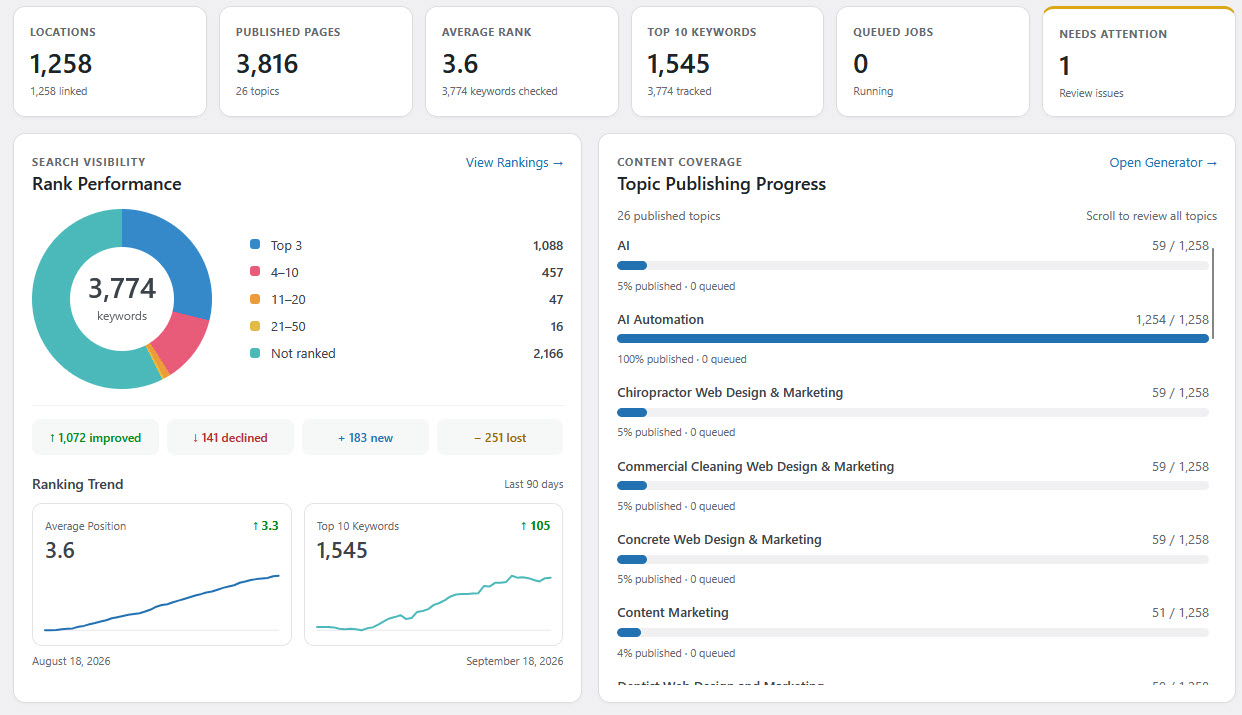
Your Customers Are Searching Everywhere. We Help Them Find You.
Search has changed. Your customers are no longer finding businesses through Google alone. They're using Google Maps, AI-powered search, AI assistants, social platforms, and traditional search results to decide who they trust.
Thinkit Media brings web design, Local SEO, content, AI optimization, paid marketing, and automation together into one cohesive growth strategy.
Why businesses choose Thinkit Media →Marketing Focused on What Actually Moves Your Business Forward.
Instead of disconnected marketing services, we build systems designed to increase visibility, convert more visitors, and create measurable growth.
Get Found
Build visibility where your customers are actively searching, from Google organic results and Maps to emerging AI search platforms.
- Local SEO
- Organic SEO
- AI Search Optimization
- Google Business Profile
Convert More Visitors
Turn traffic into calls, inquiries, appointments, and sales with websites designed around your customers and your business goals.
- Custom Web Design
- WordPress Development
- Landing Pages
- Conversion Optimization
Scale Smarter
Use AI, automation, paid media, and smarter workflows to reduce repetitive work and create more opportunities from your marketing.
- AI Automation
- Paid Search
- Content Marketing
- CRM & Lead Automation
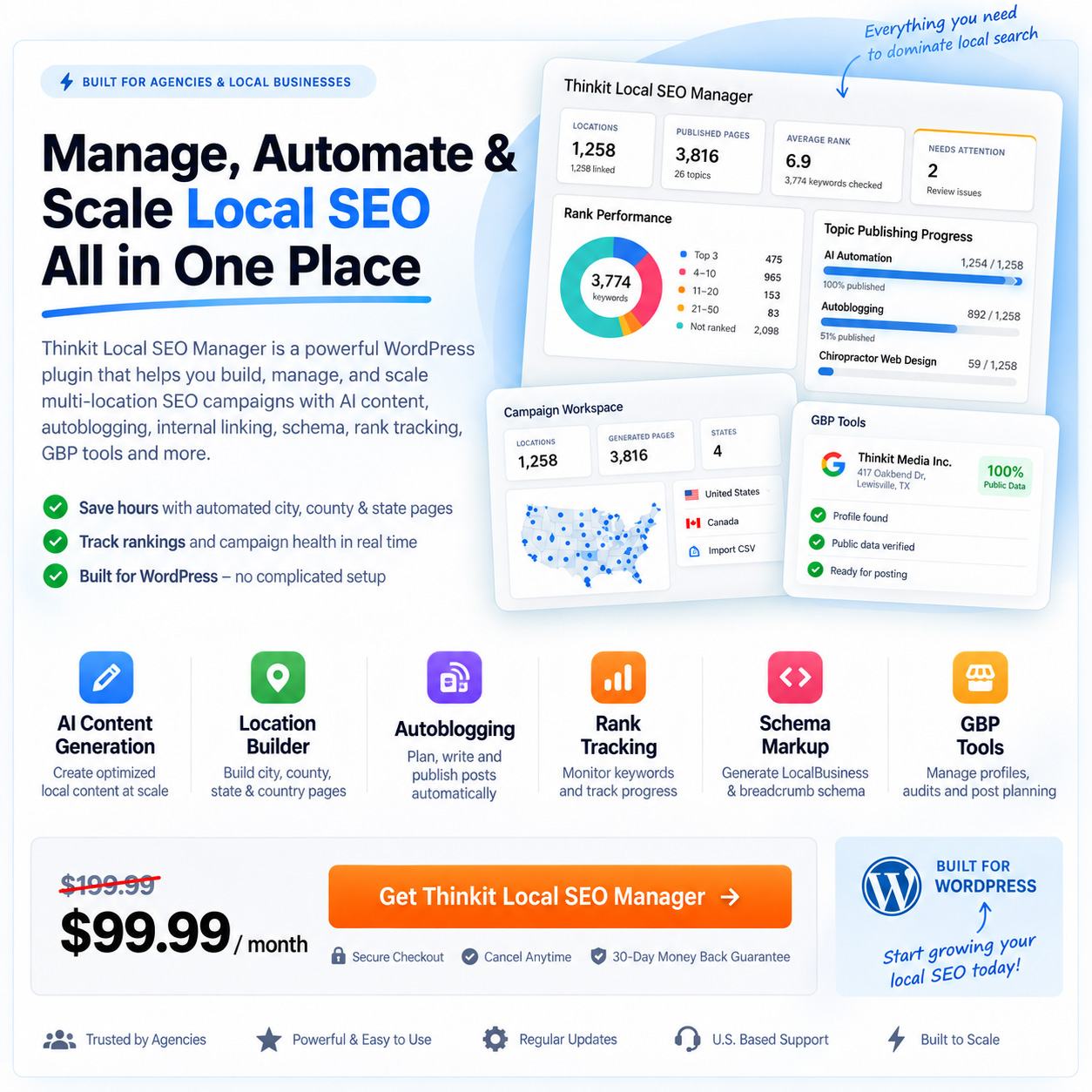
Most Agencies Use SEO Software. We Built Our Own.
Thinkit Local SEO Manager gives businesses a powerful system for managing Local SEO campaigns, location pages, rankings, internal linking, content, schema, and AI-driven optimization from one platform.
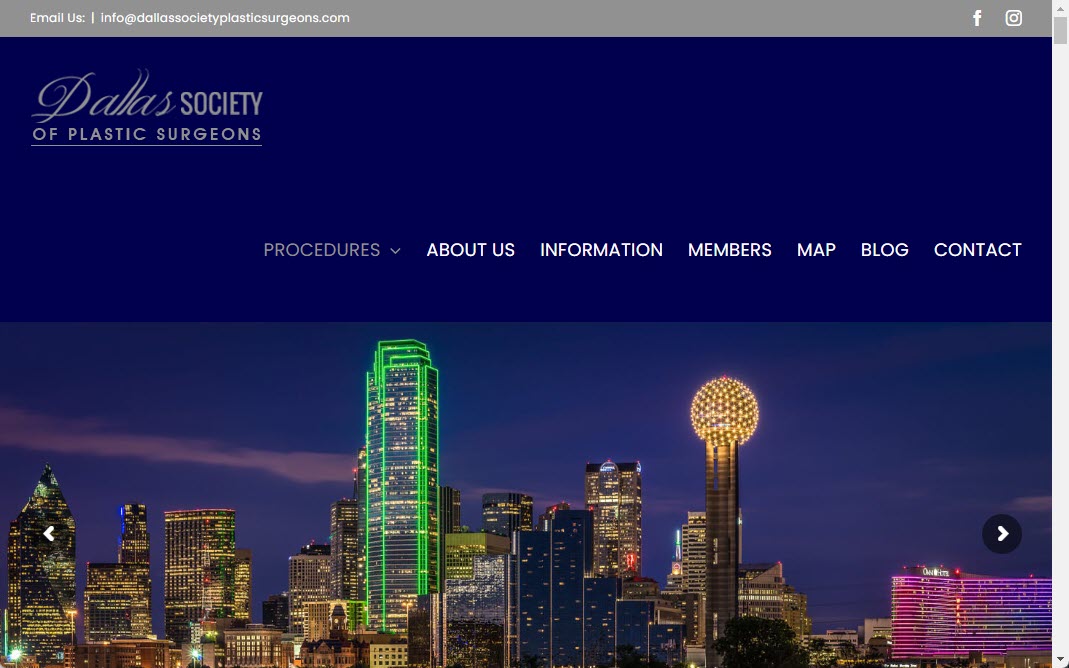
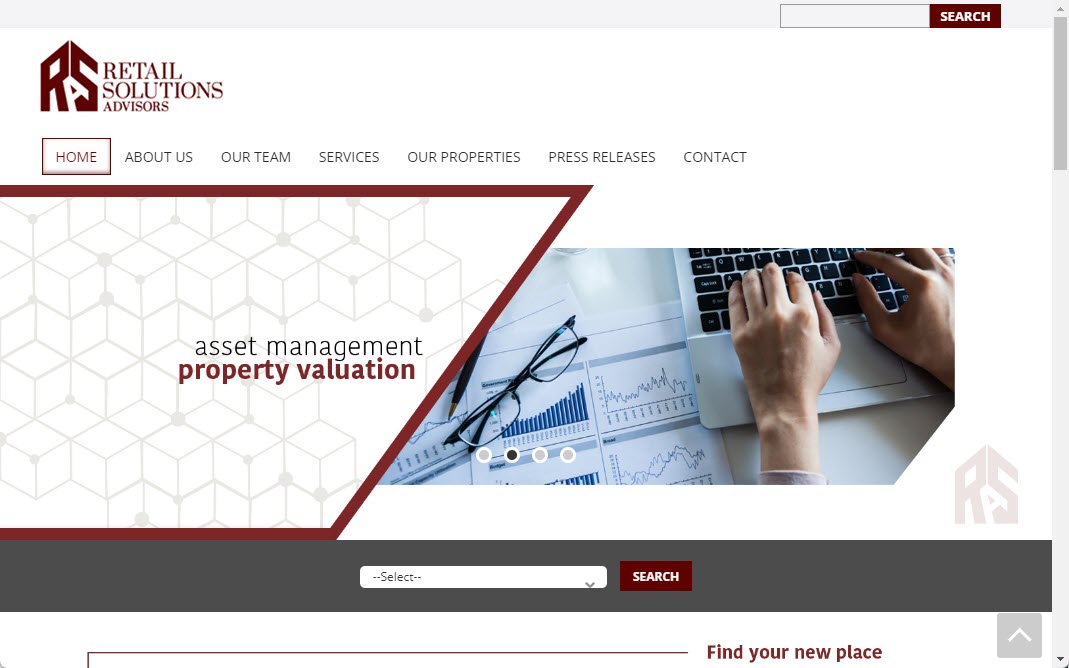
Businesses We've Helped Build, Market & Grow.
For nearly two decades, Thinkit Media has worked with businesses across a wide range of industries, markets, and stages of growth.





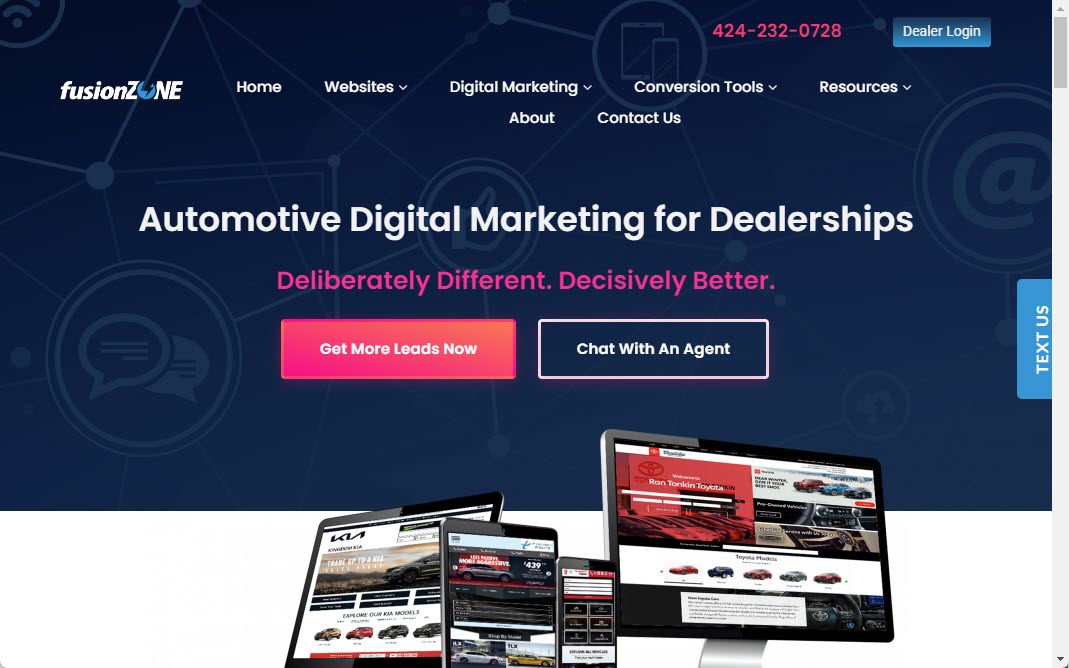

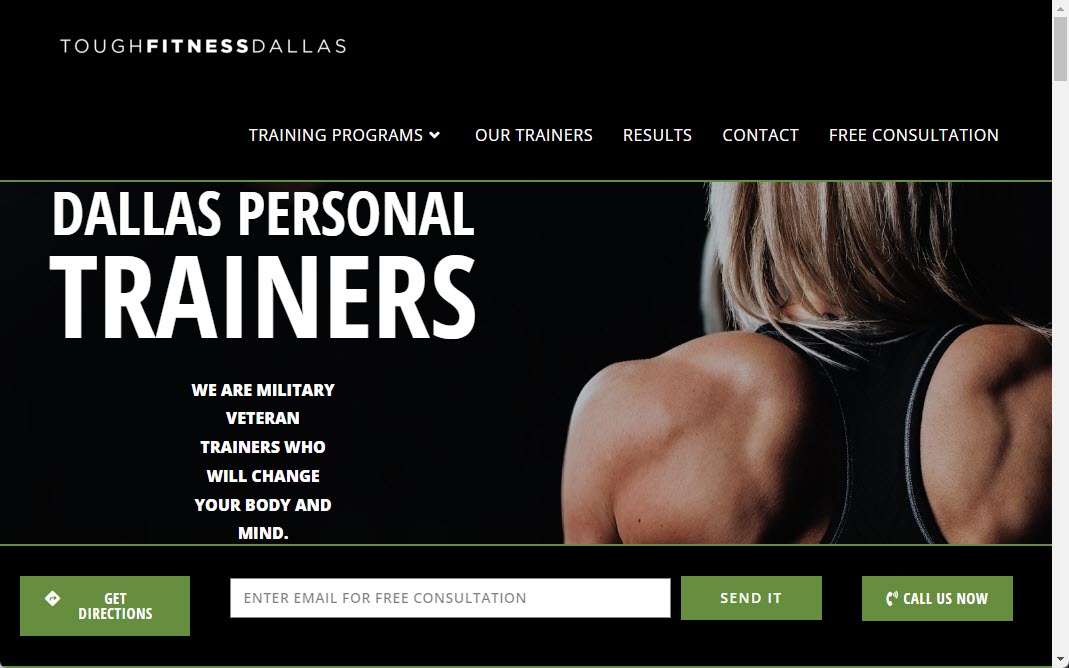
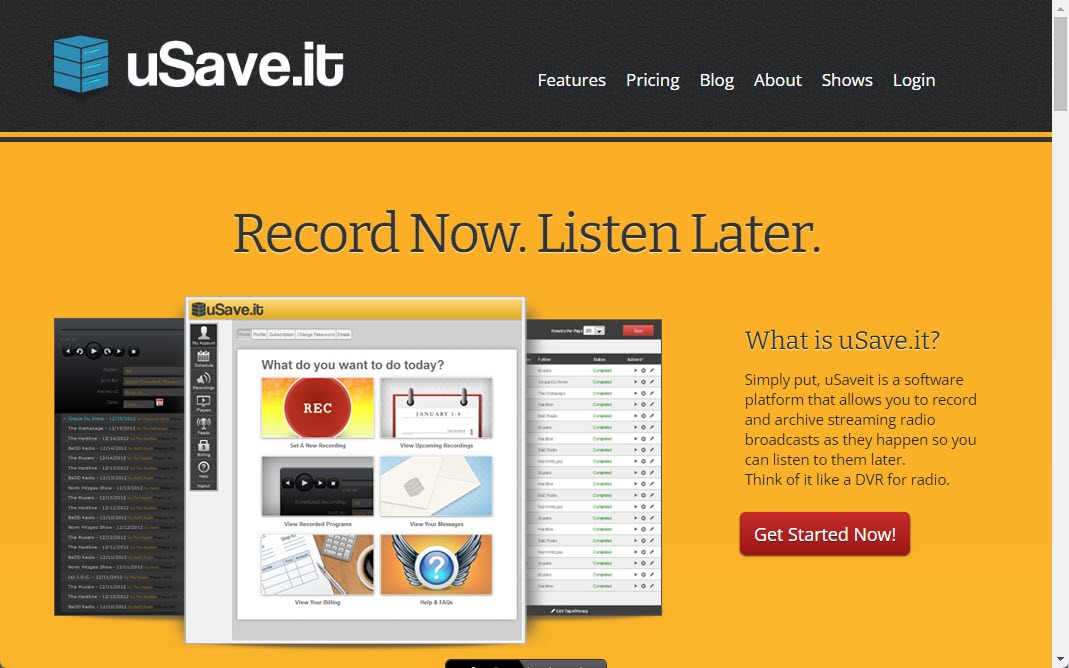
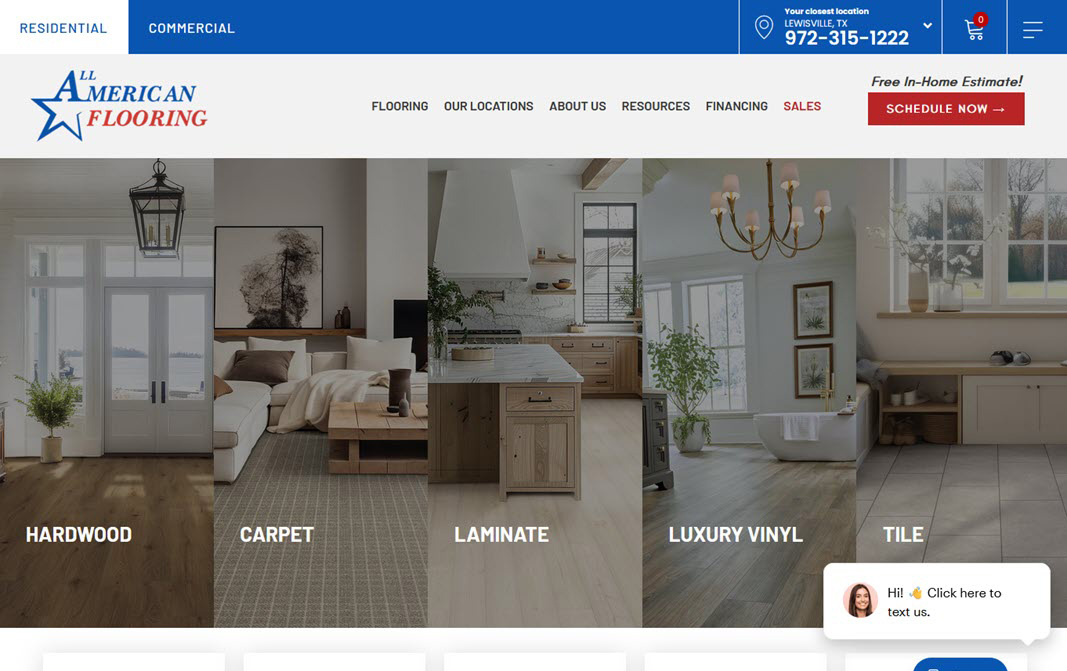
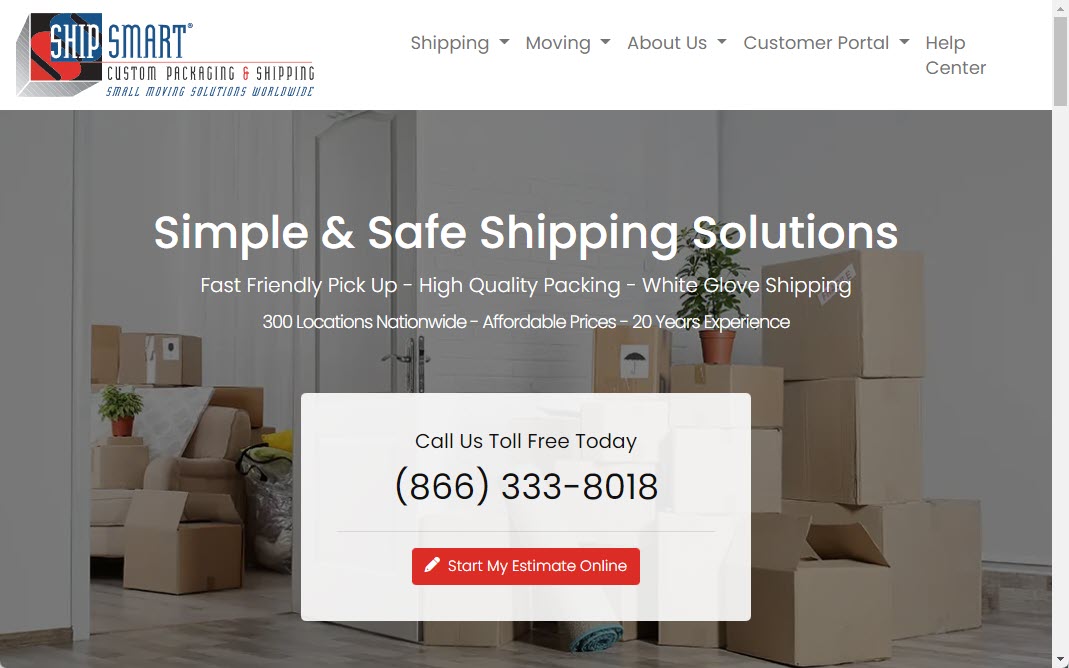
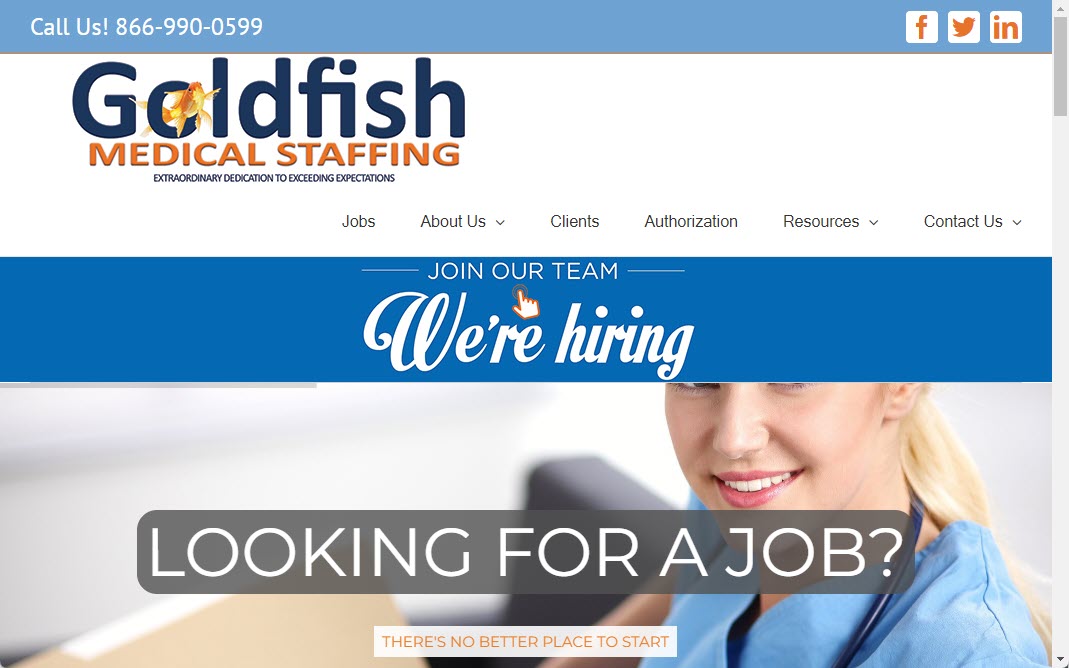
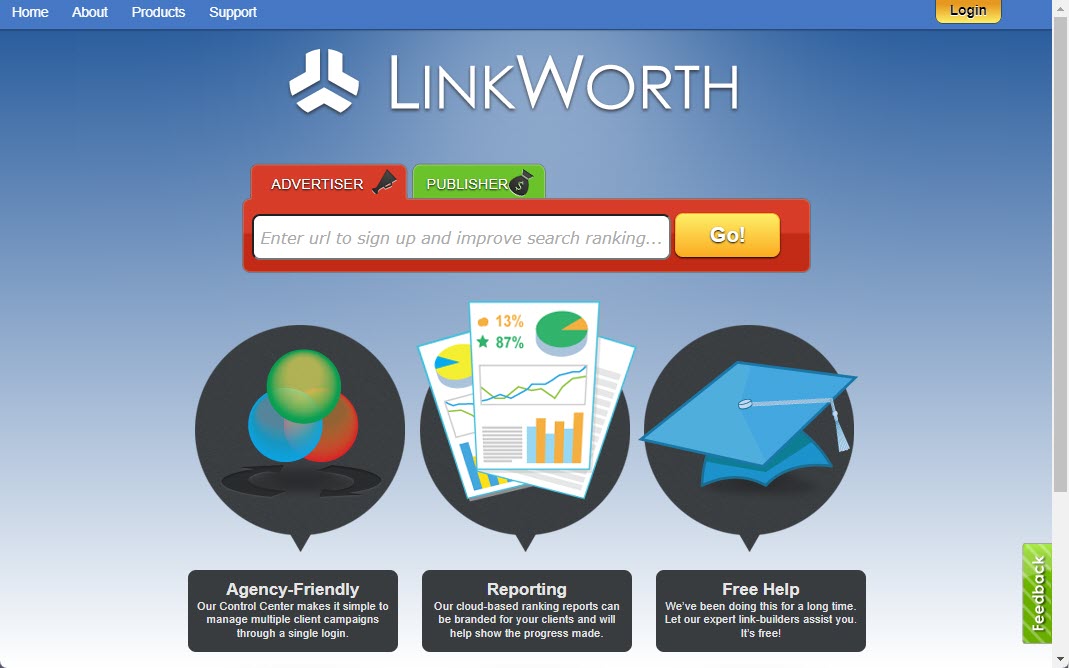












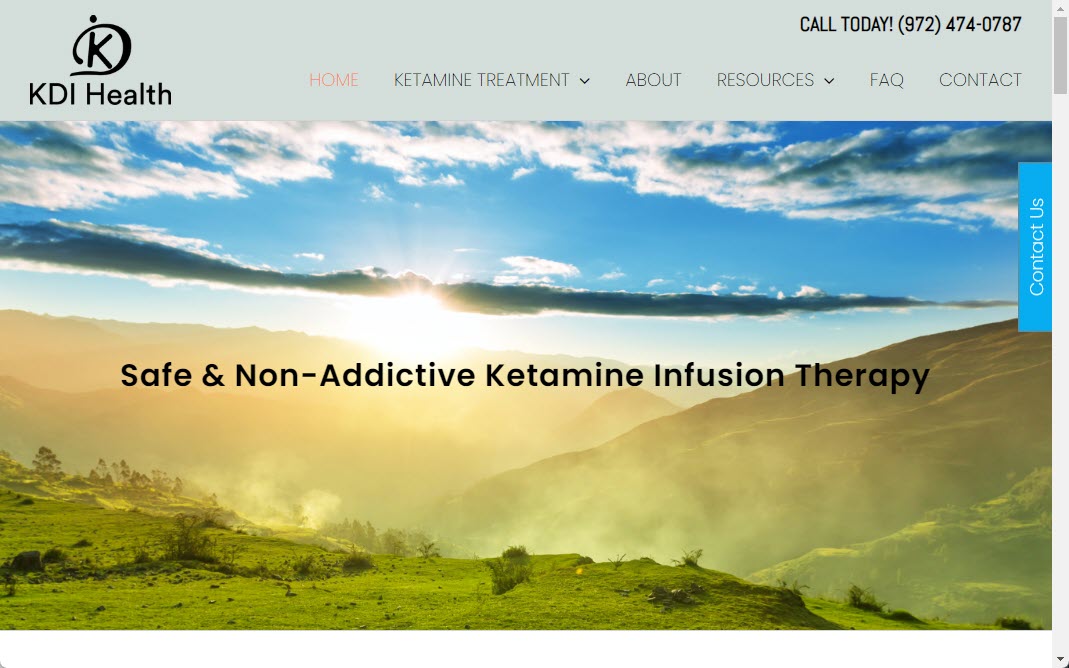

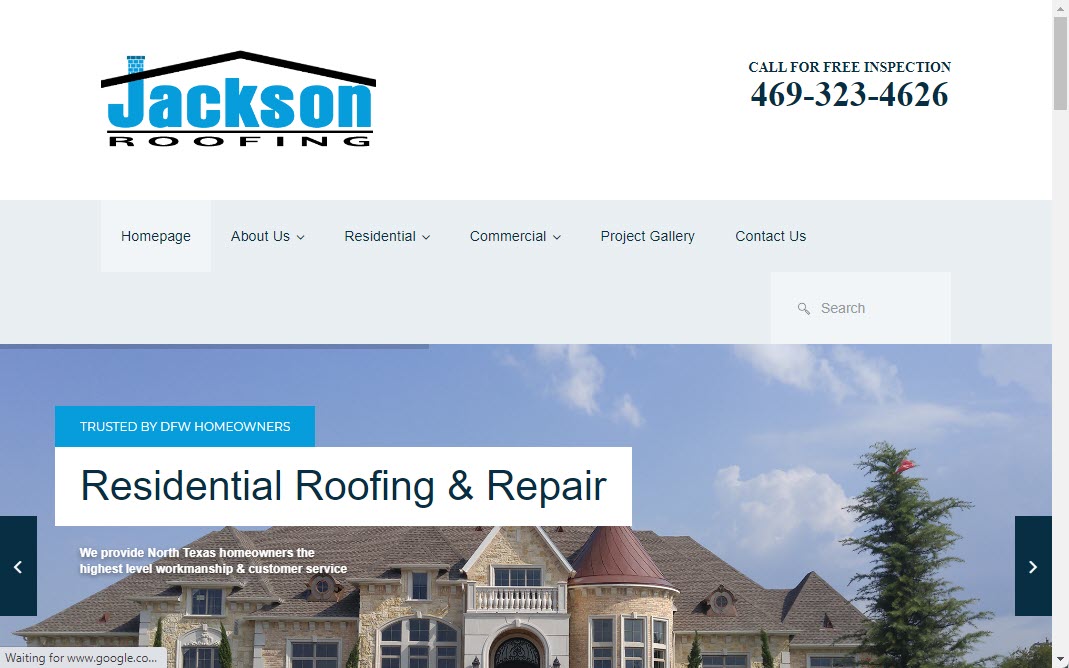
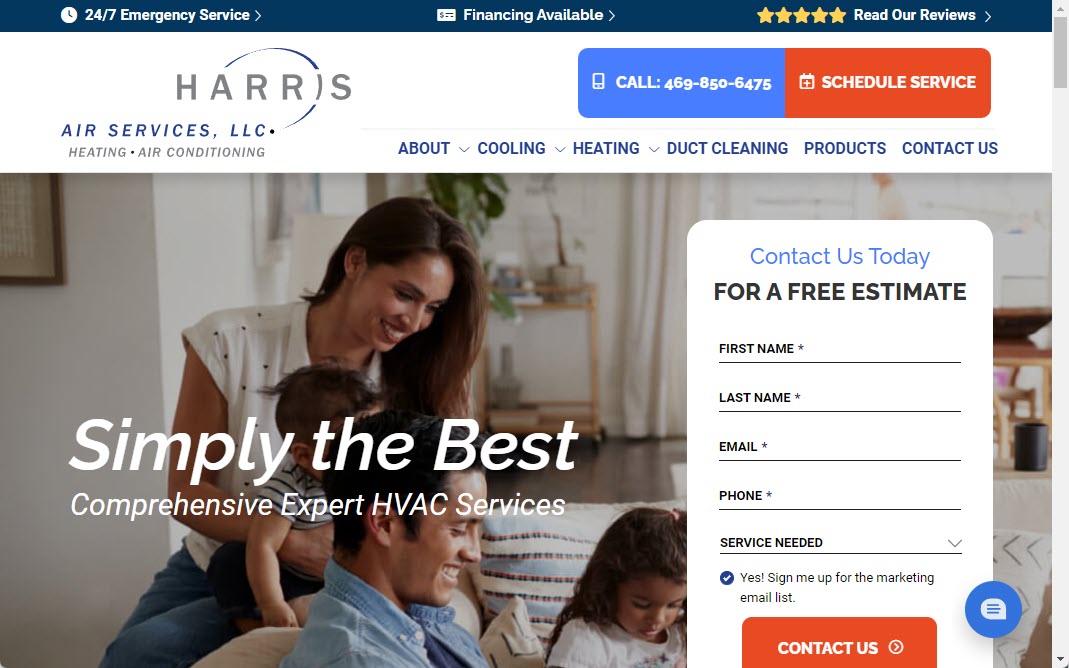
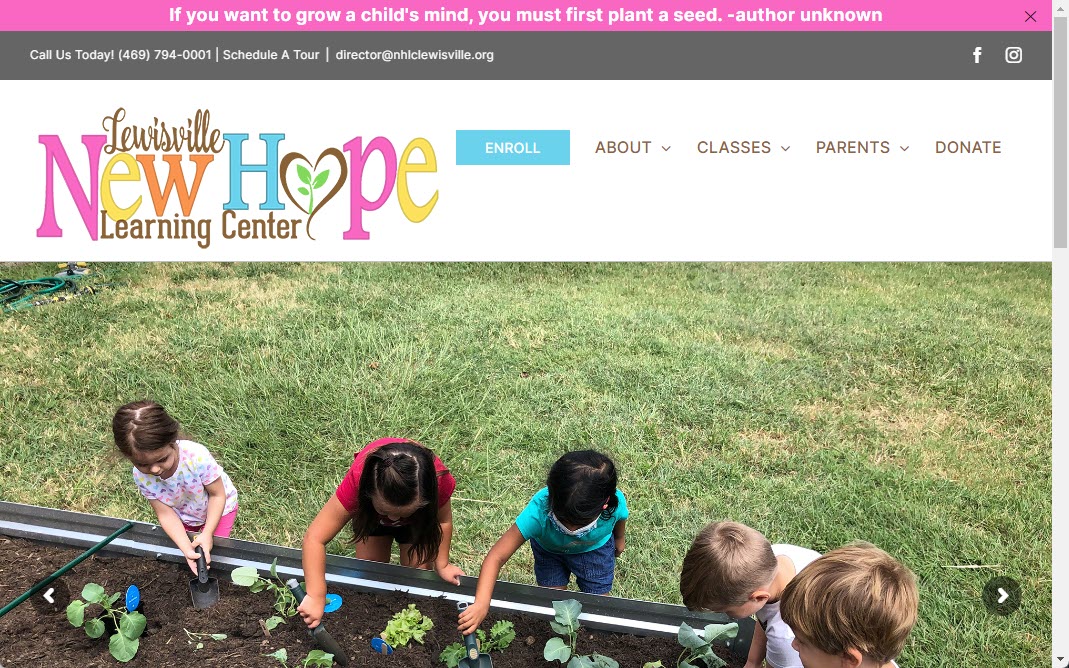
New Hope Learning Center Lewisville


Marketing Changes. We've Been Evolving With It for Nearly 20 Years.
Tactics change. Platforms change. Algorithms change. The objective doesn't: helping your business attract the right customers and turn attention into revenue.
Meet Thinkit MediaExperience Without Complacency
Nearly 20 years of marketing experience backed by a constant focus on new search technologies, AI, and automation.
Strategy + Execution
We don't hand you a strategy deck and disappear. Our team designs, develops, optimizes, and implements.
Technology We Control
Our proprietary tools give us additional control over Local SEO, content, reporting, automation, and campaign management.
Built Around Your Business
No one-size-fits-all marketing package. We focus on your market, competitors, opportunities, and growth objectives.
From Where You Are to Where You Want to Go.
Clear strategy. Focused execution. Continuous improvement.
We Analyze
We evaluate your website, search visibility, competitors, market, and current marketing opportunities.
We Build
We create a focused strategy using the services and technology that make sense for your business.
We Grow
We launch, measure, improve, and continuously identify new opportunities to generate growth.
Find Out What's Holding Your Marketing Back.
Let us review your website, Google visibility, Local SEO, AI search presence, and competitive landscape and identify opportunities you're currently missing.
Digital Marketing FAQs
Straight answers to common questions about websites, SEO, Local SEO, and modern digital marketing.
How do I get started with Thinkit Media?
How to get started
We make onboarding simple and collaborative. Here’s what to expect so you know exactly how the first few weeks will unfold:
- Schedule a free consultation: tell us about your goals, target customers, and current site performance.
- Discovery & audit: we analyze your website, analytics, and competitors and share a concise audit with recommended priorities.
- Strategy & proposal: we present a tailored plan with deliverables, timeline, and clear outcomes to approve.
- Kickoff & access: after approval we collect credentials, brand assets, and set communication and reporting cadences.
- Implementation & review: we begin work, provide regular updates, and deliver monthly reports so you can see progress.
Expect a single point of contact, transparent milestones, and a practical 30/60/90 day roadmap. Ready to begin? Reach out to schedule your consultation.
What makes Thinkit Media different from other SEO companies?
Thinkit Media combines technical expertise, content strategy, and a client-first approach so SEO becomes a predictable growth channel—not a black box.
Key differences
- Business-first strategies: We align SEO plans to your sales goals and customer journey instead of chasing rankings for their own sake.
- WordPress engineering: Deep WordPress and development experience lets us fix technical problems and roll out optimizations safely and quickly.
- Senior-led teams: Experienced strategists oversee every campaign so tactics are cohesive and prioritized for impact.
- Transparent measurement: We focus on outcomes—traffic quality, conversions and revenue—and make results easy to understand.
- Collaborative process: We work as an extension of your team with clear milestones, regular updates, and actionable recommendations.
In short: practical, measurable SEO executed by senior experts who treat your business goals as their own.
Do I have to sign a long-term contract?
Short answer
No — you don’t always have to sign a long-term contract. We offer flexible engagement options so you can choose what fits your business and comfort level.
Typical options
- Month-to-month: Ongoing services billed monthly with a short cancellation window—good if you want flexibility.
- Short-term project: Fixed deliverables (site fixes, migrations, audits) completed without a recurring commitment.
- Retainer with notice period: For steady, prioritized work we may request a minimum term or 30-day notice to close the account.
If you’re unsure, ask for a trial project or a 30-day pilot. We’ll explain any minimums upfront, show the expected deliverables, and make cancellation terms clear so there are no surprises.
Do you partner with marketing agencies that need outsourced SEO help?
Yes — we regularly partner with marketing agencies. We act as a white‑label or co‑managed SEO team to extend your agency’s capabilities without adding full‑time staff.
How we typically work with agencies
- Flexible engagement: project-based, retainer, or hourly support to fit your workflow.
- White‑label reporting: branded deliverables and dashboards you can present to clients.
- Dedicated contact: an account manager ensures clear communication and consistent SLAs.
- Range of services: technical audits, on‑page optimization, content creation, link building, and tracking integration.
Next step: we start with a short discovery call and a quick audit to identify gaps and propose a scope you can resell or integrate into client plans.
If you’d like, we can share case studies and a sample white‑label report on request.
Do you work with small businesses?
Yes — we work with small businesses
Short answer: absolutely. We design SEO and WordPress services specifically for small businesses that need measurable results without a large agency price tag. Our approach is collaborative and practical — we prioritize the highest-impact changes first so you see value quickly.
- Flexible engagement: project-based, monthly retainers, or hourly support to match your budget and timeline.
- Services that fit small teams: local SEO, content optimization, site speed, security hardening, WordPress maintenance, and WooCommerce support.
- Clear communication: a single point of contact, straightforward reporting, and simple next-step recommendations.
- Risk-free start: we offer audits or small pilot projects so you can evaluate results before committing long term.
If you’d like, we can review your site and recommend a practical plan during a short discovery call.
Will I be able to see the work being done on my campaign?
Yes — we give you clear, ongoing visibility
We understand wanting to watch progress rather than waiting for a single report. You’ll get a live view of tasks and results so you can follow what’s happening and why.
- Live project dashboard: access to the task board showing active, completed, and upcoming work.
- Change log and deliverables: records of content edits, code changes, and optimization tasks with timestamps and notes.
- Read-only analytics access: view traffic, conversions, and goal tracking without changing settings.
- Staging links and previews: review content and technical fixes before they go live.
- Regular check-ins: scheduled calls and short written updates to explain results and next steps.
If you prefer a specific tool or access level, tell us and we’ll set permissions to match your comfort and security needs.
How do you measure leads from SEO?
How we measure leads from SEO
Measuring SEO-driven leads means tracking both quantity and quality. Start by agreeing what counts as a lead (contact form, phone call, chat, quote request) so everyone uses the same definition.
- Set up tracking: Use Google Analytics (or equivalent) to record conversions and add UTM tags to campaigns so organic landing pages are identifiable.
- Capture source data: Add hidden fields on forms for landing page/keyword and use call-tracking numbers or call-event tracking to link phone leads to organic visits.
- Integrate with your CRM: Push form and call data into the CRM to track lead status (MQL/SQL) and closed revenue back to SEO.
- Analyze attribution: Review assisted conversions and multi-touch paths to understand SEO’s role, not just last-click.
Track volume, conversion rate, lead quality (close rate, deal value), and report monthly so SEO actions map to real business outcomes.
Do you track ranking changes over time?
Yes — we track ranking changes over time
We continuously monitor keyword positions so you can see trends, not just occasional snapshots. By default we check rankings daily or weekly (you pick the cadence) and store historic data to show improvements, plateaus, or declines.
- Trend charts: visual history for each keyword and landing page.
- Location & device segments: desktop vs mobile and city- or region-level tracking.
- SERP features: visibility in featured snippets, maps, and other results.
- Alerts: immediate notifications for sudden drops or big gains.
- Reporting & export: dashboard access, monthly summaries, and CSV exports for your records.
We always pair data with human analysis — explaining why ranks moved and recommending prioritized actions to recover or capitalize on changes.
Can I see which keywords my website is ranking for?
Where to look
Yes. The quickest way is Google Search Console — its Performance report shows the search queries that generated impressions and clicks for your site, plus average position, CTR, and device/country filters. For broader or historical tracking, use third‑party rank trackers (Ahrefs, SEMrush, Moz, AccuRanker) that monitor daily positions and SERP features.
How to get started
- Verify your site in Google Search Console.
- Open Performance → Queries, choose a date range and filters, then export the data.
- Add a rank‑tracking project if you need daily updates, local results, or competitor comparisons.
Things to keep in mind
Search Console shows only queries that actually produced impressions. Third‑party tools estimate positions and can fill gaps, so using both gives the most complete view.
Do you provide monthly SEO reports?
Yes — clear monthly reports from your SEO manager
Yes. Each month we deliver an easy-to-read report that summarizes progress, explains results in plain language, and lists prioritized next steps. Reports are designed so non-technical stakeholders can understand performance and decisions.
- What’s included: organic traffic and engagement trends, keyword ranking changes, leads/conversions (forms, calls, e‑commerce sales if tracked), and technical or content work completed.
- Actionable insights: recommended priorities, quick wins, and estimated impact.
- Format & delivery: PDF summary plus CSV or dashboard access on request; optional 30-minute review call with your SEO manager.
- Customization: we tailor metrics to your goals (lead volume, revenue, local visibility, etc.).
If there’s a specific metric or stakeholder view you need, tell us and we’ll include it in future reports.
Can you fix technical SEO problems on my website?
Yes — I can diagnose and fix technical SEO problems. I begin with a focused technical audit to find issues that block search engines or harm user experience, then prioritize and implement fixes with measurable checks.
Typical audit checks
- Analyze crawlability and indexability (robots.txt, XML sitemap, noindex issues)
- Fix server errors, broken links and redirect chains
- Resolve duplicate content and canonical tag problems
- Improve site speed (images, caching, code delivery)
- Correct structured data and mobile-responsiveness issues
- Address HTTPS, hreflang, and crawl-budget concerns
What I deliver: a prioritized action plan, implemented fixes (or clear change instructions), and before/after testing. Timeline depends on site size and complexity, but small sites often see initial fixes and reporting within 1–4 weeks. I’ll explain each change in plain language and the expected SEO impact.
Do you add schema markup to websites?
Yes — we add schema markup to websites. We audit your pages, choose the most relevant schema types, and implement structured data so search engines understand your content better and your pages become eligible for rich results.
What we typically add
- LocalBusiness, Organization, and Contact data for local sites
- Product, Review, and Offer for e‑commerce
- Article, FAQ, Breadcrumb, and Event for content sites
How we implement and maintain it
- We add JSON‑LD markup in a way compatible with WordPress (theme, child theme, or trusted plugin).
- We validate with Google’s Rich Results Test and monitor Search Console for errors or warnings.
- We update schema when you change page content or add new features so structured data stays accurate.
If you want, we can start with a quick audit of the pages you care about and recommend which schema types will give the most SEO benefit.
Do you build internal links between website pages?
Yes — we build internal links with strategy and care
Short answer: Yes. We add internal links as part of content work and technical SEO to improve navigation, crawlability, and conversions.
Our approach is collaborative and measurable:
- Audit: Identify orphan pages, strong pages to funnel authority from, and UX gaps.
- Strategy: Create a logical internal linking plan (pillar pages, topic clusters, breadcrumb and related-content links).
- Implementation: Add contextual anchor text, site-wide template links, and CMS updates while avoiding over-optimization.
- Tracking: Monitor click paths and organic performance, and iterate based on analytics.
If you’d like, we can run a free internal-link health check and propose the highest-impact page-to-page links to implement first.
Can you create service-area content at scale?
Yes — we can create service-area content at scale while keeping each page useful and unique. We combine local keyword research, repeatable templates, and human review so pages don’t become thin or duplicate.
How we scale without losing quality
- Cluster services + geography to create focused briefs and headline formulas.
- Embed local specifics (neighborhoods, common problems, case examples) so each page reads original.
- Apply schema, canonical tags, and strategic internal linking to avoid cannibalization.
- Use editorial QA, plagiarism checks, and a final human edit for voice and accuracy.
- Roll out in batches, monitor rankings and conversions, then iterate based on performance.
If you want reassurance before a full rollout, we can start with a small pilot (5–10 pages) to measure traffic and lead impact.
Do you optimize existing website content?
How we optimize your existing website content
Yes. We start with a content audit to identify pages with the most traffic potential, outdated information, thin content, or technical issues that hurt discoverability. From there we create a prioritized plan tailored to your goals and audience.
- Audit & keyword mapping: match intent and search terms to each page.
- On-page optimization: improve titles, headings, meta descriptions, internal links, and structured data.
- Editorial updates: rewrite for clarity, relevance, and conversions while keeping your brand voice.
- Technical fixes: optimize images, canonical tags, and page speed where needed.
- Measure & iterate: we track rankings, traffic, and engagement and refine based on results.
We collaborate on approvals and style, provide clear deliverables, and focus on sustainable gains rather than quick fixes.
Can blogging help my local SEO?
How blogging helps local SEO
Yes — a well-targeted blog is one of the most practical ways to boost local visibility. Regular posts give search engines and users more locally relevant pages to index, improve topical authority, and create opportunities to rank for neighborhood- or service-specific queries.
- Target local queries: write posts about neighborhoods, nearby landmarks, local events, and common local questions.
- Support Google Business Profile: link blog posts to GBP posts and events to reinforce relevance.
- Internal linking: link blog posts to service and location pages to spread authority.
- Earn local links: timely community content attracts links from local blogs, news sites, and partners.
- Freshness & relevance: frequent, useful posts keep your site updated and improve click-throughs from local search results.
If you want, we can suggest topic ideas and keyword phrasing that match your city and services to get started.
How often should my business publish blog posts?
Short answer
Publish as often as you can maintain high quality and consistency. Frequency depends on resources, goals, and audience expectations — not an arbitrary number.
Here’s a practical approach:
- Start conservative: 1 well-researched post per week or 2–4 per month is a realistic baseline for most small businesses.
- Prioritize quality: Better one useful post than several thin pieces. Evergreen, problem-solving content performs best long-term.
- Be consistent: Pick a cadence you can sustain and stick to it — consistency helps readers and search engines.
- Measure and adjust: Track traffic, leads, and engagement for 3–6 months and increase frequency only if you can maintain quality and see results.
Tip: Use a content calendar and repurpose posts into social, email, or video to multiply impact without burning out your team.
Do you offer blogging services?
Yes — end-to-end blogging services
We offer full blogging support tailored to your WordPress site, from planning to publishing and measurement. Whether you need a one-off article or an ongoing program, we handle topic research, original writing, editing, image selection, and WordPress posting.
- Strategy & planning: content calendar, audience focus, and pillar topics.
- Writing & editing: well-researched posts, clear headlines, and conversion-focused calls to action.
- Publishing & optimization: formatting, categories/tags, alt text, meta descriptions, and internal linking.
- Promotion & reporting: social snippets, email-ready copy, and simple performance reports.
We work as an extension of your team—you can review drafts or authorize us to publish directly. Share your goals and cadence preferences, and we’ll recommend a tailored plan and timeline.
Do you create SEO content?
Short answer: Yes — we create SEO content tailored to your site
We write original, user-focused content designed to improve search visibility and conversions on WordPress sites. Typical projects include blog posts, service pages, product descriptions, location pages, and landing pages written to match your brand voice and target audience.
What we deliver:
- SEO-informed outlines that target user intent and primary/secondary keywords.
- Optimized headings, meta titles and descriptions, and image alt text.
- Readable, scannable copy with clear CTAs and internal linking recommendations.
- WordPress-ready formatting (HTML or editor-ready), content briefs, and recommended schema where appropriate.
- Collaborative revisions so the final draft matches your voice and goals.
If you’d like, we can pair content creation with on-page optimization or performance checks to maximize results.
Do you provide keyword research?
Yes — we provide keyword research as a standalone service or bundled with SEO and website projects. We start by understanding your business, target customers, and geographic focus so recommendations are practical and aligned with your goals.
What we deliver
- Prioritized keyword list with search volumes, difficulty estimates, and search intent (informational, commercial, local).
- Competitor gap analysis to reveal opportunities your competitors are missing.
- Long‑tail and local keyword suggestions tailored for WordPress pages and service areas.
- Content briefs and page-level recommendations for titles, meta descriptions, and header structure.
- A spreadsheet and an action plan you can hand to writers or implement directly.
Typical turnaround is 1–2 weeks depending on scope. We can also provide ongoing tracking and adjustments if you want continuous optimization.
Can you help me rank for competitive keywords?
Short answer: Yes—if we take a realistic, data-driven approach
We can help you target and compete for high-volume keywords, but success requires a coordinated strategy, time, and resources. We focus on practical steps that move the needle rather than promises of overnight rankings.
- Technical & on-page SEO: Fix crawl issues, improve site speed, and optimize title, headings, and schema so pages can compete.
- Content strategy: Create authoritative content that satisfies user intent and answers questions better than competitors.
- Authority building: Earn relevant backlinks through outreach, partnerships, and PR to boost credibility.
- Smart prioritization: Combine competitive targets with attainable long-tail or local variants to gain momentum.
- Measurement & iteration: Track rankings, traffic, and conversions and refine tactics based on results.
We’ll be upfront about effort required and suggest a clear roadmap with milestones so you know what to expect.
How do you decide which keywords to target?
How we choose target keywords
We combine your business goals, user intent, and data to pick keywords that attract the right visitors. The process balances short-term wins with long-term growth and keeps conversions—rather than just traffic—top of mind.
- Discovery: We learn your services, target customers, locations, and conversion actions so keywords match real buyer needs.
- Research: We evaluate search volume, intent (informational, transactional, local), seasonality, and long-tail opportunities using industry tools.
- Competitive analysis: We review SERPs and competitor rankings to spot gaps and attainable targets.
- Prioritization: Keywords are scored by potential impact and effort — quick wins first, strategic targets next.
- Mapping & tracking: We assign keywords to pages, set KPIs, and refine choices based on performance.
We’ll review these targets with you and adjust as your business and search patterns evolve.
How long does SEO take to produce results?
Typical timeline
Short wins such as fixing technical issues and improving on-page content can produce measurable gains in 4–12 weeks. More noticeable ranking and traffic improvements for competitive keywords commonly take 6–12 months, and establishing strong authority for highly competitive terms can take 12+ months.
What affects timing
- Competition & keyword difficulty: tougher keywords require more time and effort.
- Site health & history: sites with technical problems or penalties take longer to recover.
- Content & backlink work: consistent, high-quality content and link building speed results.
- Local vs. national scope: local SEO often delivers results faster than national campaigns.
What to expect
Track indexing, rankings, organic traffic, and conversions. Expect a phased approach with early wins and steady improvement; plan for at least 6 months to assess meaningful ROI, and treat SEO as ongoing rather than one-time.
Do you provide ongoing SEO services?
Yes — we offer ongoing SEO services tailored to your goals
We provide monthly SEO retainers and flexible packages focused on sustained growth, not one-off fixes. Our approach combines technical improvements, content optimization, local presence, and measurement so your site improves in visibility and conversions over time.
What’s included
- Technical SEO: site speed, crawlability, schema, and indexation fixes.
- Content: keyword research, on-page optimization, and new or improved pages.
- Local SEO: Google Business Profile and location page support (if applicable).
- Off‑page: link audits and outreach strategies.
- Reporting & meetings: monthly performance reports and a prioritized task list.
How we work
We typically start with an audit, recommend a 3–6 month roadmap, then execute ongoing tasks with transparent reporting. Contact us for a free audit and a custom plan that fits your business and budget.
Can you improve WordPress website security?
Short answer
Yes. I can assess and harden your WordPress site to reduce hacks, data loss, and downtime while keeping functionality intact.
What I do
- Run a security audit to find vulnerabilities (outdated plugins, weak passwords, file permissions, injection risks).
- Apply hardening measures: update core/themes/plugins safely, remove unused code, enforce strong credentials and two‑factor authentication, and lock down file permissions.
- Install and configure firewall, malware scanning, and real‑time monitoring.
- Set up secure backups and recovery procedures and recommend secure hosting configurations and SSL best practices.
Next steps
I typically start with an audit and deliver a prioritized remediation plan. I’ll need temporary admin access and a recent backup. After fixes I’ll provide a short report and recommendations for ongoing protection.
Can you create custom WordPress plugins?
Yes — we build custom WordPress plugins tailored to your needs. Whether you need a small utility, a custom admin tool, or a complex integration, we develop plugins that follow WordPress coding standards, focus on security, and remain compatible with themes and common plugins.
What we build
- Custom functionality (shortcodes, widgets, Gutenberg blocks)
- Back‑end admin tools and reporting
- API integrations and custom data handling
- Automations and workflow enhancements
How the process works
- Discovery: we review requirements and compatibility constraints
- Estimate & scope: deliverables, timeline, and testing plan
- Development & testing: staging environment, code reviews, security checks
- Delivery & documentation: install files, usage notes, and optional ongoing support
If you have an idea, share the details and we’ll outline a clear plan and timeline.
Can you integrate third-party APIs with WordPress?
Short answer
Yes. We can connect WordPress to most third‑party APIs — payment gateways, CRMs, shipping services, analytics, and more — using secure, maintainable approaches tailored to your needs.
How we approach API integrations
- Discovery: Identify the API endpoints, authentication (OAuth, API keys), rate limits, and data flows you need.
- Design & mapping: Plan how API data maps to WordPress (custom post types, user meta, orders) and whether real‑time webhooks or scheduled syncs are appropriate.
- Implementation: Use vetted plugins or custom code (child theme or custom plugin) with proper error handling, caching, and retries.
- Security & testing: Secure credentials, validate and sanitize incoming data, and test in a staging environment before launch.
If you’d like, share the API documentation and your goals and we’ll provide a recommended approach, timeline, and estimate.
Can you customize WooCommerce product pages?
Short answer
Yes. I can customize WooCommerce product pages to match your brand, improve conversions, and support complex product needs. Common customizations include layout changes, custom product fields (size charts, technical specs), variation swatches, alternate image galleries, custom tabs, upsell/bundle displays, tailored add-to-cart flows, and SEO-friendly markup.
How I work
- Assess your current pages and conversion goals.
- Choose the safest approach: template overrides in a child theme, hooks/filters, small PHP snippets, or a page-builder/plugin when appropriate.
- Build and test changes on a staging site for responsiveness, accessibility, and performance.
- Deploy with backups and post-launch checks.
If you’d like, I can audit a product page and outline options, timeline, and potential impacts so you can pick the best path forward.
Can you add recurring payments or subscriptions to WooCommerce?
Yes — we can add recurring payments and subscription products to your WooCommerce store. We implement a reliable subscription system, configure billing schedules, and make sure payments work with your chosen gateways so customers are charged automatically.
How this typically works
- Choose and configure a subscription solution: set up WooCommerce Subscriptions or a compatible extension.
- Connect payment gateways: enable Stripe, PayPal, or other processors that support recurring billing.
- Set product rules: create subscription products, define billing intervals, trials, and proration.
- Test and secure: run sandbox transactions, configure failed-payment handling, receipts, and tax settings.
What we handle for you
- Custom product setup and UX for signups
- Gateway and webhook configuration
- Automated billing and retry rules
- Ongoing support and migration of existing subscribers
If you’d like, we can review your business requirements and recommend the best setup for your products and customers.
Can you build WooCommerce websites?
Yes — we build custom WooCommerce stores
We design and develop WooCommerce websites that match your brand and business goals. Whether you sell a few products or manage thousands, we handle store setup, product configuration (simple, variable, grouped), payment gateways, shipping rules, and tax settings.
- Design & theme: custom or child-theme development to keep your site fast and on-brand.
- Functionality: product search, filters, subscriptions, bookings, memberships, and extensions as needed.
- Integrations: accounting, CRM, inventory, fulfillment, and marketing tools.
- Security & performance: secure checkout, SSL, caching and basic optimization for reliable storefronts.
- Training & support: admin training, documentation, and optional ongoing maintenance.
If you’d like, send product counts, required integrations, and any design references and we’ll outline scope and a timeline.
What do your WordPress maintenance plans include?
What’s included
Yes — our WordPress maintenance plans are designed to keep your site secure, fast, and up-to-date without surprises. Typical inclusions:
- Regular updates for WordPress core, themes, and plugins with staging testing before live deployment.
- Daily backups with easy restore points and offsite storage retention.
- Security monitoring and malware scans plus emergency cleanup if needed.
- Performance checks and basic speed optimizations for faster page loads.
- Uptime monitoring and quick response to outages or critical errors.
- Minor content and configuration edits (monthly allowance) and support tickets with defined response times.
- Monthly report summarizing work done, uptime, backups, and recommended improvements.
Plans are tiered and customizable to match your traffic, number of sites, and compliance needs. Contact us to review which tier fits your site and to start with a quick audit and onboarding.
How do you safely update an outdated WordPress website?
Safe update process
Updating an outdated WordPress site can be done with minimal risk when you follow a repeatable, cautious workflow:
- Full backup: take a complete snapshot of files and the database before any changes.
- Staging site: clone the live site to a staging environment to test updates without affecting visitors.
- Compatibility review: check PHP, theme and plugin compatibility and read changelogs for breaking changes.
- Stepwise updates: update plugins and themes first on staging, then WordPress core; resolve conflicts as they appear.
- Testing: verify pages, forms, e-commerce flows, and performance on multiple devices and browsers.
- Go live & monitor: push changes during low traffic, keep a rollback plan, and monitor logs and uptime for 24–72 hours.
We’ll handle each step and communicate timing so you can stay informed and avoid surprises.
Can you move my website to a different hosting company?
Yes — we handle full hosting migrations
We can move your WordPress site to a new hosting company with minimal disruption. We follow a tested process to protect your content, preserve SEO, and keep downtime low.
What we do
- Full backup of files and databases before any work starts.
- Environment check (PHP, MySQL, extensions) and prepare the new server.
- Transfer files and database, update configuration, and install or reissue the SSL certificate.
- Staging tests on a temporary URL to verify links, forms, and performance.
- DNS switch at a low-traffic time and post-migration monitoring until propagation finishes.
What we need from you
Access to your current host, new host (or we can coordinate), and domain registrar. We’ll communicate timing, expected downtime (usually minimal), and confirm everything is working before we close the job.
Can you troubleshoot WordPress errors?
Yes. I diagnose WordPress errors and restore site functionality while protecting your content. My goal is to find the root cause quickly and deliver a tested fix with clear next steps.
How we troubleshoot
- Perform a quick triage and create a full backup of files and the database.
- Collect error logs, enable safe debugging, and reproduce the issue.
- Isolate the cause — theme, plugin, custom code, database, or server configuration.
- Apply and test fixes in a staging environment before deploying to live.
- Verify functionality across key pages and provide a short report with recommendations.
What you should provide
- WP admin and hosting access (or temporary credentials).
- Screenshots, error messages, and when the problem started.
Typical initial diagnosis is 24–48 hours; for critical outages I offer expedited recovery options.
Can you fix WordPress plugin conflicts?
How we diagnose and resolve plugin conflicts
Yes — we can. First we take a careful, low-risk approach so your site stays online while we work. We start with a full backup and create a staging copy to reproduce the issue safely.
- Isolate the conflict by disabling plugins and switching to a default theme to reproduce the error.
- Enable debugging and review error logs to pinpoint the problem (PHP errors, hooks, or incompatible dependencies).
- Check plugin and PHP/WordPress version compatibility; test updates in staging.
- Apply fixes: update or replace the plugin, patch custom code, or suggest a lightweight alternative.
- Retest functionality and performance, then deploy changes during a low-traffic window.
We’ll summarize findings, recommend preventative steps, and can add ongoing maintenance to reduce future conflicts. Timeline depends on complexity, but we’ll give a clear estimate before starting.
Can you speed up my WordPress site for mobile visitors?
Yes — we focus on mobile-first performance
Mobile visitors often suffer from slower connections and limited CPU, so we start with a focused performance audit (Core Web Vitals, Lighthouse, real-user metrics) to identify the biggest wins for phones and tablets.
Typical steps we take:
- Optimize and serve images responsively (WebP, srcset, lazy loading).
- Implement caching and a CDN to reduce latency worldwide.
- Eliminate render-blocking CSS/JS and inline critical CSS.
- Audit and replace heavy plugins; defer nonessential scripts.
- Database cleanup, object caching, and optimized hosting configuration.
We’ll share measurable goals, an action plan, and before/after metrics. Most sites see noticeable mobile improvements within days; full optimization timelines vary by site complexity. If you’d like, we can start with a free performance snapshot and recommended next steps.
Can you fix problems on an existing WordPress website?
Yes — we can troubleshoot and repair your WordPress site
We start with a focused diagnosis to identify the root cause, then present a clear plan and estimate. Before we make any changes we create a full backup and work on a staging copy whenever possible so your live site stays safe.
Common issues we fix:
- Theme or plugin conflicts and fatal errors
- Broken layouts, missing images, or CSS issues
- Slow pages caused by configuration or database problems
- Security breaches, malware removal, and hardening
- Form failures, email delivery problems, and third‑party integrations
Our process: quick site audit → prioritized fixes → testing across devices → deploy and document changes. Simple fixes are often completed the same day; more complex issues may take several days. To get started, send admin access, hosting details, error messages or screenshots, and a brief description of when the problem started.
Do you specialize in WordPress websites?
Yes — we specialize in WordPress websites and treat the platform as a flexible foundation that adapts to each client's goals. We focus on practical, measurable results and build sites that are easy for your team to manage.
How we work with WordPress
- Custom design & themes: branded, responsive layouts or tailored child themes for long-term maintainability.
- Functionality: bespoke plugins, WooCommerce stores, booking systems, and third-party integrations to fit your workflows.
- Content migration & structure: moving and organizing content for clarity, SEO, and conversions.
- Performance & security best practices: caching, image optimization, and core/plugin hardening.
- Training & handoff: clear documentation and coaching so your team can update content confidently.
We’ll start with a short discovery call to confirm WordPress is the best fit and outline a plan tailored to your needs.
Can you integrate my website with third-party tools?
How we handle third-party integrations
Yes — we connect websites to CRMs, payment gateways, booking systems, email platforms, analytics, and other third-party tools. First we review the tool's API or plugin availability and map the data flows so the integration matches your business processes.
Common integrations:
- CRMs (Salesforce, HubSpot)
- Payment processors (Stripe, PayPal)
- Email marketing (Mailchimp, Klaviyo)
- Scheduling and booking
- Analytics, chat, and Zapier-style automations
We prioritize secure authentication (OAuth/API keys), error handling, and data validation, then test in a staging environment before going live. If a tool lacks an official API, we explore supported workarounds or recommend alternatives. To get started, share the tool names, access credentials, and the outcome you expect — we’ll provide a compatibility assessment and timeline.
Can you add online forms and lead generation features?
Yes — forms, lead capture and lead‑gen features
We can add custom online forms and full lead‑generation workflows to your WordPress site so you capture, qualify, and route prospects automatically.
- Form types: contact, multi‑step, quote requests, appointment booking, surveys, and file uploads.
- Smart features: conditional logic, field validation, spam protection, and mobile‑friendly design.
- Integrations: CRMs (HubSpot, Salesforce), email platforms (Mailchimp, Klaviyo), payment gateways (Stripe), plus webhooks or Zapier for custom workflows.
- Tracking & testing: conversion tracking, form analytics, and A/B testing to improve lead quality.
We also implement consent checkboxes and secure data handling to meet privacy requirements. Tell us what information you want to collect and where leads should go, and we’ll build a solution that fits your sales process.
Can you help improve website conversions?
Yes — we improve conversions with a focused, data-driven approach
We begin by auditing your analytics and user behavior (funnels, heatmaps, recordings) to find where visitors drop off. From that diagnosis we create a prioritized plan of high-impact changes: clearer calls-to-action, simplified forms, stronger trust signals, improved mobile flows, and copy that matches user intent.
- Prioritize: rank fixes by expected ROI and effort.
- Validate: run A/B tests and user sessions to confirm what works.
- Measure: track conversion rate, leads, and revenue per visitor to prove results.
We provide a roadmap, implement or hand off changes, and deliver concise reports so you see progress. To get started we’ll agree on conversion goals and review your analytics so we can set a baseline and realistic targets.
Can you update an old or outdated website?
Yes — we can modernize an outdated site, step by step
We start by reviewing your site to identify the highest-impact updates for performance, security, user experience and search visibility. That audit looks at mobile responsiveness, page speed, CMS and plugin versions, security gaps, on-page SEO, accessibility and conversion points.
- Typical updates: CMS/plugin upgrades, security patches and daily backups.
- Speed & UX: image optimization, caching, code cleanup and responsive layout fixes.
- SEO & content: title/meta fixes, schema, local signals and refreshed copy.
- Compliance: accessibility improvements and SSL/ privacy setups.
We recommend a prioritized, phased plan so you get measurable gains quickly without unnecessary cost. Small updates can take days; larger modernizations are scheduled in weeks. Tell us your primary goal (leads, speed, search) and we’ll propose the next steps and timeline.
Do you provide website maintenance after launch?
Yes — we offer ongoing website maintenance
We provide post-launch maintenance plans to keep your WordPress site secure, fast, and up to date. Plans are flexible and scalable to match your site’s complexity and how often you expect changes.
- Updates & backups: Regular core, theme, and plugin updates with automated backups and rollback options.
- Security & monitoring: Malware scans, firewall rules, and uptime monitoring with emergency response.
- Performance: Speed monitoring and optimization, caching checks, and image/file cleanup.
- Content & edits: Monthly edit hours or hourly blocks for copy changes, new pages, or landing pages.
- Reporting & strategy: Monthly reports with actionable recommendations and optional local SEO or listing maintenance add-ons.
We typically propose a maintenance package after launch based on site size and required response times. Tell us how often you expect updates and any critical integrations so we can recommend the right plan.
Can you create location pages for my website and link them to our Google Business Profiles?
Yes — we build location pages that connect to your Google Business Profiles
We create location pages that are tailored to each market and explicitly linked to the matching Google Business Profile to improve visibility and consistency. Each page includes unique, locally relevant content, structured NAP (name, address, phone), local schema markup, an embedded map, and clear calls-to-action.
What we deliver:
- Profile integration: links to and verification checks for each Google Business Profile.
- On-page SEO: localized title/meta tags and schema for better indexing.
- Conversion elements: directions, hours, contact forms or click-to-call.
- Tracking: UTM- and analytics-ready pages so you can measure traffic and leads.
If you want, we’ll audit existing profiles first and recommend a rollout plan that avoids duplicate content and maps confusion.
Can you build service pages for each service my company offers?
Yes — dedicated pages for every service
Short answer: Absolutely. We design and build individual service pages that highlight what each service does, who it’s for, and how customers can take the next step.
What we include:
- SEO-focused page structure (headings, meta, URL, and schema)
- Unique, conversion-oriented copy and clear calls-to-action
- Service-specific visuals, FAQs, and trust signals (testimonials, certifications)
- Fast, mobile-friendly layout and internal linking to related pages
How it works: We start with a short discovery call to prioritize services, draft outlines for each page, build and review drafts with you, then launch and track performance. We can also create location-specific variants if you serve multiple areas.
Tell us which services to prioritize and we’ll recommend a rollout plan that balances SEO impact and budget.
Do you build landing pages?
Yes — conversion-focused landing pages
We design and build dedicated landing pages that are optimized to capture leads, drive signups, or support ad campaigns. Every page is created with a clear conversion goal, fast performance, and a mobile-first layout so visitors can take action immediately.
What we typically deliver
- Goal-driven layout and persuasive calls-to-action
- Form, booking, or payment integrations with your CRM or email tools
- On-page copywriting or collaborative content editing
- Analytics, tracking pixels, and optional A/B test setup
- Responsive design and on-page SEO best practices
How we work — we begin with a short brief to define success metrics, provide a prototype for review, then launch and monitor initial performance. We’ll also recommend iterative changes based on real user data. Contact us to discuss your campaign goals and timeline.
Can you make my website load faster?
Yes — we can speed up your site and show you the gains
First, we run a performance audit to measure current metrics (page load time, TTFB, Largest Contentful Paint, CLS) and identify the biggest bottlenecks. Then we build a prioritized plan so you see the most impact quickly.
- Quick wins: enable caching, add a CDN, compress and serve optimized images, and remove unused plugins or scripts.
- Technical fixes: defer render-blocking resources, minify CSS/JS, implement lazy loading, and optimize server/database queries.
- Ongoing tuning: monitor real user metrics and adjust after changes.
We typically implement fixes without rebuilding your site unless needed, and we deliver before/after performance reports so you can see the improvements. Contact us to start with a free audit and timeline estimate.
Will my website be optimized for search engines?
Short answer
Yes — we build websites with core SEO best practices in place from day one. That improves your chances to be discovered, but rankings still depend on competition, content, and ongoing effort.
What we include
- Technical setup: clean URLs, HTTPS, XML sitemap, robots rules, and page speed improvements.
- On-page SEO: optimized title tags, meta descriptions, headings, and semantic content structure.
- Structured data: Schema to help search engines understand your business and location pages.
- Tracking & verification: Google Search Console, Analytics and basic performance monitoring.
- Content readiness: guidance on keyword-focused pages and local signals when applicable.
We’ll review your goals and recommend ongoing SEO work (content, link building, local listings) to improve rankings over time.
Will my new website be mobile friendly?
Yes — mobile-first design and testing
We build every new site with responsive, mobile-first layouts so pages adapt to phones and tablets. That includes flexible grids, scalable images, and touch-friendly controls to ensure the site works well on small screens.
What we test and optimize:
- Responsive breakpoints across common screen sizes and orientations
- Fast load times via image optimization, lazy loading, and minimized CSS/JS
- Touch targets, readable fonts, and simplified navigation
- Accessibility basics and proper viewport settings
- Automated checks with Google Mobile-Friendly Test and Core Web Vitals/Lighthouse
You’ll receive live previews during development and we’ll iterate with real-device feedback. If you need support for older devices, specific browsers, or custom mobile conversion flows, tell us and we’ll tailor testing and fixes after launch.
How do you architect websites that scale for companies with many locations?
How we build scalable multi-location sites
We design sites that make it easy to manage dozens—or even hundreds—of locations while keeping speed, SEO, and user experience top of mind.
- Centralized CMS: a single WordPress install with a location custom post type or multisite setup so content and templates are managed centrally.
- Reusable templates: location page templates ensure consistent structure while allowing unique, locally relevant content for each page.
- Local SEO & schema: location-specific metadata, LocalBusiness schema, and Google Business Profile integrations for accurate listings and stronger search visibility.
- Find-a-location tools: store locator, maps, and filters with fast geolocation queries.
- Performance & tracking: optimized hosting, CDN, caching, and per-location analytics to measure leads and traffic.
- Permissions & workflows: role-based editing, bulk import/export, and staged publishing for efficient management.
We tailor the architecture to your scale and workflow so your site stays fast, consistent, and easy to run.
Can you build websites specifically for local service businesses?
Yes — websites built for local service businesses
We build websites that focus on turning local searchers into booked jobs and calls. Our approach emphasizes clear service pages, fast mobile-first design, and trust signals local customers expect (reviews, licenses, service area details).
Typical features we include:
- Service and neighborhood pages targeted to the towns and service areas you serve
- Click-to-call, online booking or request-a-quote forms
- Local schema, NAP consistency, and Google Business Profile integration
- Call tracking, analytics, and conversion reporting
- Photo galleries, review highlights, and social proof
- Integrations for payments, scheduling, or CRM as needed
We collaborate with you to map services and target areas, provide revisions, and hand over training so you can update the site or have us maintain it. Ask to see local service samples from our portfolio.
Do you write the content for new websites?
Yes — we write content for new websites
We create clear, SEO-friendly copy tailored to your brand and audience. That includes homepage copy, service or product pages, About and Contact pages, FAQs, and basic meta titles/descriptions. We research your industry and target keywords, then draft content that balances search visibility with natural, customer-focused language.
- Discovery: We start with a short questionnaire and any existing assets or notes you provide.
- Drafting: We deliver full page drafts formatted for WordPress, with headings and calls to action.
- Revisions: Two rounds of revisions are included so the tone and facts are accurate.
- Delivery: You own the final copy; we can upload it to your site or provide editable files.
If you want blog posts, location pages, or ongoing content support, those are available as add‑ons. Ready to begin? We’ll send a content brief to get started.
What information do you need from me to start a website?
What we need to get started
To build a website that fits your business, we typically ask for a few key items up front. Providing these speeds the process and helps us match your expectations.
- Business goals & audience: What the site should achieve and who your customers are.
- Brand assets: Logo, color palette, fonts, and any style guidelines or example sites you like.
- Content: A list of pages, written copy, product/service descriptions, pricing, and images (or placeholders).
- Technical details: Domain name, hosting provider, and any current site access (FTP, WordPress admin).
- Accounts & tracking: Access to Google Analytics, Search Console, social profiles, or Google Business Profile if available.
- Legal pages: Privacy policy, terms, and any industry disclaimers.
- Timeline & budget: Desired launch date and budget range to guide scope.
If some items aren’t ready, we can help with content writing, photography, logo tweaks, and recommending hosting. We’ll usually follow up with a short kickoff call to prioritize next steps.
Can you improve my website without rebuilding it from scratch?
Short answer
Yes. Most websites can be significantly improved without a full rebuild by targeting content, performance, UX, and technical SEO. Small, deliberate changes often deliver faster results and lower risk than a complete redesign.
How we typically improve an existing site
- Audit first: content, speed, accessibility, analytics and SEO issues.
- Content & on‑page SEO: update titles, headings, meta descriptions, structured data and thin pages.
- Performance: optimize images, enable caching, fix render‑blocking scripts.
- UX & conversions: streamline navigation, clarify CTAs, simplify forms and improve mobile layout.
- Technical fixes: resolve crawl errors, canonicalization, HTTPS and sitemap issues.
Process
- Run an audit and prioritize fixes
- Implement changes in stages and test
- Monitor metrics and iterate
We focus on measurable wins that preserve your brand and reduce downtime while improving results.
Can you redesign my existing website?
Yes — we can redesign your existing website to improve appearance, usability, performance, and conversions. We begin by reviewing your current site, analytics, and business goals so the redesign fixes real problems rather than just changing visuals.
Typical redesign process
- Audit & goals: technical SEO, site speed, conversion barriers, and content gaps.
- UX & visual design: wireframes and mockups focused on mobile-first usability.
- Development & staging: build on your CMS, migrate templates, and prepare a staging site for review.
- SEO preservation: keep important URLs where possible, implement 301 redirects, transfer meta data, and update the sitemap.
- Testing & launch: cross-device QA, performance checks, and monitored go-live.
- Training & support: admin handoff and short-term post-launch fixes.
Tell us what’s working and what isn’t; we’ll provide a targeted audit, a clear plan, and a proposed timeline.
How long does it take to build a website?
Short answer: it depends on scope, but most sites fall into predictable ranges. In our experience a clear brief and timely feedback cut weeks off the schedule.
Typical timeline
- Simple brochure site: 1–3 weeks (template, few pages)
- Small custom site (5–10 pages): 4–8 weeks (design, content input, revisions)
- E‑commerce or complex build: 8–12+ weeks (product setup, payments, testing)
- Large or enterprise projects: 3 months or more (integrations, custom features)
Key factors that affect timing
- Design complexity and custom features
- Content readiness (text, images, legal pages)
- Third‑party integrations and approvals
- Speed of client feedback and revisions
How to speed things up
- Provide final content and assets up front
- Assign one decision maker for approvals
- Prioritize must‑have features for launch
If you want a more accurate estimate, share your project details and we can provide a clear timeline and milestones.
How much does a new business website cost?
Short answer
Costs vary widely based on complexity, but a new business website typically ranges from a few thousand to several tens of thousands of dollars. Exact price depends on design, functionality, and ongoing services.
What affects the price?
- Design & customisation: Template vs. fully custom design.
- Features: E‑commerce, booking, memberships, or custom integrations raise costs.
- Content: Professional copywriting, photos, and video add time and expense.
- SEO & marketing: Initial optimization and strategy increase the upfront investment.
- Hosting & maintenance: Ongoing fees for hosting, updates, and backups.
Ballpark examples: basic brochure sites $1k–$5k; custom small-business sites $5k–$15k; e-commerce or complex projects $10k–$50k+. For a reliable quote, describe your goals and features so a provider can give an itemized estimate.
Do you build custom business websites?
Yes — we build custom business websites tailored to your goals. Our focus is on creating WordPress sites that are easy to edit, mobile-responsive, and built with performance and basic SEO best practices in mind. We prioritize clear messaging, intuitive navigation, and conversions that match your business objectives.
How it works
- Discovery: We learn your goals, audience, and required integrations (booking, payments, CRM).
- Design: Custom mockups with review rounds to match your brand.
- Development: Responsive WordPress build, speed and security checks, and content entry.
- Launch & training: Testing, deployment, and a walkthrough so your team can manage content.
- Ongoing options: Optional updates, backups, and improvements available.
Send a brief about your project or request our portfolio and we’ll outline next steps and a recommended timeline after a short consultation.
How do you measure whether a local SEO campaign is working?
How we know it’s working
We start by agreeing on goals and a baseline, then track a mix of visibility, traffic and outcome metrics month-to-month. No single number proves success—look at the whole picture.
- Local visibility: rankings in the Local Pack and organic results for target keywords and neighborhoods.
- Google Business Profile insights: profile views, search queries, direction requests, calls and website clicks.
- Website traffic & engagement: sessions from local search, new users, time on page and bounce rate for location pages.
- Leads & conversions: phone calls, contact form submissions, bookings or in-store visits attributed to local search.
- Reputation & links: review volume/ratings and local citations or backlinks that support visibility.
We deliver monthly reports that compare these KPIs to your baseline, explain what changed, and recommend next steps so you can see real ROI.
Can you manage local SEO campaigns in different states?
Yes — we manage state-by-state local SEO campaigns
Short answer: we can run and coordinate local SEO across multiple states while treating each state as its own market. That means unique listings, tracking, and content tailored to local search behavior and regulations.
- Local listings: create and verify Google Business Profiles and citations per state/location.
- Localized content: build state- and city-specific landing pages and schema so search engines see clear relevance.
- Reputation & tracking: manage reviews, phone numbers/call tracking, and performance dashboards separated by state.
- Compliance & logistics: account for state licensing, address rules, time zones, and any industry-specific requirements.
We’ll map priorities, timelines, and reporting for each state and assign a primary contact so you always know who’s managing each market.
Do you provide local SEO for businesses with multiple locations?
Yes — we provide multi-location local SEO
We work with businesses that operate across many addresses and build a coordinated strategy that treats each location as its own local brand while keeping your overall website consistent. Our goal is to scale local visibility without creating duplicate or low-value pages.
- Discovery & audits: location-level technical, on-page, and Google Business Profile reviews.
- Location pages & schema: unique, locally relevant pages with proper structured data and service-area signals.
- GBP & citations: verification, category set-up, photo optimization, citation cleanup and consistency per location.
- Local content & links: neighborhood-focused content, local outreach and reputation strategies to build authority.
- Reporting & operations: location-level KPIs, scalable workflows, and a single point of contact to coordinate with store managers.
Tell us how many locations you have and your primary markets — we’ll propose a phased plan and can pilot a few locations before a wider rollout.
Which businesses benefit most from local SEO?
Who sees the biggest gains
Local SEO helps any business that depends on nearby customers or phone calls, but it’s especially powerful for:
- Brick-and-mortar retail — stores, boutiques and specialty shops that rely on foot traffic and “near me” searches.
- Restaurants and cafés — diners look for menus, hours and reviews in local results.
- Healthcare and personal services — dentists, clinics, salons and spas where location and trust matter.
- Trades and home services — plumbers, electricians, HVAC and contractors that serve local neighborhoods.
- Professional offices — lawyers, accountants and real-estate agents seeking local clients.
- Multi-location brands and franchises — need consistent local listings and unique location pages.
Why it works: local SEO improves visibility in Google Maps, builds review-driven trust, and drives in-person visits and calls. If you’re unsure how to prioritize, a quick local SEO audit clarifies the biggest opportunities for your business.
Can you help improve rankings in nearby cities where I do not have an office?
Short answer
Yes — we can work to improve visibility in nearby cities without a physical office, but there are limits. Google prioritizes proximity and relevance, so success depends on competition, the search intent, and the signals we can build for those locations.
How we approach it
- Audit: assess current visibility and competitors in each city.
- Localized content: create unique, helpful pages and service content that speak to each city’s needs (not thin “city name” pages).
- Citations & links: build accurate listings and earn local backlinks or mentions from community sites and partners.
- Google Business Profile strategy: optimize service-area settings, categories, photos and city-specific review requests where appropriate and compliant.
- Local signals: gather reviews from customers in those cities and use schema to clarify service areas.
We’ll set realistic goals, track progress, and recommend paid campaigns where organic reach may be limited by proximity.
Do you optimize existing location pages?
Yes — we optimize existing location pages
We start with a focused audit, then make prioritized changes that improve visibility and conversions. Typical work includes:
- Audit: check uniqueness, rankings, indexability, page speed and schema errors.
- Local content: add neighborhood-specific copy, service details, FAQs and unique calls-to-action so each page serves a real user intent.
- On‑page SEO: optimize titles/meta, headings, image alt text, internal links and LocalBusiness structured data.
- Technical fixes: address mobile performance, canonicalization, crawlability and Core Web Vitals.
- Reputation & citations: ensure NAP consistency, link to the Google Business Profile and surface recent local reviews.
- Measurement: track rankings, organic traffic and conversions and iterate with A/B testing.
We deliver a prioritized action plan and estimated timeline after the initial audit so you know what to expect.
How do you make city pages unique?
Practical steps to make a city page unique
Start by treating each city page as a mini landing page for that specific audience — not a copy of your main service page. Focus on local details, proof, and intent.
- Localized content: mention neighborhoods, landmarks, common local problems, and city-specific regulations or seasons.
- Unique offers & messaging: city-only promotions, pricing notes, or turnaround times.
- Local proof: case studies, testimonials, photos, and reviews from customers in that city.
- On‑page signals: unique title/meta description, localized headings, structured LocalBusiness schema, and a city phone number if available.
- Internal linking: link from related service pages and a clear CTA for bookings or estimates in that city.
Audit existing pages for duplication and prioritize cities with different search intent or competitive opportunity. Small local details often make the biggest difference.
Can location pages hurt SEO if they are too similar?
Short answer
Yes — near-duplicate location pages can hurt SEO by causing duplicate-content issues, keyword cannibalization, and poor user experience. Google prefers unique, useful pages; many similar location pages signal low value and can reduce visibility.
How to fix it
Make each location page distinct and helpful:
- Add local specifics: unique descriptions, neighborhood details, directions, nearby landmarks, and local photos.
- Include unique proof: location-specific reviews, staff bios, hours, and on-site services.
- Use structured data: localBusiness schema with the correct address and opening hours.
- Consolidate or noindex: merge thin pages or use noindex for low-value pages to avoid dilution.
- Differentiate CTAs: appointment forms, specials, or phone numbers per location to improve conversions.
Doing this preserves crawl budget, reduces cannibalization, and improves rankings and user trust.
How many location pages should my website have?
Quick answer
There’s no fixed number — create pages for each real, distinct market you actively serve and can support with unique information. Quality and intent matter more than quantity.
- Brick‑and‑mortar stores: one dedicated page per physical location with address, hours, directions and local photos.
- Service‑area businesses: create pages for cities or regions you regularly serve (not every neighborhood) and include service details, coverage boundaries, and local proof.
- Large chains: use templates but add unique content (staff, photos, local reviews) to avoid duplicate content penalties.
- Start small and measure: prioritize top markets, track traffic and conversions, then expand where performance justifies new pages.
If you want, I can review your location list and recommend which pages to build first.
Do you create city and location pages for local SEO?
Short answer
Yes — we create city and location pages, but only when they serve a real SEO and user purpose. Our goal is useful, local-first pages that help customers and search engines, not thin “doorway” pages that can hurt rankings.
What we build
- Unique local content: service descriptions tailored to the city, local landmarks, and customer pain points.
- Technical SEO: optimized titles/meta, headings, schema (LocalBusiness/Service), and canonical tags.
- Trust signals: local testimonials, case studies, photos, and NAP consistency.
- Conversion elements: phone, click-to-call, direction links, and clear CTAs.
- Internal linking: connect city pages to main service pages and Google Business Profiles.
We recommend building pages only where search demand exists and consolidating closely related neighborhoods when appropriate. After an audit we’ll propose which city pages to create and a timeline based on research and approvals.
How do you choose which cities my business should target?
How we choose target cities
We combine data, local knowledge and business priorities to pick cities that give the best return. The goal is to find places with real customer demand where you can win without overspending.
- Customer & revenue data: Look at existing sales, leads, and service calls by ZIP/city to see where you already perform well.
- Search demand: Check local search volume and keyword intent to confirm people are looking for your services.
- Competitive landscape: Measure how strong competitors are in each city and identify low-competition gaps.
- Logistics & unit economics: Factor travel time, delivery costs, licensing, and expected cost per lead.
- Test & prioritize: Start with 2–4 high-potential cities, run short campaigns, then scale what performs.
We present a ranked list and KPIs so you can approve a practical rollout plan.
Can local SEO work for service-area businesses?
Yes — local SEO works for service-area businesses
Service-area businesses (plumbers, electricians, cleaners, etc.) can absolutely benefit from local SEO even if you don’t serve customers at a storefront. The key is proving relevance to the areas you serve and making it easy for customers to find and contact you.
Practical steps:
- Set up and verify your Google Business Profile as a Service Area Business and choose accurate categories.
- Create unique service pages for cities/neighborhoods with localized content and clear calls-to-action.
- Collect and reply to reviews that mention specific locations or jobs — social proof drives conversions.
- Maintain consistent citations, add LocalBusiness schema, and earn local links (chambers, suppliers, partners).
- Track phone calls, form submissions, and booked jobs so you measure leads — not just rankings.
Tip: Results take weeks to months; prioritizing high-intent pages and review acquisition typically yields the fastest lead growth.
Do I need a physical office to benefit from local SEO?
Short answer
No — you don’t need a public storefront to gain from local SEO. Any business that serves local customers can improve local visibility if you target the right signals.
How to get results without a visible office:
- Optimize your Google Business Profile using service-area settings or a private address for verification.
- Create localized landing pages or service pages that mention neighborhoods and nearby cities you serve.
- Collect and respond to local reviews to build trust and relevance.
- Use local structured data (schema), consistent NAP citations across directories, and mobile-friendly pages.
- Pursue local links and mentions from community sites, chambers, and partner businesses.
Tip: Follow Google’s guidelines for home or virtual offices—verification rules vary—so you stay eligible for map and local-pack visibility.
Can you help my business rank in multiple cities?
Short answer
Yes — we can build a multi-city local SEO strategy that targets each market without confusing search engines or users. Success requires location-specific work, realistic expectations, and consistent monitoring.
How we approach it
- Local audits: review current listings, search visibility, and competitors in each city.
- Location pages & content: create unique, useful pages or microsites with city-specific keywords, services, and proof of local work.
- Google Business Profiles: set up and optimize separate profiles where legitimate, with correct categories and local photos.
- Citations & schema: consistent NAP citations and location schema to strengthen local signals.
- Local links & reviews: build authority with local partnerships and encourage city-based reviews.
- Tracking: measure rankings, traffic, and leads per city and refine the approach.
We’ll recommend the best mix of on-site, local, and link work for your budget and goals and explain realistic timelines upfront.
Can local SEO help me rank in Google Maps?
Short answer
Yes — local SEO can significantly improve your chances of ranking in Google Maps by strengthening the signals Google uses: relevance, prominence, and accuracy. It won’t change the fact that proximity is a strong factor, but a well-executed local SEO strategy helps your listing outperform nearby competitors.
What to focus on
- Google Business Profile: Fully complete your profile, choose correct categories, list services, hours and add high-quality photos.
- Reviews: Earn and respond to genuine customer reviews to boost trust and click-throughs.
- Consistent citations: Ensure NAP (name, address, phone) consistency across directories and your website.
- Local on-page SEO: Create local landing pages, use schema markup, and include city/area keywords.
- Local links & mentions: Build relationships with local sites, sponsors, and news outlets.
Be patient: measurable improvements usually appear over weeks to months with consistent effort.
What is included in your local SEO services?
What our local SEO services include
We build a local strategy tailored to your business and market. Typical inclusions below explain how we improve visibility, traffic, and leads from nearby customers.
- Local audit & keyword research: site, competitors, and location-specific keyword mapping.
- Google Business Profile: setup, optimization, citation consistency, and category selection.
- On-page optimization: localized meta tags, schema (LocalBusiness), service & location pages, and content targeting local intent.
- Citations & local listings: NAP cleanup, directory submissions, and duplicate removal.
- Reputation & review strategy: monitoring, response guidance, and review generation best practices.
- Local link building & outreach: community, partner, and local publisher links.
- Reporting & ongoing recommendations: local visibility, traffic, and prioritized action plan with regular check-ins.
We adapt the mix to your budget and goals and explain each step in plain language.
How long does local SEO take to start working?
Short answer
Small wins (indexing, profile updates, early ranking changes) can show in 2–8 weeks, but consistent, meaningful local visibility usually takes 3–6 months. In competitive markets or for larger footprints, expect 6–12 months or more.
Typical timeline
- 0–2 weeks: Google Business Profile verification, basic on‑page updates, and citation submissions.
- 2–8 weeks: Search engines index changes; you may see initial ranking movement and traffic fluctuations.
- 3–6 months: Noticeable improvements in local rankings, calls, and visits if work is consistent.
- 6–12+ months: Strong, stable presence for competitive categories or multi‑location businesses.
What speeds or slows results
- Competition level and keyword difficulty
- Website health and technical SEO
- Google Business Profile completeness and reviews
- Local citations and authoritative backlinks
- Content relevance and frequency
How to accelerate progress
- Prioritize GMB optimization, accurate NAP, and fast technical fixes.
- Collect authentic reviews and respond to them.
- Create targeted local pages and build a few quality local links.
- Track results and iterate every month.
Do you track Google Maps ranking performance?
Short answer
Yes — we track Google Maps ranking performance so you can see how your business appears in the local pack and Local Finder and how those positions change over time.
What we measure
- Map Pack & Local Finder rank: position for target keywords across sampled neighborhoods.
- Visibility: impressions and map views from Google Business Profile Insights.
- User actions: clicks, calls, direction requests and website visits driven by Maps.
- Competitive context: how you compare to nearby competitors and category leaders.
Reporting & limitations
We provide scheduled reports (weekly or monthly) with trend analysis and recommended actions. Note that local rankings fluctuate by user location, device, and personalization, so we rely on localized probes and aggregated trends rather than a single snapshot to guide optimizations.
How important are photos on a Google Business Profile?
Short answer
Very important. Photos are often the first impression potential customers get from your listing — they build trust, show what you offer, and encourage clicks, calls, or visits. Google has found that businesses with photos see stronger engagement, so images directly affect user behavior even if they’re not the only ranking signal.
Why they matter and quick tips
- Trust & conversion: Clear, accurate photos reduce hesitation and increase the chance someone contacts or visits.
- Visibility & engagement: Listings with recent, diverse photos get more views and actions.
- What to add: Exterior, interior, team, products/services, logo, and before/after or portfolio shots.
- Quality tips: Use high-resolution, well-lit images, keep them accurate and current, and add descriptive filenames or captions to help context.
- Keep updating: Refresh images regularly and respond to customer photos to show activity and authenticity.
Can changing my Google Business Profile hurt my rankings?
Short answer
Yes — changes can hurt rankings, but usually only if they are large, incorrect, or violate Google’s guidelines. Minor updates (hours, photos, offers) rarely cause drops; edits that affect identity or intent are the risky ones.
What can cause problems?
- Altering your business name to include keywords or extras — this can trigger a suspension or ranking loss.
- Changing primary category or service area abruptly — may change where you rank.
- Inconsistent NAP (name, address, phone) across the web — confuses Google.
- Moving address or reusing a number without proper signals — can require re-verification.
How to update safely
- Follow Google’s naming and category guidelines.
- Make one change at a time and monitor traffic and visibility.
- Keep NAP consistent across your site and citations.
- Document changes and be prepared to re-verify if requested.
- Plan major rebrands carefully and inform customers.
If you’re unsure, get a quick review from a local SEO specialist before making big edits.
What Google Business Profile categories should I use?
Choose categories that match what customers search for
Pick one primary category that exactly describes your main business offering (this has the biggest impact on which searches you appear for). Then add a few accurate secondary categories to reflect other real services you provide. Avoid generic or unrelated categories.
- Identify the single most accurate primary category (what you sell most or what customers expect).
- Add secondary categories only if you actually offer those services in‑store or on the same website.
- Use Google’s category list and competitor profiles for ideas, but don’t keyword‑stuff.
- Keep categories consistent with your website content, service pages, and reviews.
- Review categories periodically—seasonal offerings or new services may require updates.
Example: a bakery might use Bakery as primary and add Cake shop and Coffee shop as secondary categories if both services are genuinely offered.
Can multiple locations use the same website?
Short answer
Yes — but only if you set it up for local SEO. A single branded website can host multiple locations, and that approach is common and cost-effective. The key is avoiding duplicate content and making each location discoverable to search engines and users.
Best practices
- Create a unique landing page for every location with location-specific content, hours, phone (NAP), and photos.
- Use clear URLs (example: /locations/city-name or /city-name) and add LocalBusiness schema for each page.
- Ensure each physical site has its own Google Business Profile and local reviews linked to the matching page.
- Avoid copying the same service descriptions across locations; tailor benefits, staff, and community details.
- Consider separate sites only if locations operate as different brands or fully independent businesses.
If you want, I can review your site’s location pages and suggest concrete optimizations.
Should service-area businesses hide their address?
Short answer
Yes—if you don’t serve customers at your physical location. For plumbers, locksmiths, cleaners and other mobile or delivery businesses, hiding the address and using a service area is the correct approach. If you welcome customers at a storefront, keep the address public.
Why and how to do it right
Hiding your address prevents confusion for customers and avoids policy problems. Important reminders:
- Verify with Google: Google may require an address for verification even if it’s hidden to users.
- Don’t use fake addresses: That risks suspension.
- Specify service areas: Add cities/zip codes and create local landing pages for each area.
- Keep NAP consistent: Use the same business name, phone, and website across listings.
If you’re unsure, ask a local SEO pro—getting this right helps maps visibility and reduces customer confusion.
Does my business address affect Google Maps rankings?
Short answer
Yes — your business address is an important ranking signal for Google Maps, but it’s not the only one. Proximity to the searcher heavily influences map results, while relevance and prominence (reviews, citations, backlinks) also matter.
What to know and do
- Proximity: Google prioritizes businesses physically close to the user’s location for many search queries.
- Service-area businesses: If you serve customers at their locations, hide the address and set a service area in your Google Business Profile to avoid misleading signals.
- Consistency: Keep your address (NAP) identical across your website, directories, and GBP to build trust.
- Avoid virtual-address risks: Virtual offices or PO boxes can trigger verification issues or suspensions if they’re not legitimate customer-facing locations.
- Improve other signals: Regularly collect reviews, build local citations, and optimize profile categories to offset distance limits.
If you want, I can review your profile and suggest specific fixes for better local visibility.
Can I rank in Google Maps outside my immediate city?
Short answer
Yes — but with limits. Google heavily favors proximity, so ranking well outside your immediate city is possible only when you build clear relevance and trust for the target area or legitimately serve that location.
How to improve your chances
- Set a proper service area in your Google Business Profile instead of a fake address.
- Create dedicated landing pages for each target city with locally useful content and schema markup.
- Earn local signals — citations, backlinks, and reviews from customers in the target city.
- Use local contact details when appropriate (local phone number, neighborhood names) and list real service coverage.
- Avoid spammy practices such as virtual offices without staff; Google may penalize this.
Realistic expectation: ranking outside your city takes time and consistent local SEO work. Focus on relevance, prominence, and legitimate local presence for the best results.
How should I respond to a negative Google review?
Respond publicly and quickly with a calm, helpful tone — your reply is visible to potential customers and can repair trust. Start by acknowledging the customer and offering a brief apology for their experience.
Steps to respond
- Read and verify: Confirm facts before replying.
- Apologize and empathize: Say you’re sorry they had a poor experience and thank them for the feedback.
- Address specifics: Offer a clear, factual explanation or next steps to fix the issue without getting defensive.
- Take it offline: Invite them to continue privately (phone, email, or direct message) to resolve details.
- Follow up: If you resolve the issue, politely ask if they’ll consider updating their review.
- Flag only if necessary: If the review violates Google’s policies, report it rather than arguing publicly.
Keep replies concise, professional, and focused on resolution — that builds credibility for everyone who reads it.
Do Google reviews affect local rankings?
Short answer
Yes. Google reviews are a confirmed local ranking signal but not the only one. They influence your local pack visibility indirectly (through trust, click-through rates and user engagement) and directly via factors like average rating, review volume, and review recency.
How reviews influence rankings
- Quantity & recency: More recent, authentic reviews signal active customer engagement.
- Average rating: Higher ratings improve click‑throughs and user perception, which can boost prominence.
- Content: Keywords and details in reviews can reinforce relevance for services or locations.
- Engagement: Replies from the business and user interactions show a healthy profile.
Practical tips
- Ask satisfied customers to leave honest reviews and make leaving feedback easy.
- Respond professionally to positive and negative reviews.
- Avoid fake or incentivized reviews—these can harm rankings and reputation.
Bottom line: Reviews matter for both rankings and conversions, so focus on authentic volume, timely responses, and accurate business info.
Can you help me get more Google reviews?
Short answer
Yes — I can help you get more Google reviews by creating a simple, repeatable system that encourages authentic customer feedback while following Google’s rules.
How we help
- Audit: Review your current Google review profile and customer touchpoints.
- Easy review access: Create direct review links, QR codes, and on-site prompts to reduce friction.
- Timing & templates: Build email/SMS and in-person scripts that ask at the right moment without being pushy.
- Staff training: Teach frontline teams how to request reviews naturally.
- Monitoring & response: Set up alerts, respond professionally to feedback, and turn negatives into opportunities.
- Reporting: Track review volume, ratings, and sentiment so you can measure progress.
We don’t buy or incentivize reviews; we focus on authentic growth. If you want, I can draft a short plan and timeline for your business.
How often should I post to my Google Business Profile?
Recommended posting frequency
Post to your Google Business Profile regularly so your listing looks active and attracts clicks. Aim for at least once a week, with an ideal cadence of 2–3 posts per week for most local businesses. Time-sensitive offers or events should be posted immediately and updated as needed.
Types and timing
- Offers & events: Post as soon as they’re announced — these can run longer and be updated.
- Products & updates: 1–2 times weekly to highlight new inventory or services.
- Photos: Add fresh images whenever available; weekly or more often if you have new visuals.
Quick tip: Consistency beats volume. Track clicks, calls and views in Google Business Profile Insights and adjust frequency based on what drives engagement.
Should I add services and products to my Google Business Profile?
Short answer
Yes — when done thoughtfully, adding services and products to your Google Business Profile helps customers find what you sell or offer, increases click-throughs, and can improve local visibility in Search and Maps.
Why it helps and how to do it right
- Be accurate: Only list items and services you actually provide to avoid confusing customers or triggering policy issues.
- Write clear descriptions: Explain benefits in a sentence or two and use natural keywords customers would search for.
- Include images and pricing: Photos and price ranges boost trust and conversions.
- Provide direct actions: Add links for booking or purchasing so customers can act immediately.
- Maintain and monitor: Update seasonal or discontinued items and review Insights to see what attracts clicks.
In short: add them if they’re accurate and maintained — it’s a simple way to make your profile more useful and drive business.
Can you help me verify my Google Business Profile?
Yes — we can help you through the verification process
We handle the practical steps and troubleshooting, and we’ll guide you on anything Google requires. Verification proves you control the business and is required to manage listings, respond to reviews, and appear in local search results.
How we help
- Check eligibility: confirm your listing and account ownership.
- Choose the right method: postcard, phone, email, instant, video or bulk verification for multi-location businesses.
- Submit documentation: prepare and upload requested business documents or perform a live video verification if needed.
- Troubleshoot rejects: respond to common issues and resubmit when required.
What you’ll need & timing
We’ll ask you to grant access or send photos/legal docs. Postcard verifications typically arrive in 5–14 days; other methods can be immediate. Google verification itself is free.
Why isn’t my business appearing in the Google Map Pack?
Quick reasons and fixes
There are several common reasons your listing won’t show in the Map Pack. Start by checking verification, profile completeness, and whether Google considers your business relevant and local to the searcher.
- Not verified: Unverified Google Business Profile (GBP) won’t compete — verify ownership.
- Incomplete or incorrect profile: Missing categories, hours, photos, or a weak description reduces ranking.
- NAP inconsistency: Mismatched name, address, phone across directory listings confuses Google.
- Wrong category or keywords: Use the most accurate primary category and service-specific keywords.
- Proximity & competition: Map Pack favors closer and more authoritative businesses.
- Suspension or duplicate listings: Resolve suspensions and remove duplicates.
- New listing or low engagement: New or low-review profiles need time and local signals.
Next steps: verify your GBP, complete every field, fix citations, collect fresh reviews, and allow a few days for changes to take effect. If problems persist, check Google Business Profile support for suspensions or indexing issues.
Can you optimize my Google Business Profile?
Yes — I can optimize your Google Business Profile to improve local visibility and customer actions.
How I approach it
- Start with a technical audit: completeness, duplicate listings, NAP consistency, and category accuracy.
- Optimize profile content: business description with local keywords, services/products, correct hours, and focused photos.
- Set up conversion features: appointment links, service menus, messaging, and CTA buttons where applicable.
- Implement reputation and engagement tactics: review request workflows, reply templates, Q&A management, and Google Posts schedule.
- Build local signals: citations, schema recommendations, and consistent listings across directories.
- Monitor and report: Google Insights tracking, improvements in calls, direction requests, and search/impression trends.
I’ll need manager access plus any existing marketing assets. Expect measurable improvements in weeks, with continued gains from ongoing updates and review management.
Do you manage Google Business Profiles?
Yes — we manage Google Business Profiles to help local customers find and choose your business. Our approach focuses on accuracy, visibility, and conversions, not just listings.
What we include
- Claiming and verification support plus ensuring you retain ownership.
- Profile optimization: categories, services, business description, hours, and attributes.
- Professional photos, cover images, and regular Google Posts.
- Review monitoring and response strategy to protect your reputation.
- Q&A management, spam/duplicate removal, and citation consistency.
- Monthly performance reports with actionable recommendations.
How it works
We start with an audit, then request manager access or guide you through verification. Initial setup typically takes 7–14 days; ongoing management is monthly. You keep ownership of the profile at all times and receive regular updates so you always know what’s published and why.
Let's Build a Better Marketing Engine.
Tell us where you want your business to go. We'll help determine the smartest way to get there.
