
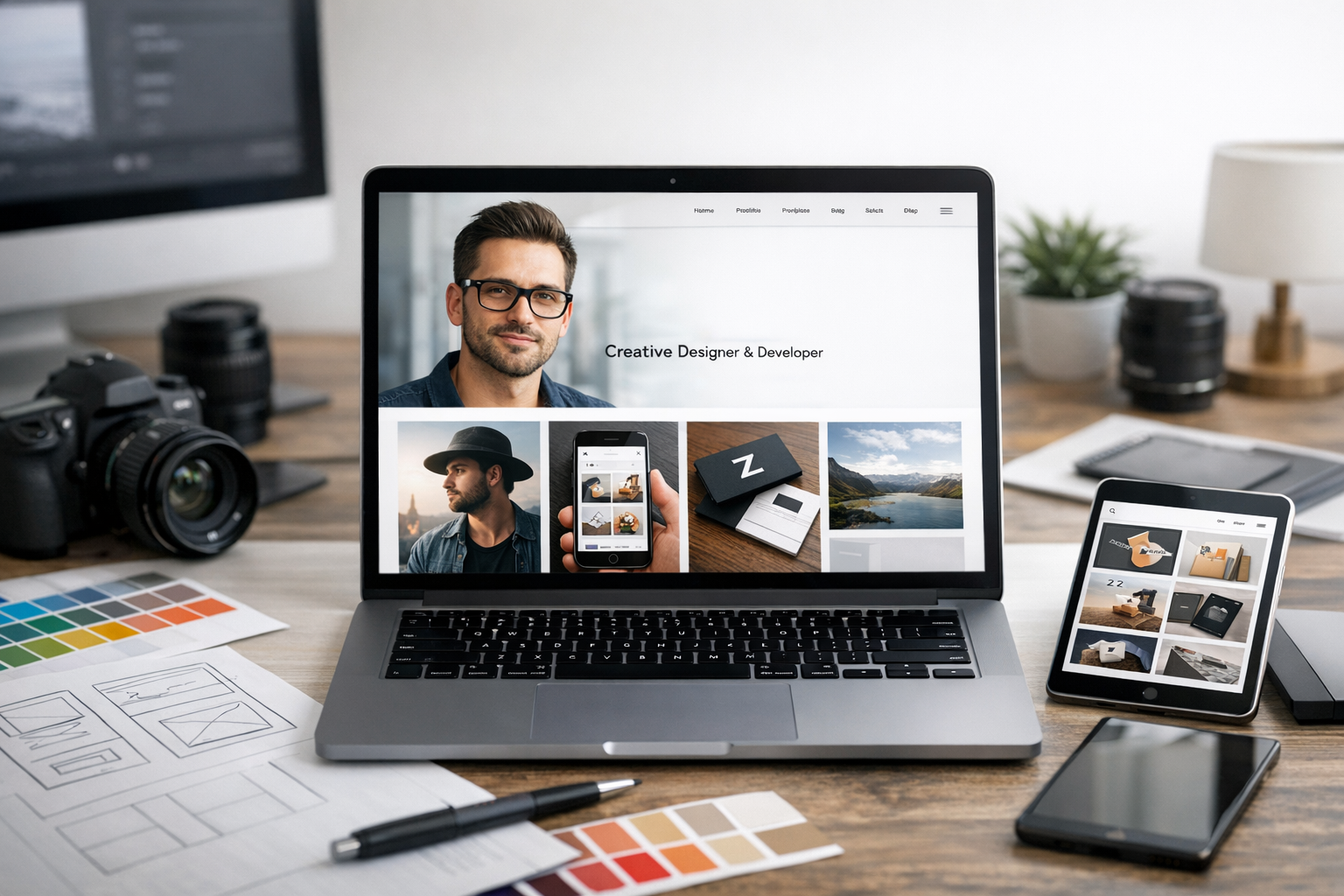
Why portfolio website design matters
Your portfolio website is often the first (and sometimes only) chance to show what you do, how well you do it, and what it’s like to work with you. A strong portfolio website design builds trust quickly, highlights your best work, and guides visitors toward a clear next step—whether that’s booking a call, requesting a quote, or viewing your resume.
Unlike social profiles or marketplace listings, your portfolio is a space you fully control. You can shape the story, emphasize your process, and present projects with the right context. Done well, it becomes a quiet salesperson that works 24/7.
Core elements of an effective portfolio website
Great portfolios aren’t just galleries—they’re decision-making tools. Visitors should immediately understand your specialty, see proof of quality, and feel confident reaching out.
Clear positioning and messaging
Within the first few seconds, your homepage should answer three questions:
- Who are you? (Name or brand)
- What do you do? (Role + niche)
- Who is it for? (Industries or client type)
Use a concise headline and subheadline that emphasize outcomes, not just tools. For example: “Product designer helping SaaS teams improve activation and retention” is clearer than “UI/UX Designer.”
Strong visuals and consistent branding
Portfolio website design should feel cohesive. Choose a simple visual system and apply it consistently:
- A limited color palette (1–2 primary colors + neutrals)
- One or two typefaces with clear hierarchy (H1/H2/body styles)
- Consistent spacing, button styles, and image treatments
For creative fields, your site should reflect your taste—without overpowering the work. For non-visual roles (like developers, marketers, or writers), branding still matters: clean layout, legible typography, and polished details signal professionalism.
Project case studies that tell a story
Thumbnails are helpful, but case studies close deals. A compelling case study typically includes:
- Context: the client, the problem, constraints, and timeline
- Your role: what you owned and collaborated on
- Process: key decisions, iterations, and rationale
- Outcome: results, metrics, screenshots, or testimonials
Even if you can’t share exact numbers due to NDAs, you can describe impact qualitatively (e.g., “reduced support tickets,” “improved onboarding clarity,” “increased conversion on key landing page”).
Simple navigation and user flow
Keep navigation lean. Most portfolio sites need only a few top-level links, such as Work, About, and Contact. If you have multiple services, consider a Services page—but avoid clutter.
Design the flow so visitors can:
- Scan your work quickly
- Click into 2–3 strong projects
- Confirm you’re credible (bio, logos, testimonials)
- Take action (contact/booking)
Layout and UX best practices
Usability is part of your brand. A portfolio should feel effortless to browse on any device.
Prioritize scannability
Most visitors skim. Use short paragraphs, descriptive headings, and clear calls-to-action. Consider adding a “featured work” section above the fold so people don’t have to hunt for your projects.
Design for mobile first
Many visitors will view your site on a phone—especially recruiters and busy clients. Ensure:
- Text is readable without zooming
- Buttons are easy to tap
- Images scale properly and don’t slow the page
- Navigation is simple (a clean hamburger menu is fine)
Make calls-to-action obvious
A portfolio website design should guide visitors toward the next step. Use one primary CTA (e.g., “Book a call” or “Email me”) and repeat it strategically—typically in the hero section, after featured work, and in the footer.
If you offer multiple services, avoid overwhelming users with too many options. Provide a primary CTA and a secondary one (e.g., “View work”).
Content that builds trust
Your work matters, but trust is what converts. Add supporting content that reassures visitors they’re making a safe choice.
About page that feels human and relevant
Your About page isn’t a biography—it’s a credibility page. Focus on what clients care about:
- What you specialize in and why
- Who you work best with
- Your approach and communication style
- A professional photo (often worth including)
If you have a resume or LinkedIn, link to it, but don’t rely on it to explain your value.
Testimonials, logos, and proof points
Social proof reduces hesitation. Add:
- Short testimonials tied to specific outcomes
- Client or employer logos (if permitted)
- Awards, publications, certifications, or speaking engagements
Place proof near decision points—like next to your CTA or on your services section.
Contact page that removes friction
Make contacting you easy. A strong contact page includes:
- A simple form (name, email, message)
- Your email address as an alternative
- A clear expectation for response time
- Optional: a link to a scheduling tool
If you qualify leads, add a few brief questions (budget range, timeline, project type)—but keep it short so people don’t abandon the form.
SEO and performance essentials
A beautiful portfolio won’t help if it’s slow or hard to find. Basic SEO and performance improvements can make a big difference.
Optimize titles, headings, and project pages
Use descriptive page titles and headings, such as “Brand Designer in Austin” or “Frontend Developer Portfolio.” Each project page is an opportunity to rank for specific services and industries—especially if you include a short summary, tools used, and outcomes.
Speed up images and load times
Large images are the #1 reason portfolios load slowly. Export images efficiently, use modern formats where possible, and avoid auto-playing heavy videos on mobile. Fast sites feel more professional and typically perform better in search results.
Accessibility and clean structure
Accessible design improves usability for everyone. Use sufficient color contrast, descriptive link text, and alt text for images. A clean structure (proper heading order, readable fonts, logical navigation) also helps search engines understand your content.
Common portfolio website design mistakes to avoid
- Too many projects: curating 4–8 strong pieces is often better than showing everything.
- No context: screenshots without explanations don’t demonstrate problem-solving.
- Hidden contact info: don’t make people hunt for a way to reach you.
- Over-designed UI: fancy animations can distract and slow the site down.
- Unclear niche: “I do everything” messaging makes it harder for clients to choose you.
Conclusion
Portfolio website design is about more than aesthetics—it’s about clarity, credibility, and conversion. Focus on strong positioning, a simple browsing experience, story-driven case studies, and trust-building content. When your site is easy to navigate, quick to load, and clear about how you help, it becomes a powerful tool for attracting the right opportunities.
