
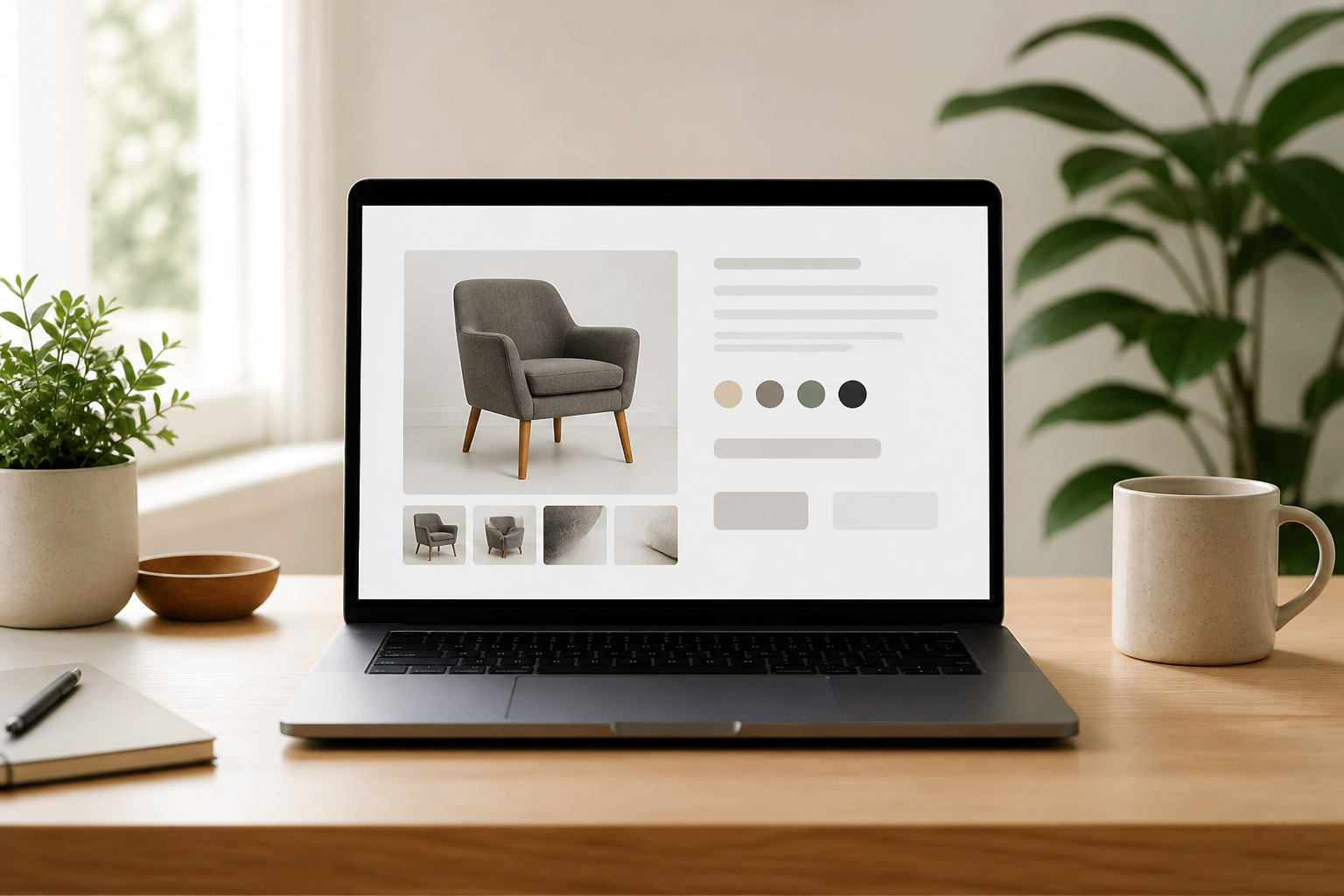
A product page has a big job: help shoppers understand what they are buying, feel confident about their choice, and take the next step. Strong product page design makes that journey simple. It combines clear information, persuasive visuals, thoughtful details, and an easy path to purchase.
Whether you are building a new online store or improving an existing one, focus on the customer’s questions. What is this product? Is it right for me? Can I trust this store? How do I buy it? The following principles can help you answer those questions and create a page that works for both people and your business.
Start with the customer’s decision
Before choosing a layout, identify what shoppers need to know before they buy. A product page for a simple household item may need only a concise description and a few images. A technical product may require specifications, compatibility details, setup guidance, and comparisons.
Map the information to the buyer’s decision rather than adding content for its own sake. Prioritize the details that reduce uncertainty, and organize secondary information so it is easy to find without overwhelming the main page.
Make the first screen count
The area visible when a page first loads should establish what the product is and how to purchase it. On desktop, a common layout places product imagery beside the key details. On mobile, stack those elements in an order that makes browsing and buying straightforward.
Show the essentials clearly
Include a specific product name, a visible price, availability, and the most important option choices near the top. If the item is on sale, show the current price prominently and make the original price secondary. Avoid vague labels that force shoppers to guess what is included.
Keep the primary call to action easy to spot. Use a clear label such as “Add to cart” or “Choose a size,” and make the button visually distinct from supporting links. If a product is unavailable, explain the situation and offer a useful alternative, such as a back-in-stock notification.
Use product imagery that builds confidence
Shoppers cannot pick up an item online, so images need to do some of that work. Use sharp, well-lit photographs that show the product from multiple angles. Include close-ups of important features and, where relevant, images that show scale, fit, texture, or the product in use.
Keep image presentation consistent across the catalog. A predictable gallery makes it easier to compare products. Add descriptive alt text for accessibility and ensure thumbnails and controls are easy to use on touchscreens. Video or a 360-degree view can help for products where movement or detail matters, but only if it loads smoothly and adds useful information.
Write copy that answers real questions
Good product copy is specific, readable, and focused on benefits. Start with a brief summary that explains what the item does and who it is for. Then connect useful features to outcomes: rather than listing only a material or technical specification, explain why it matters to the customer.
Make details easy to scan
Use short paragraphs, descriptive subheadings, and bullet lists for specifications or included items. State measurements, materials, care instructions, compatibility, and other relevant details plainly. Avoid inflated claims and unexplained jargon; precise language is more persuasive because it helps people make an informed decision.
If shoppers commonly ask the same questions, answer them on the page. A short FAQ can cover delivery, returns, sizing, setup, or warranty information. Place answers close to the decision point or link to them clearly rather than making customers search the site.
Design options and pricing for clarity
Size, color, bundle, and other choices should be simple to understand and operate. Label each option, show available selections, and make the selected state unmistakable. If choosing an option changes the price, image, or stock status, update the page immediately so the customer can see the result.
Do not rely on color alone to communicate a selection or unavailable option. Combine visual cues with text, icons, or other accessible signals. For products with many variants, consider useful filters or grouped choices so shoppers are not faced with a long, confusing list.
Build trust without distracting from the product
Purchase confidence comes from more than a polished design. Display genuine reviews, ratings, return information, delivery estimates, and secure payment options where they are relevant. Make policies easy to understand, and avoid hiding important costs until checkout.
Reviews are most helpful when they are easy to scan and include enough context to guide a decision. Let customers sort or filter them when volume warrants it. Use verified-purchase labels where appropriate, and respond professionally to feedback. Trust signals should support the product information, not crowd it out.
Design for mobile and fast loading
Many shoppers browse on a phone, so test the complete buying journey on a small screen. Make text readable without zooming, buttons comfortable to tap, and option selectors easy to use. Keep the add-to-cart action accessible, but avoid covering important content with a sticky bar or pop-up.
Page speed also affects the experience. Resize and compress images, limit unnecessary scripts, and avoid loading visual effects that delay key content. Check that galleries, forms, and purchase controls work on common devices and that the page remains usable when a shopper has a slower connection.
Measure, test, and improve
Product page design is not a one-time task. Use analytics and customer feedback to find points of friction. Look at signals such as add-to-cart rate, conversion rate, option selection, search behavior, and support questions. A high exit rate may suggest that shoppers are missing information, encountering a usability issue, or finding a better answer elsewhere.
Test one meaningful change at a time, such as a clearer call-to-action label, a different image order, or more prominent delivery information. Compare results over a suitable period and across relevant traffic sources. Do not assume a visual preference will improve sales; let customer behavior guide decisions.
Conclusion
Effective product page design makes the product easy to understand and the decision easy to make. Put essential details first, use helpful imagery and precise copy, reduce uncertainty, and create a smooth mobile purchase experience. Then keep improving the page using customer questions and performance data.
