
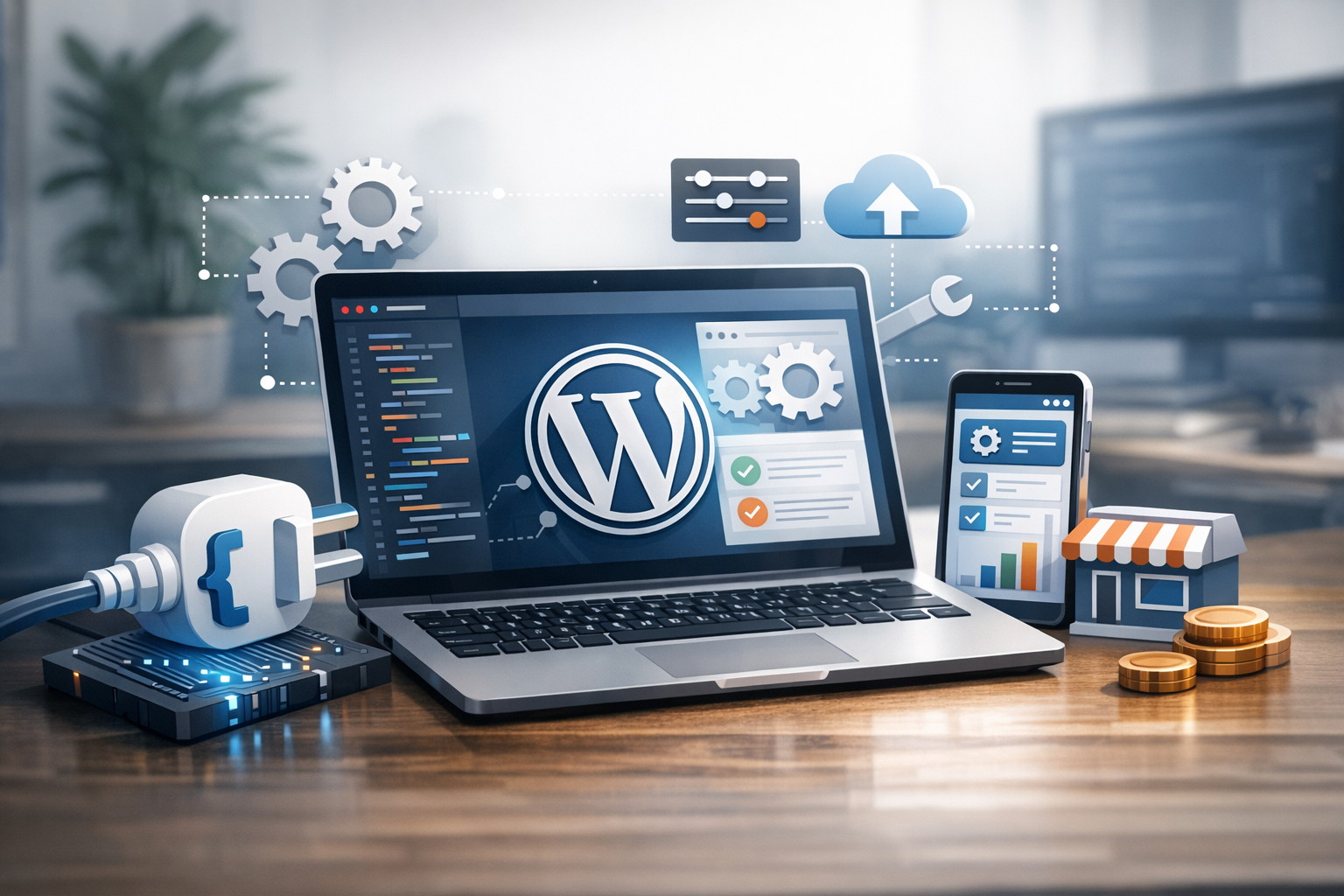
Why WordPress plugin development matters for business
WordPress powers a huge portion of the web, but the real business advantage often comes from tailoring it to your exact processes. Off-the-shelf plugins can be excellent, yet they rarely match every workflow, integration, or compliance requirement. That’s where WordPress plugin development for business becomes a strategic investment: it helps you add features that fit your operations, reduce manual work, and create a consistent customer experience across your site.
A well-built custom plugin can turn WordPress from a marketing site into a revenue-driving platform—supporting lead capture, quoting, subscriptions, internal tools, customer portals, or integrations with your CRM and accounting software. Unlike one-off code snippets added to a theme, a plugin packages your functionality in a maintainable, portable way.
Common business use cases for custom WordPress plugins
Businesses typically pursue plugin development when they need reliability, scalability, and control over features that directly impact revenue or operations. Here are practical scenarios where custom plugins shine.
Workflow automation and internal tools
Many teams use WordPress to power more than web pages. A custom plugin can automate tasks like routing form submissions to the right team, generating PDF quotes, creating tickets in a helpdesk, or scheduling follow-ups. You can also build internal dashboards for staff—such as order fulfillment checklists, content approval queues, or inventory views—right inside the WordPress admin.
Integrations with CRM, ERP, and marketing platforms
Connecting WordPress to tools like HubSpot, Salesforce, Mailchimp, ActiveCampaign, NetSuite, or custom APIs often requires more than a generic connector. Custom plugin development allows you to map fields precisely, apply business rules (e.g., “only create a lead if the budget is above X”), and handle errors gracefully with logging and retries.
Custom checkout, subscriptions, and pricing logic
If your pricing model includes tiered plans, add-ons, quote-based pricing, or customer-specific discounts, you may outgrow default ecommerce settings. A bespoke plugin can extend WooCommerce or integrate with a payment provider to implement your rules, while keeping the customer journey smooth and consistent with your brand.
Compliance, security, and data governance
Industries with stricter requirements—healthcare, finance, education, and B2B procurement—often need features like role-based access, data retention rules, audit logs, consent management, and secure data handling. Custom plugins can enforce these controls without relying on multiple third-party add-ons that may conflict or change behavior after updates.
Build vs. buy: deciding when to develop a custom plugin
Not every feature needs custom development. A smart approach is to evaluate total cost of ownership rather than just the upfront build cost.
When an existing plugin is enough
- The feature is standard (SEO, caching, basic forms, analytics).
- The plugin is reputable with frequent updates, good support, and strong reviews.
- Your requirements match the plugin’s workflow without major workarounds.
When custom development is the better investment
- You’re stacking multiple plugins to approximate one workflow, creating complexity and risk.
- You need unique logic (pricing rules, approvals, data syncing, customer portals).
- Performance is suffering due to plugin bloat or unnecessary features.
- Security or compliance requires tighter control over data and access.
- You want ownership of your feature roadmap without vendor limitations.
The business benefits of custom WordPress plugin development
Custom plugin development is more than “adding a feature.” It can directly impact efficiency, revenue, and risk management.
Better customer experience and conversion
Plugins that match your exact journey—fewer steps, clearer forms, faster pages, tailored content—reduce friction. This can improve lead quality, increase conversion rates, and make customers more likely to return.
Operational efficiency and scalability
Automation and integrations reduce repetitive admin work. As your business grows, a plugin can scale with you—supporting new products, regions, or teams without rewriting your site structure.
Performance and maintainability
A focused plugin that does exactly what you need is often lighter than installing several broad plugins. With clean architecture and testing, it’s easier to maintain over time and less likely to break when WordPress updates.
Ownership and competitive differentiation
When you own the code, you control the roadmap. That can be a competitive advantage—especially if your plugin supports a proprietary process, a unique calculator, or a specialized customer portal that competitors can’t copy by installing the same plugin.
What the plugin development process looks like
A successful build typically follows a clear lifecycle. Even small plugins benefit from basic planning and quality checks.
1) Discovery and requirements
Start with a short requirements workshop: what problem are you solving, who uses it, what data is involved, and what systems must integrate. Define success metrics (e.g., reduce manual processing time by 50%, increase form-to-lead conversion by 10%).
2) Architecture and technical plan
Decide how the plugin will store data (custom tables vs. post types), how it will expose functionality (admin pages, shortcodes, blocks, REST API), and how it will integrate with existing plugins. This is also where performance and security considerations are designed in.
3) Development and iteration
Build in milestones so stakeholders can validate workflows early. For business plugins, it’s common to deliver a minimum viable feature set first, then iterate with enhancements like reporting, notifications, and edge-case handling.
4) Testing and QA
Quality assurance should cover functional testing, role permissions, error handling, compatibility with your theme and key plugins, and cross-browser checks. If the plugin touches payments or user data, prioritize security testing and review.
5) Deployment and ongoing maintenance
Deploy via staging first, then production. Plan for ongoing updates as WordPress, PHP, and third-party APIs evolve. A maintenance agreement can be valuable for monitoring logs, applying updates, and making small improvements over time.
Best practices for business-grade WordPress plugins
Business plugins should be built with long-term stability in mind. These best practices help protect your investment.
Security first
- Validate and sanitize inputs, and escape outputs.
- Use nonces for form actions and capability checks for admin features.
- Store secrets (API keys) securely and limit access by role.
Performance-aware development
- Avoid unnecessary database queries; use caching where appropriate.
- Load scripts/styles only on relevant pages.
- Design data structures that scale (especially for high-volume orders or leads).
Compatibility and maintainable code
- Follow WordPress coding standards and use hooks/filters for extensibility.
- Keep plugin logic separate from theme code.
- Document key functions and provide a clear admin UX.
Choosing the right development partner
If you’re hiring a developer or agency, look for business alignment as much as technical skill. Ask for examples of similar integrations, ecommerce extensions, or admin tooling. Confirm their approach to security, testing, and ongoing support. It’s also worth clarifying code ownership, documentation expectations, and how they handle future feature requests.
Conclusion
WordPress plugin development for business is a practical way to build tailored functionality that improves conversions, streamlines operations, and supports growth. By focusing on clear requirements, solid architecture, and long-term maintainability, a custom plugin can become a dependable asset—one that evolves with your business instead of holding it back.
