
Introduction
If you’ve ever wondered which email, ad, social post, or partner campaign actually drove clicks and conversions, the answer usually comes down to one thing: clean, consistent tracking links. A Google Analytics link builder helps you add UTM parameters to URLs so Google Analytics can attribute traffic to the right source, channel, and campaign.
In this guide, you’ll learn what the Google Analytics link builder is, how UTM parameters work, how to build links correctly, and the best practices that keep your reporting accurate (and your sanity intact).
What Is a Google Analytics Link Builder?
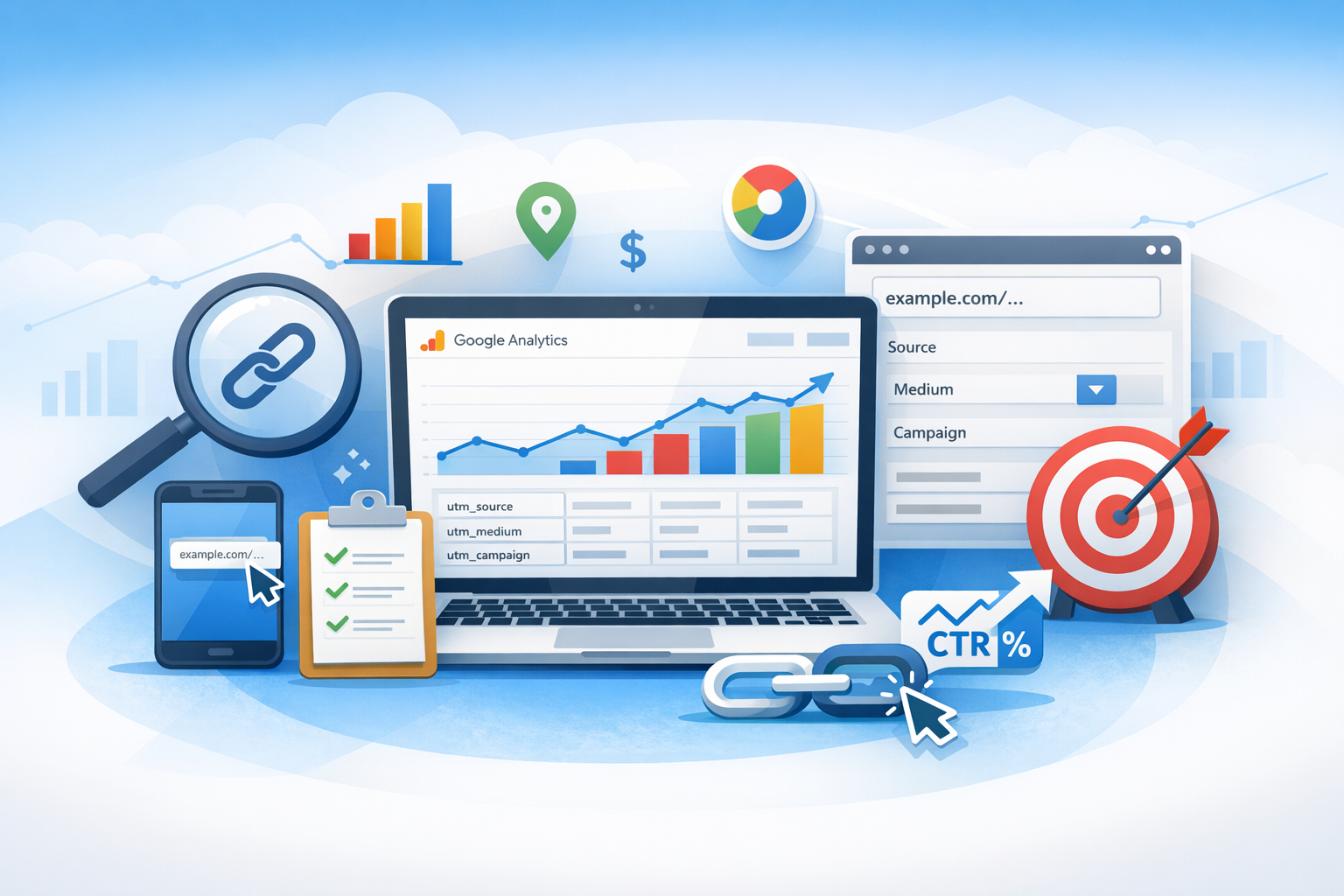
A Google Analytics link builder is a tool that creates URLs with UTM parameters appended to the end. These parameters tell Google Analytics exactly where a visitor came from when they click your link.
Google’s official tool is commonly called the Campaign URL Builder. You paste in a destination URL, fill in campaign details (like source and medium), and it generates a trackable link you can use in:
- Email newsletters
- Paid ads (when auto-tagging isn’t available or you need custom tracking)
- Social media posts
- Influencer or affiliate promotions
- QR codes and offline campaigns
Without UTM-tagged links, a lot of traffic ends up miscategorized as “Direct,” “Referral,” or gets lumped into broad channel buckets—making optimization harder.
Why link building matters for GA4
In Google Analytics 4 (GA4), UTMs still play a central role in attribution and acquisition reporting. When UTMs are present, GA4 can populate fields like Session source, Session medium, and Session campaign, which makes campaign comparisons far more reliable.
UTM Parameters Explained (With Examples)
UTM parameters are short text fields added to your URL after a question mark (?) and separated by ampersands (&). Here are the most common ones you’ll use in a Google Analytics link builder.
The 5 core UTM parameters
- utm_source: Who is sending the traffic (e.g.,
newsletter,facebook,partnername). - utm_medium: The marketing medium (e.g.,
email,paid_social,cpc,affiliate). - utm_campaign: The campaign name (e.g.,
spring_sale_2026). - utm_term: Often used for paid search keywords, but can also track targeting (e.g.,
running_shoes). - utm_content: Differentiates similar links or creative (e.g.,
cta_buttonvstext_link).
Example of a finished trackable URL
Here’s what a typical UTM-tagged URL might look like:
https://www.example.com/pricing?
utm_source=newsletter&utm_medium=email&utm_campaign=fall_launch&utm_content=header_cta
When someone clicks it, Google Analytics records the visit under those campaign values.
Which UTMs are required?
Technically, only utm_source and utm_medium are needed for meaningful attribution. In practice, you should almost always include utm_campaign too, so you can group efforts into a coherent campaign in GA4 reports.
How to Use Google’s Campaign URL Builder (Step-by-Step)
Google’s Campaign URL Builder is straightforward, but consistency is what makes it powerful. Here’s a clean process you can follow every time.
1) Start with your destination URL
Paste the exact page you want people to land on (for example, a product page or a campaign landing page). Make sure the page loads correctly and uses the preferred version of your URL (HTTPS, correct trailing slash, etc.).
2) Fill in campaign source and medium
Choose values that match how you want reporting grouped. For example:
- utm_source:
facebook - utm_medium:
paid_social(orcpc, depending on your taxonomy)
Avoid overcomplicating. The goal is consistent labels across campaigns.
3) Add a campaign name
Use a naming convention you’ll recognize months later. Good examples:
summer_sale_2026new_feature_launchwebinar_sep_2026
Try to keep names lowercase and use underscores to prevent messy duplicates.
4) Use utm_content for A/B testing and creative tracking
If you’re running multiple ads or multiple links within one email, utm_content is extremely helpful. Examples:
video_ad_v1vscarousel_v2button_primaryvstextlink_footer
5) Generate and copy the final URL
Once generated, copy the URL exactly. If you’re posting it somewhere public, consider using a short link (more on that below) so it looks cleaner—while keeping the UTMs intact.
Best Practices for Clean, Reliable Tracking
UTMs are easy to add—but also easy to mess up. These best practices help you avoid broken attribution and confusing reports.
Create a consistent naming convention
The biggest UTM problem is inconsistency. GA treats values as case-sensitive, so Facebook and facebook can appear as separate sources. Establish rules such as:
- Use lowercase for all UTM values
- Use underscores instead of spaces (e.g.,
spring_launch) - Keep source/medium values standardized (e.g., always
email, not sometimese-mail)
Keep UTMs focused on acquisition, not user data
UTMs should describe the campaign—not the person. Avoid including names, email addresses, or anything that could be considered personal data. Keep parameters high-level and campaign-focused.
Don’t use UTMs for internal links
Adding UTMs to links within your own site can overwrite the original source/medium and pollute attribution. For internal tracking, consider GA4 events, enhanced measurement, or a dedicated analytics approach rather than UTMs.
Use short links when appropriate
UTM URLs can look long and intimidating. For social posts, QR codes, and print, it’s common to shorten them using a reputable shortener (or your own branded short domain). The key: ensure the short link redirects to the full UTM URL without stripping parameters.
Document your UTM taxonomy
Create a shared “UTM playbook” (a simple spreadsheet works) that lists approved values for source, medium, and naming patterns for campaigns. This improves accuracy across teams and agencies.
Common Mistakes (And How to Avoid Them)
Even experienced marketers run into a few recurring issues with UTM tracking. Here are the most common mistakes and quick fixes.
Inconsistent casing and spelling
Problem: LinkedIn, linkedin, and linked_in show up as separate sources.
Fix: Standardize values (lowercase, one approved spelling) and copy/paste from a documented list.
Using the wrong medium
Problem: Tagging paid social with utm_medium=social makes it difficult to separate paid vs organic efforts.
Fix: Decide on a rule such as paid_social for paid and social for organic, then stick with it.
Double-tagging conflicts
Problem: Some platforms (notably Google Ads) may use auto-tagging or their own identifiers. Adding UTMs without a plan can create messy reporting or mismatched attribution.
Fix: Use UTMs intentionally. For Google Ads, rely on auto-tagging when possible, and only use UTMs if you have a specific reporting need and understand how it will appear in GA4.
Broken links from incorrect URL formatting
Problem: Incorrectly adding ? and & can break the URL.
Fix: If your destination URL already contains a question mark (existing query parameters), append UTMs with & instead of adding a second ?.
How to Find UTM Campaign Data in Google Analytics (GA4)
After you’ve launched your UTM-tagged links, you’ll want to confirm the data is flowing into GA4 correctly.
Check acquisition reports
In GA4, look for campaign performance in acquisition reporting. The most relevant dimensions typically include:
- Session source (from
utm_source) - Session medium (from
utm_medium) - Session campaign (from
utm_campaign)
Use comparisons or filters to isolate a specific campaign and verify that sessions, engaged sessions, conversions, and revenue match expectations.
Use Explorations for deeper analysis
For more flexibility, GA4 Explorations let you mix dimensions like campaign with metrics like conversion rate, revenue, or engagement. This is useful when you want to compare creative variants (via utm_content) or analyze campaign performance across devices and audiences.
QA your links before launching
A quick quality check can save hours of debugging later:
- Click the tagged link yourself
- Confirm the landing page loads correctly
- Watch Real-time reporting (or DebugView if configured) to confirm source/medium/campaign values appear as expected
Practical UTM Examples for Popular Channels
Here are a few ready-to-use examples you can adapt to your campaigns.
Email newsletter
utm_source=newsletter&utm_medium=email&utm_campaign=october_promo&utm_content=main_ctaOrganic social post
utm_source=instagram&utm_medium=social&utm_campaign=product_drop&utm_content=post_1Paid social ad
utm_source=facebook&utm_medium=paid_social&utm_campaign=lead_gen_q4&utm_content=video_v2Affiliate or partner link
utm_source=partnername&utm_medium=affiliate&utm_campaign=partner_launchConclusion
A Google Analytics link builder is one of the simplest tools you can use to dramatically improve campaign measurement. By using consistent UTM parameters, documenting your naming conventions, and regularly QA’ing links, you’ll get cleaner GA4 reports—and clearer answers about what’s driving results. Start small, standardize your UTMs, and you’ll quickly build a tracking system you can trust.
